I can only upload resized images to our site, so I tried AI Or Not on the files I actually use. A photo I took of a coffee mug on my desk was flagged as AI after resizing, while the original wasn’t. I expected the result to stay the same since I only changed the dimensions. Has anyone else seen this with resized copies, especially when there are no filters or other edits involved?
I had the percentages wrong
The mistake is treating a detector’s confidence as its accuracy. I’m late to this topic, and those percentages initially looked more useful than they were. Confidence, probability, and estimated AI share aren’t interchangeable.
The October 2–3, 2026 comparison used six unchanged English passages: four generated texts, a Lewis Carroll excerpt, and an AI-edited version. That’s a small test, not a universal verdict.
The misses got my attention
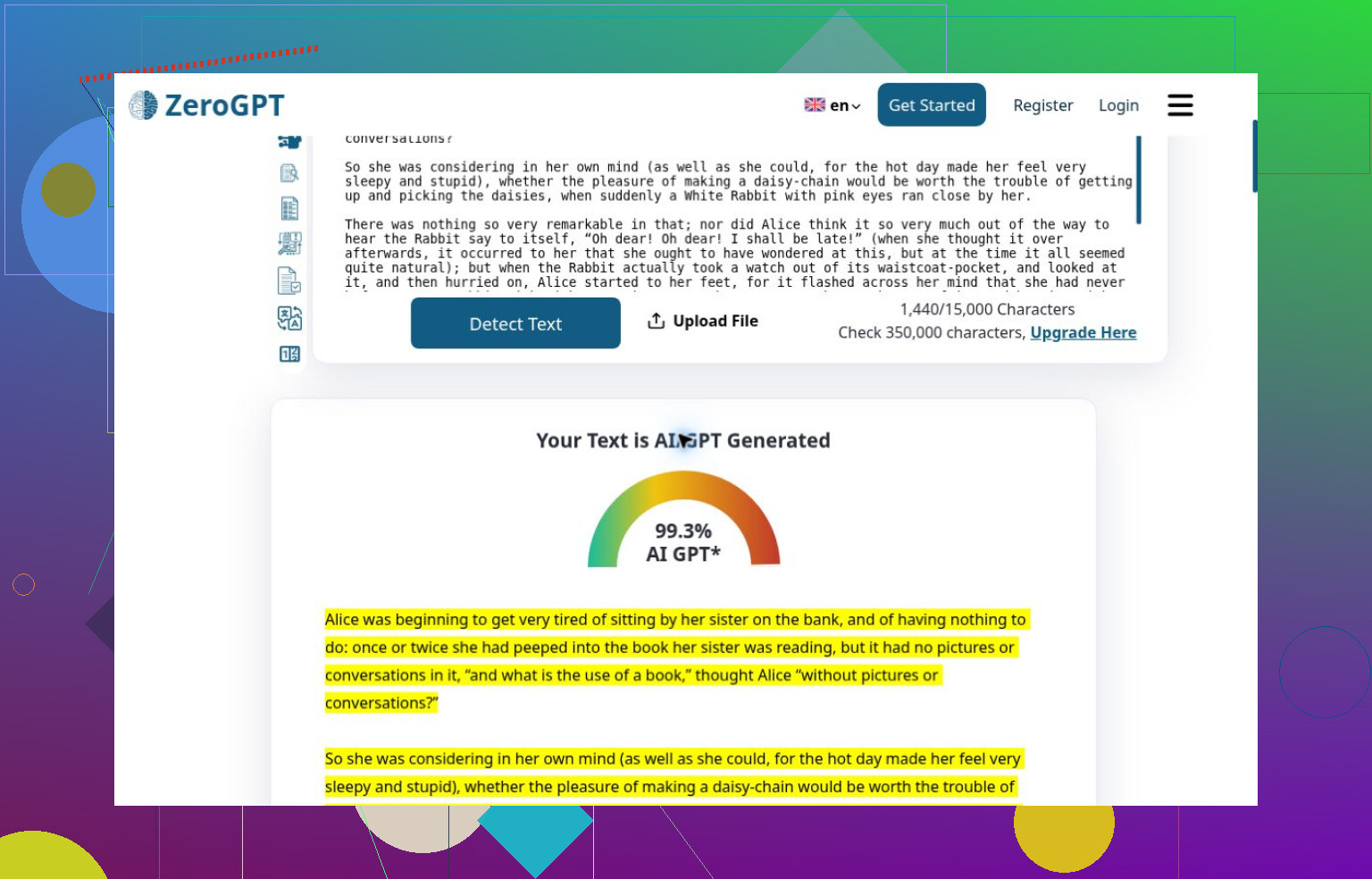
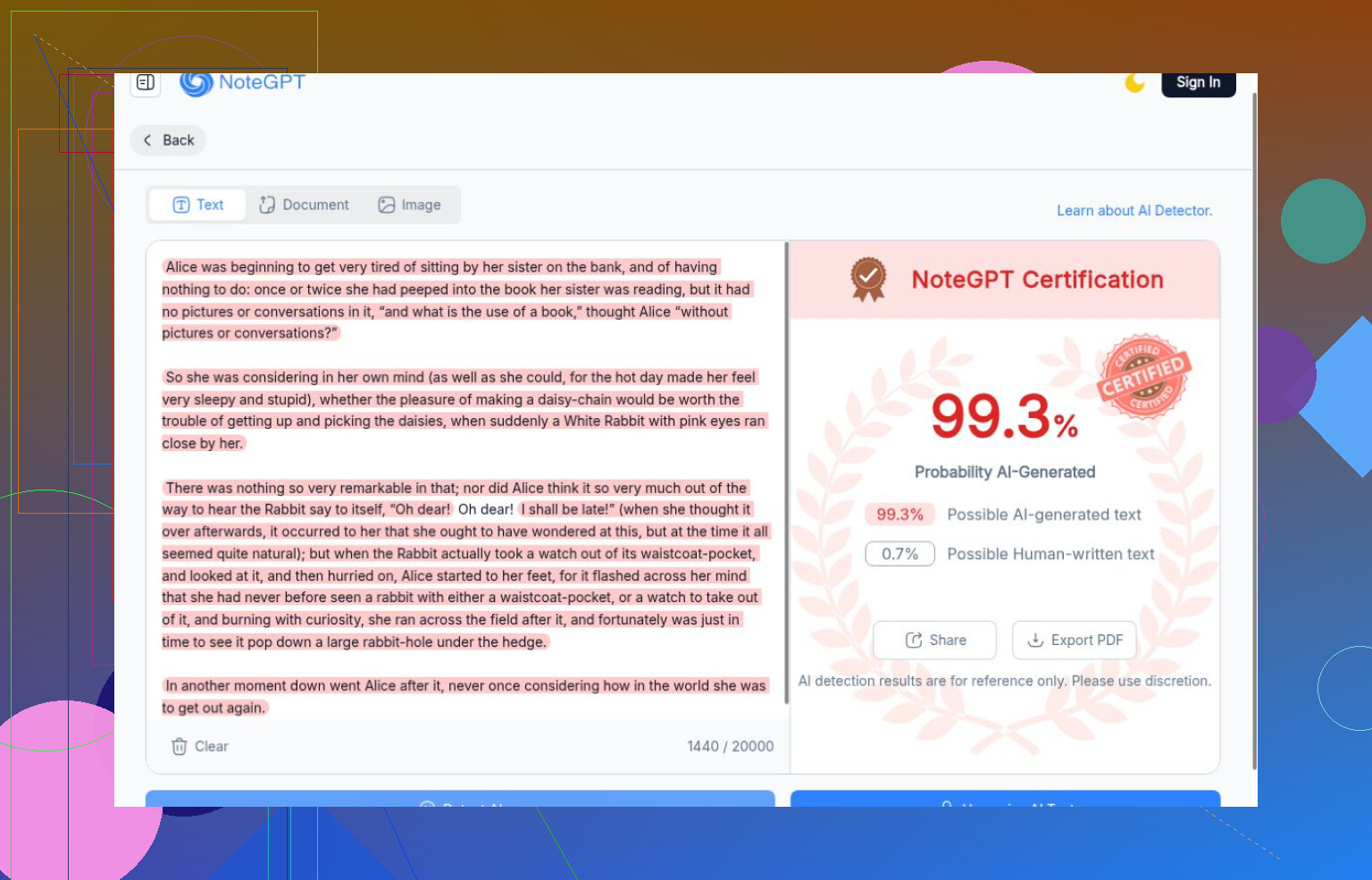
I found the human control more revealing than the successful detections. ZeroGPT caught every generated passage but labeled Carroll 99.3% AI. NoteGPT gave Carroll the same score, above its essay’s 81.1% and story’s 55.2%. Literature apparently had some explaining to do.
QuillBot went the other direction: all four generated passages received 100% human-written labels. Scribbr also missed the essay, SciSpace called it Essentially Human at 2% AI, and Proofademic’s public demo gave both essay and Carroll 0/100 AI-likeness. Surfer assigned 0% AI chance to the essay, story, and Carroll.
What looks usable to me
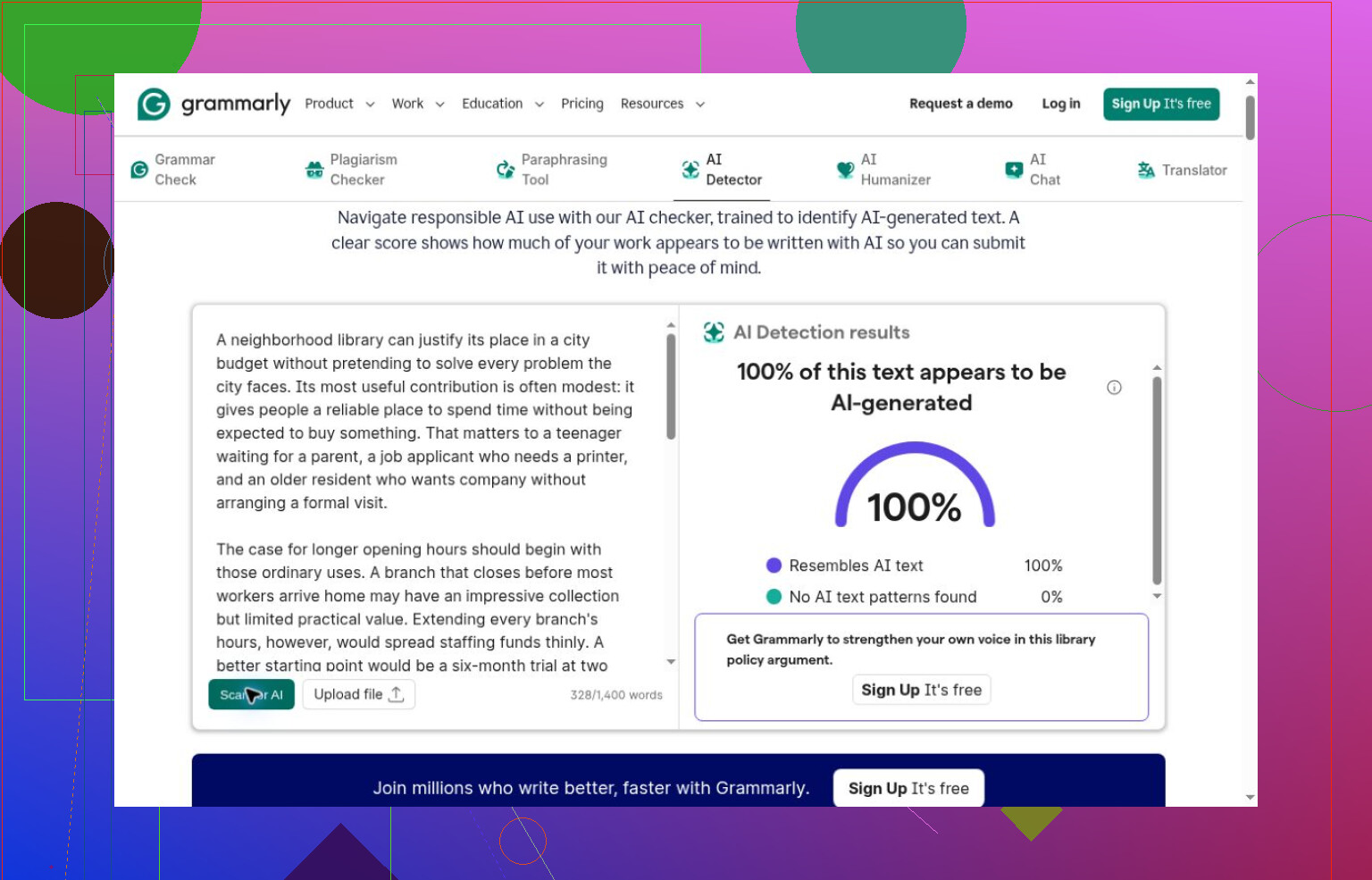
Catching up, I’d separate practical access from demonstrated accuracy. The Clever AI Detector tool completed the full set without payment or signup. Its generated-text scores were 89%, 84%, 82%, and 74%; Carroll received Human 99%. So did the lightly edited version, which limits what I’d infer about mixed writing.
Pangram correctly handled its completed AI and human checks but stopped after five scans. Originality.ai and AI or Not each made three correct calls. Originality’s 100% confidence applied to a verdict using a 15% AI Allowance, not a measurement of generated words.
Where I stop giving credit
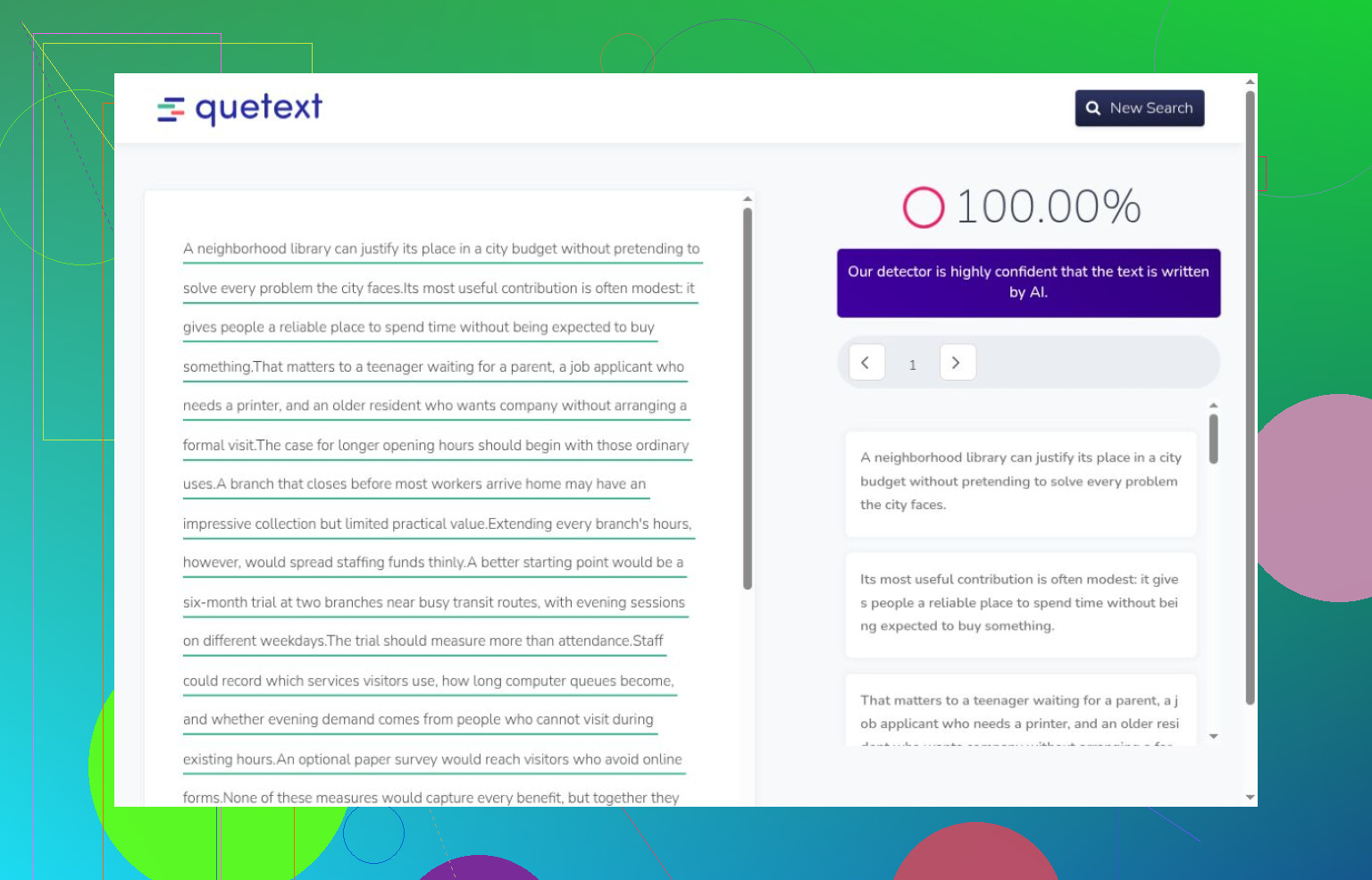
I wouldn’t rank an inaccessible result as inaccurate. Login screens, hidden scores, uninstalled extensions, and store listings establish access conditions, not detection performance. The screenshots include both kinds of evidence.
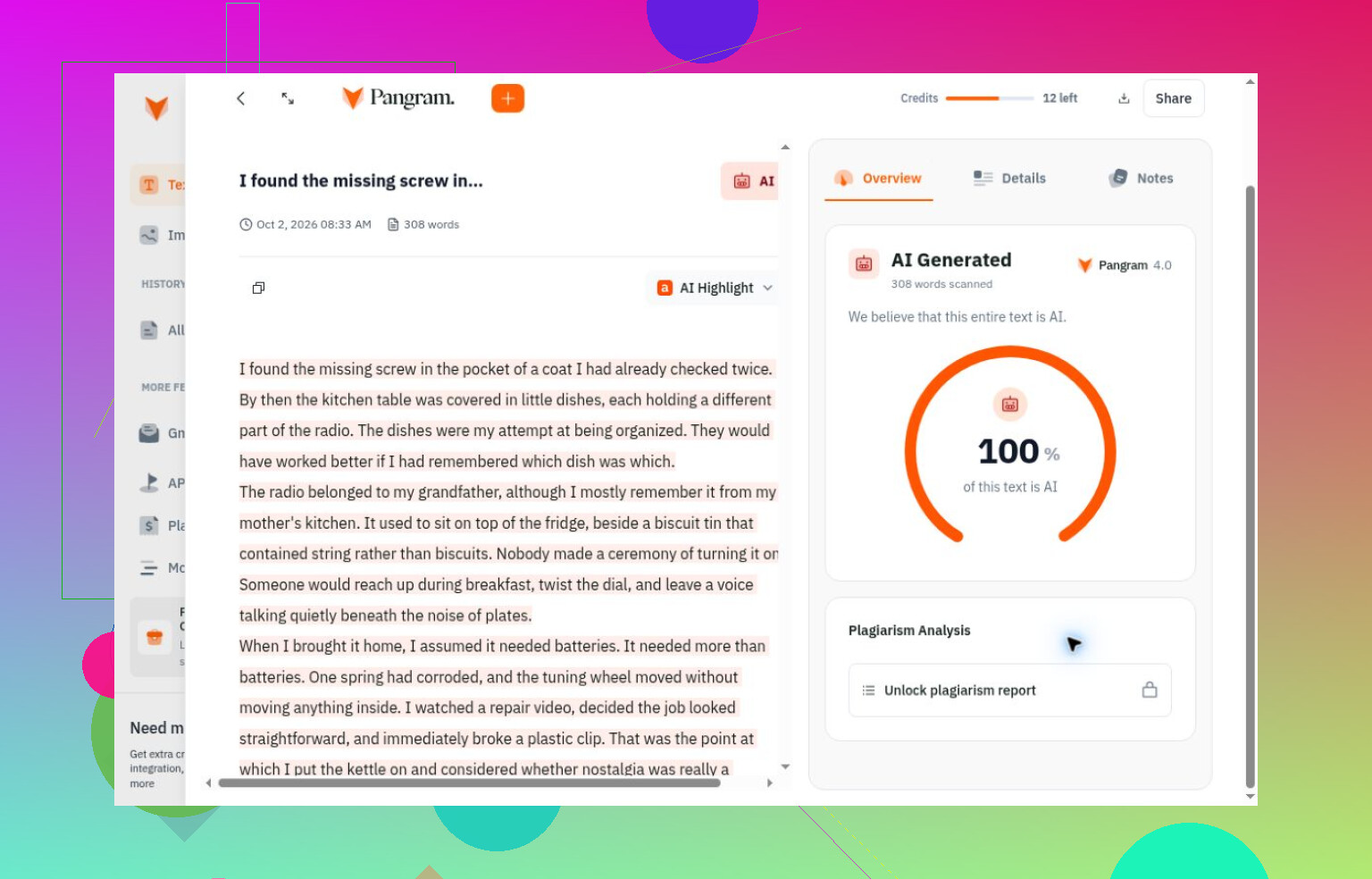
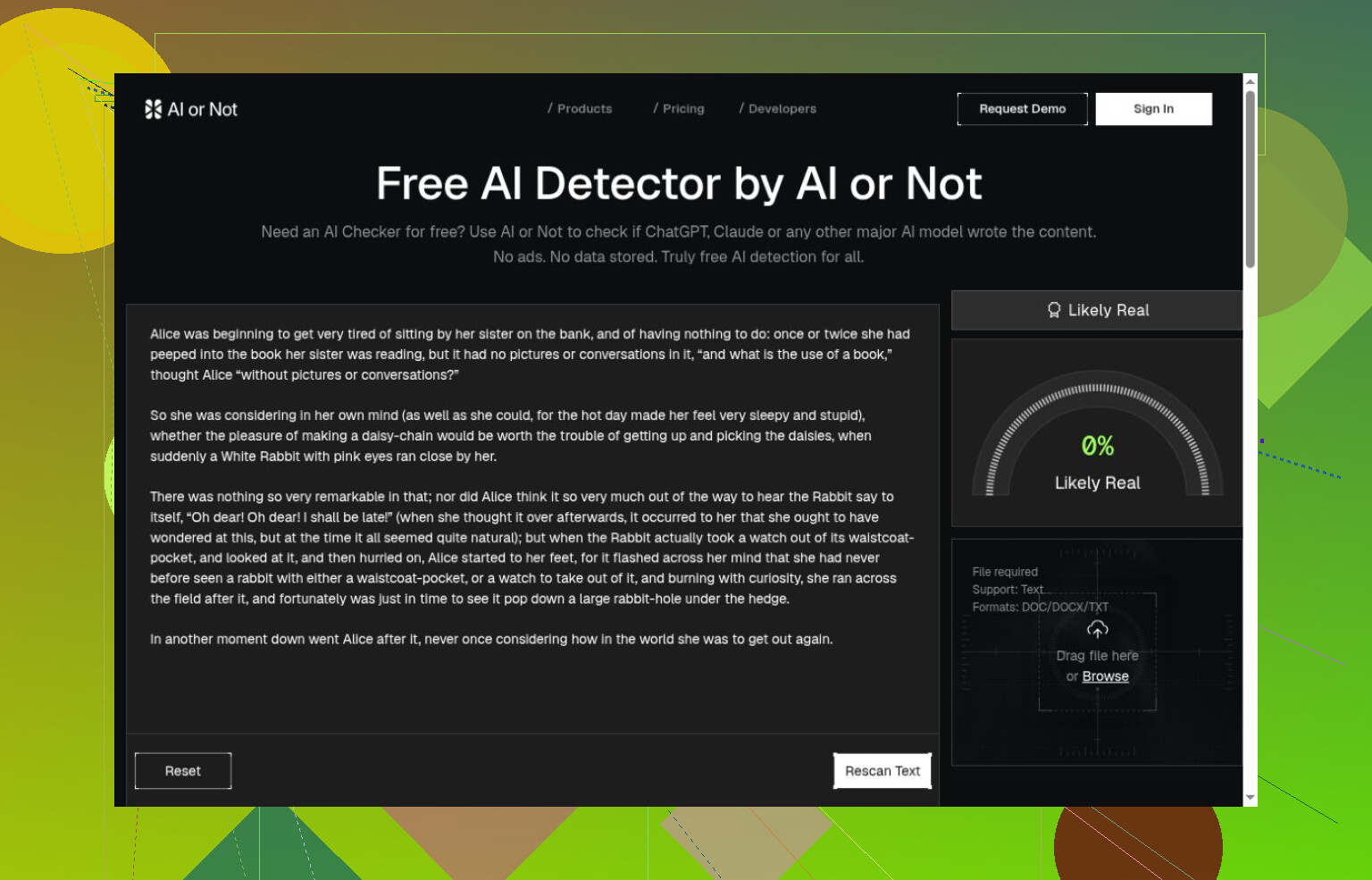
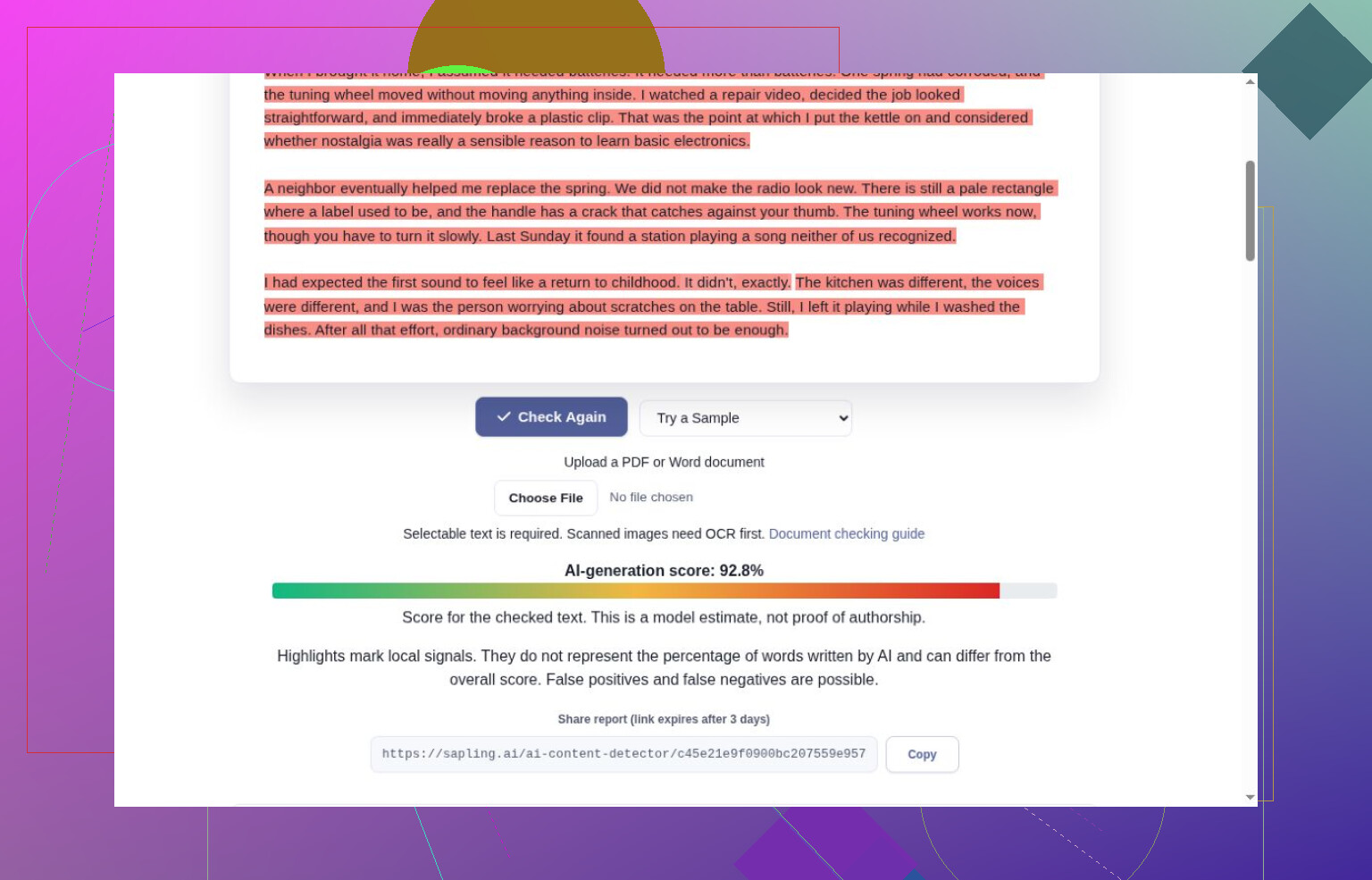
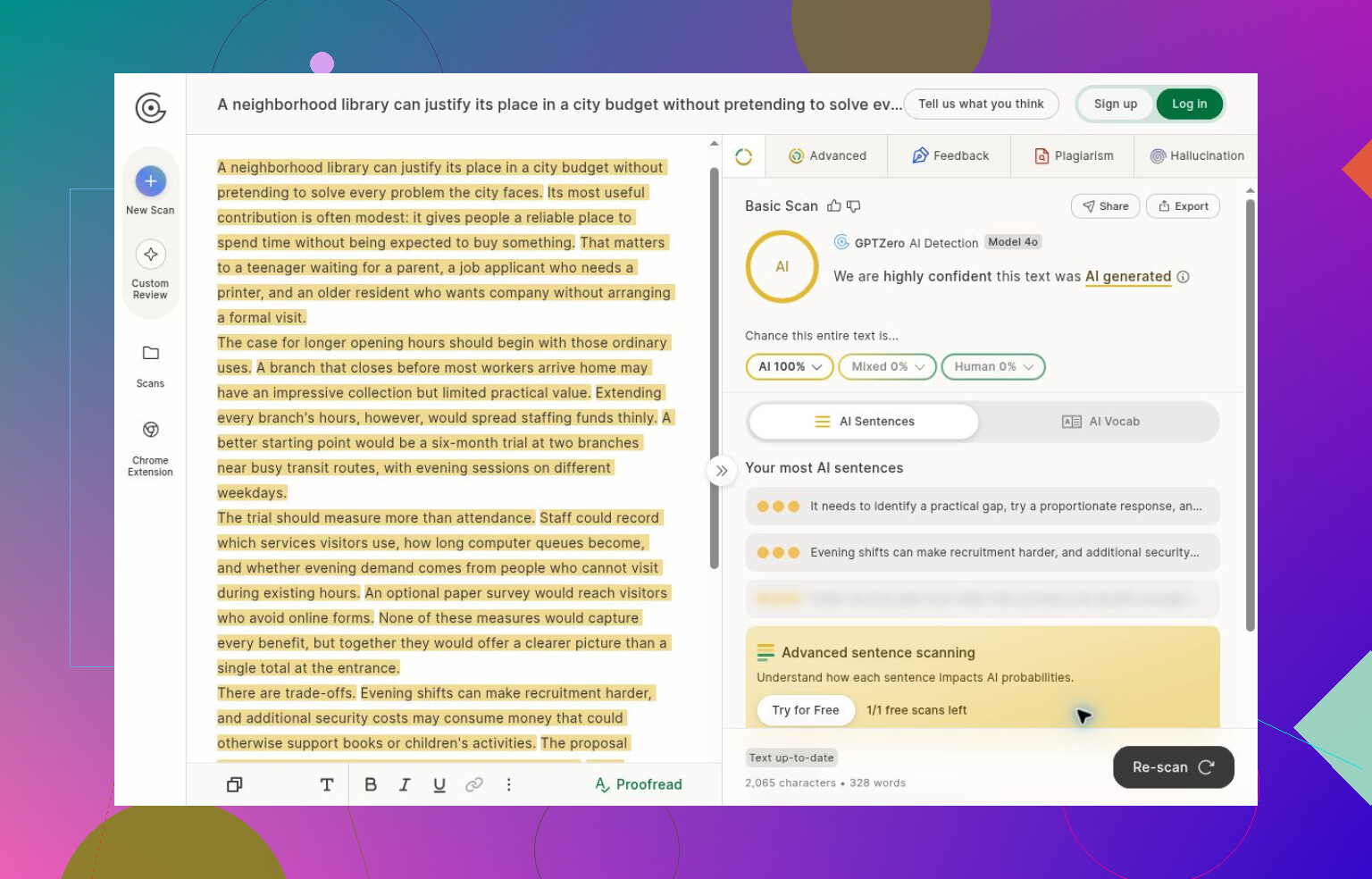
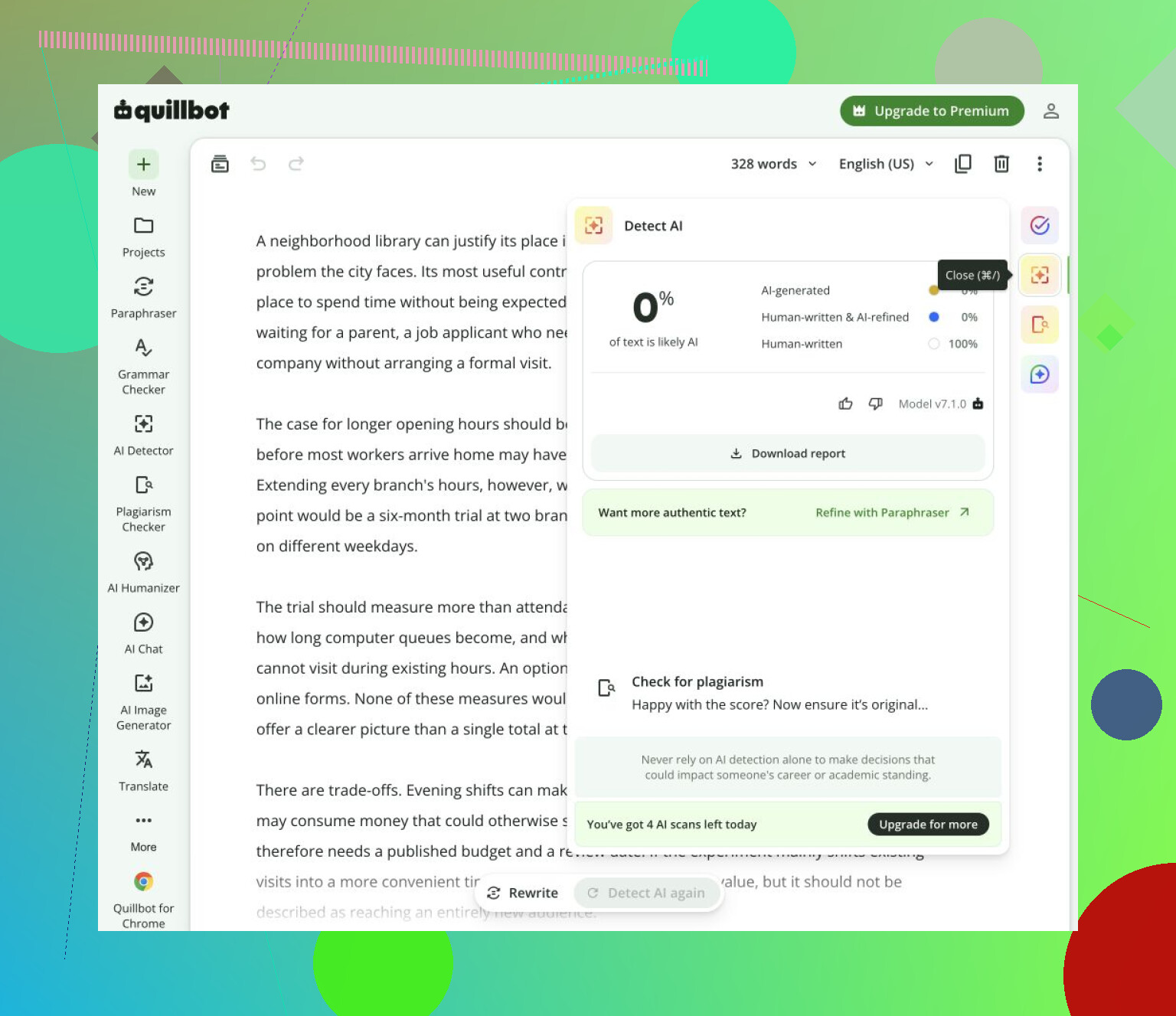
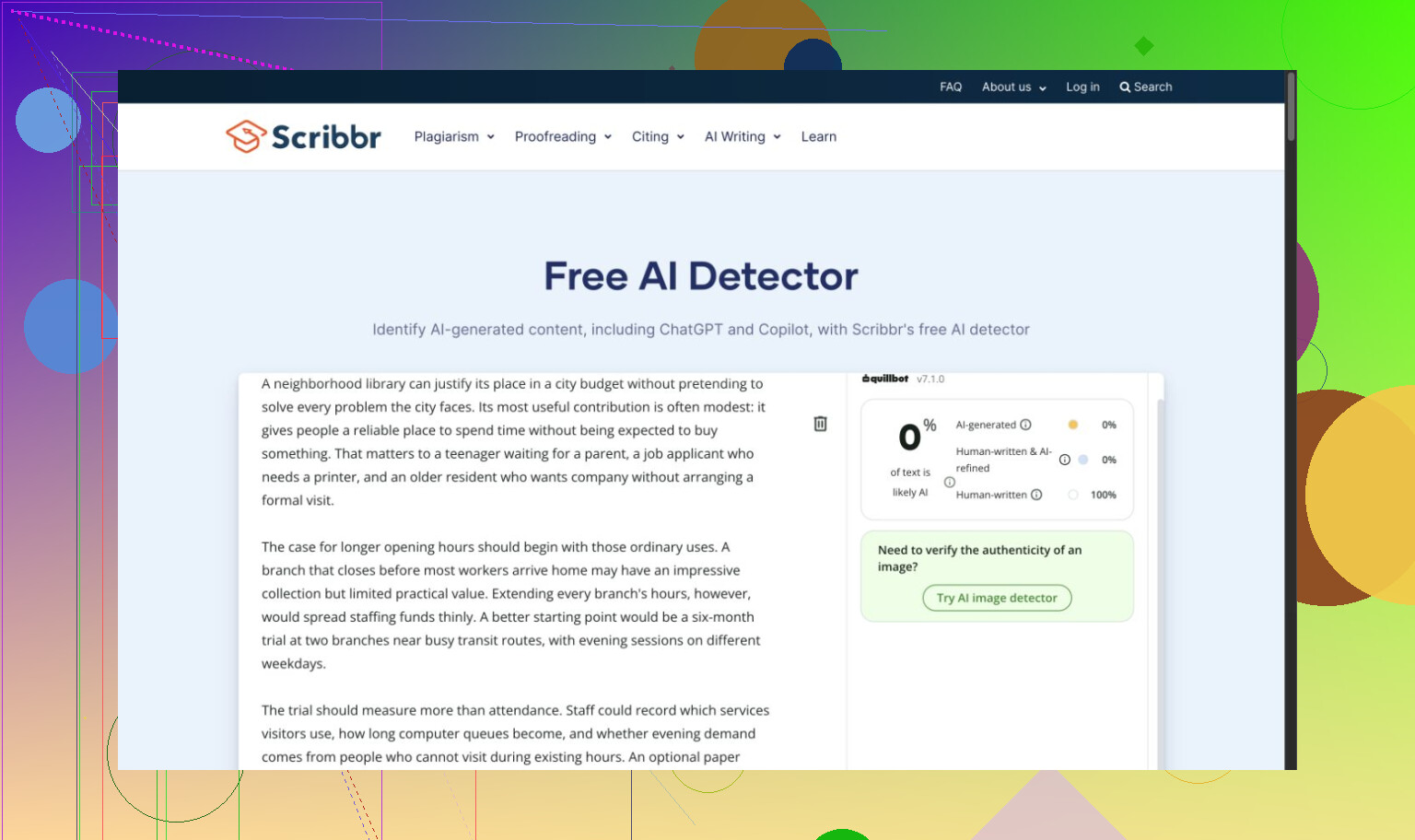
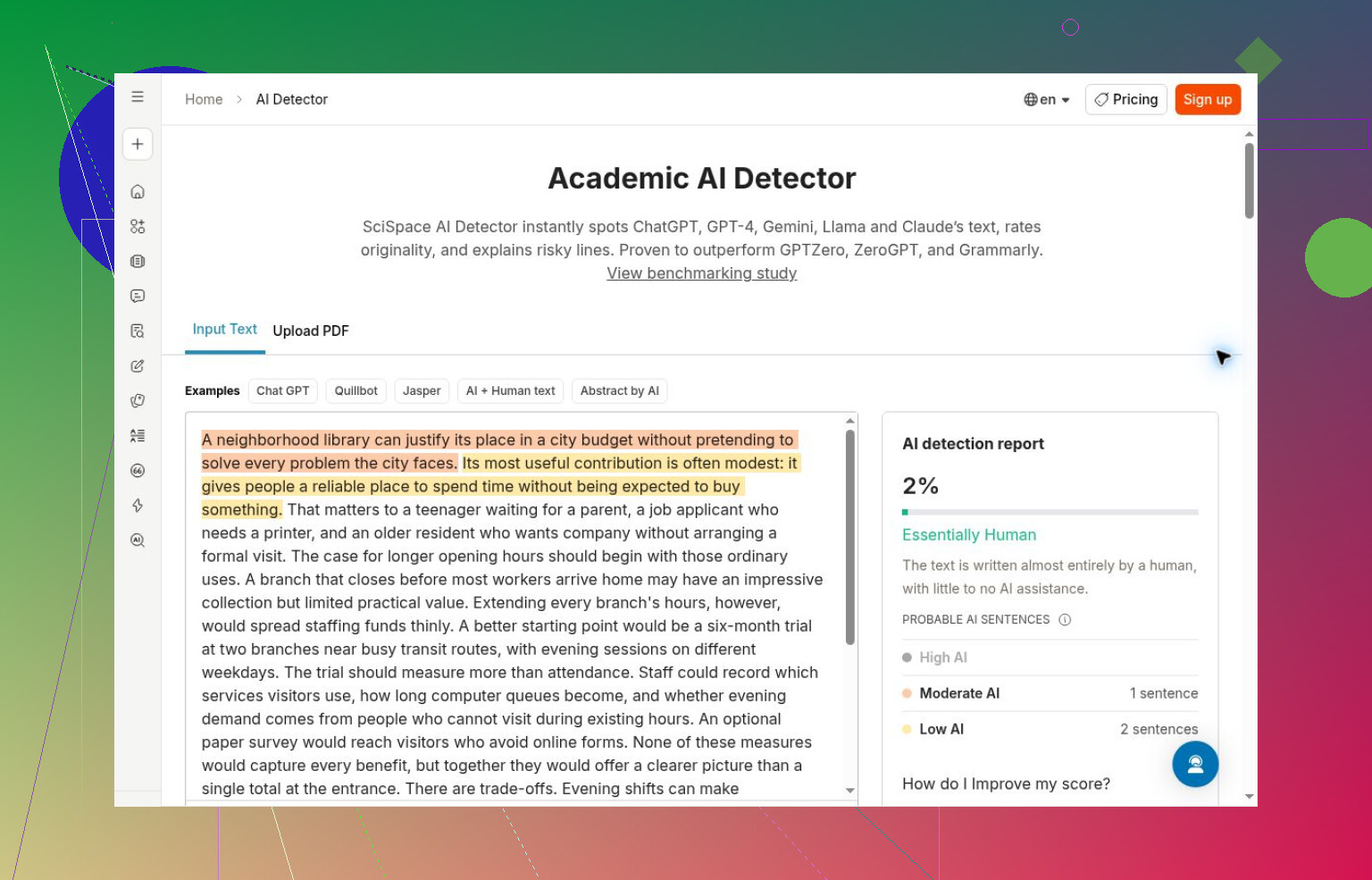
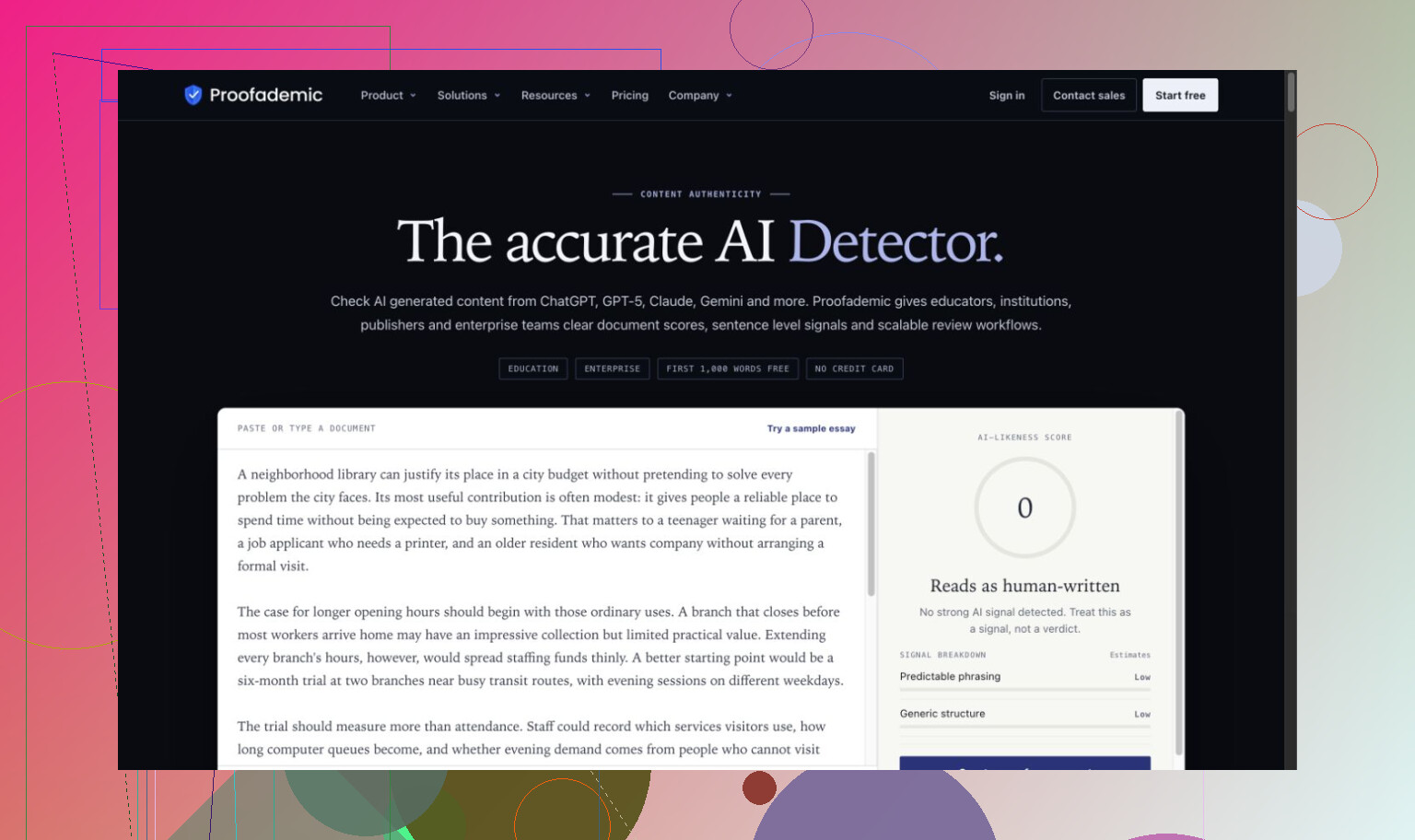

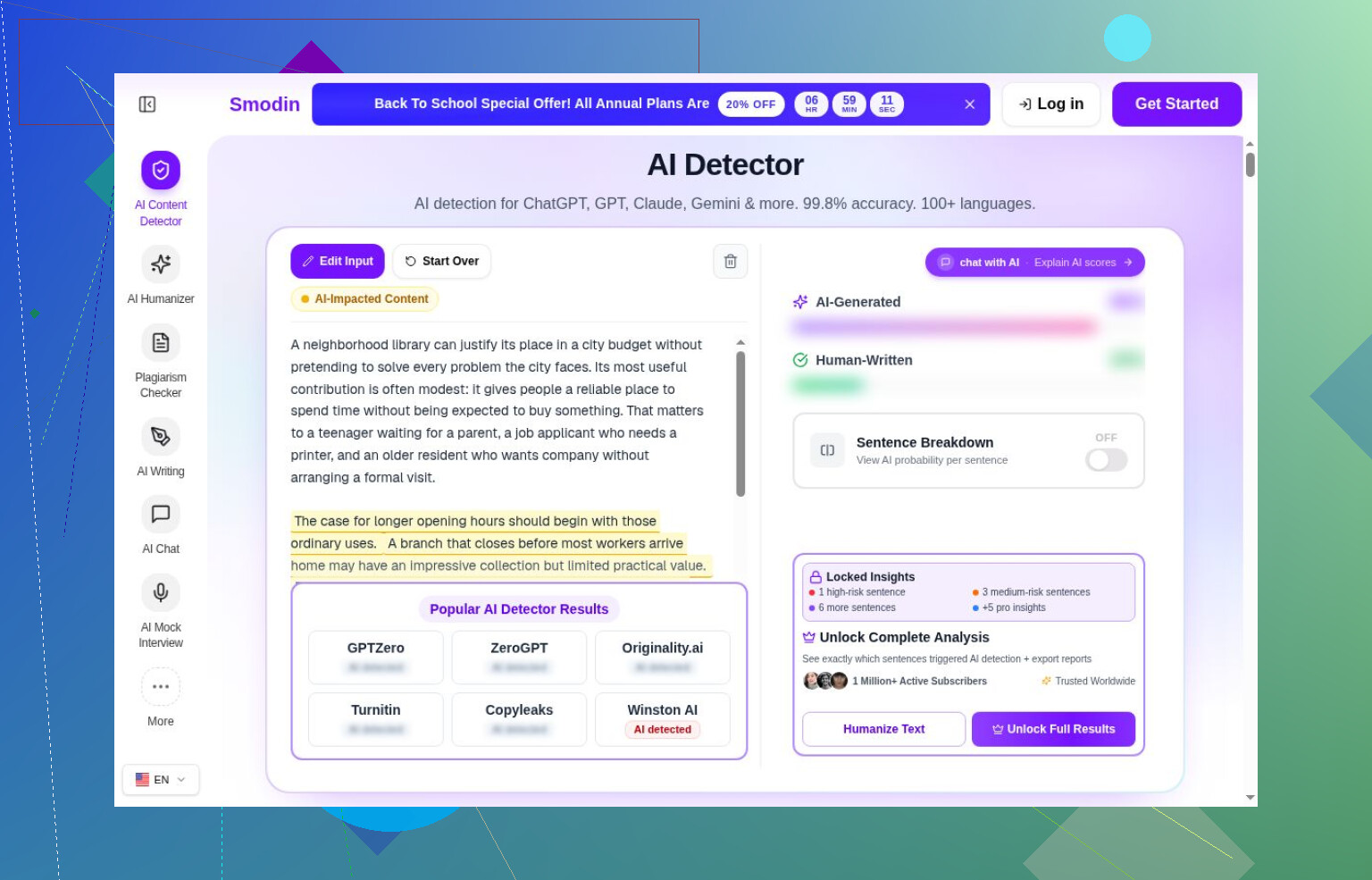
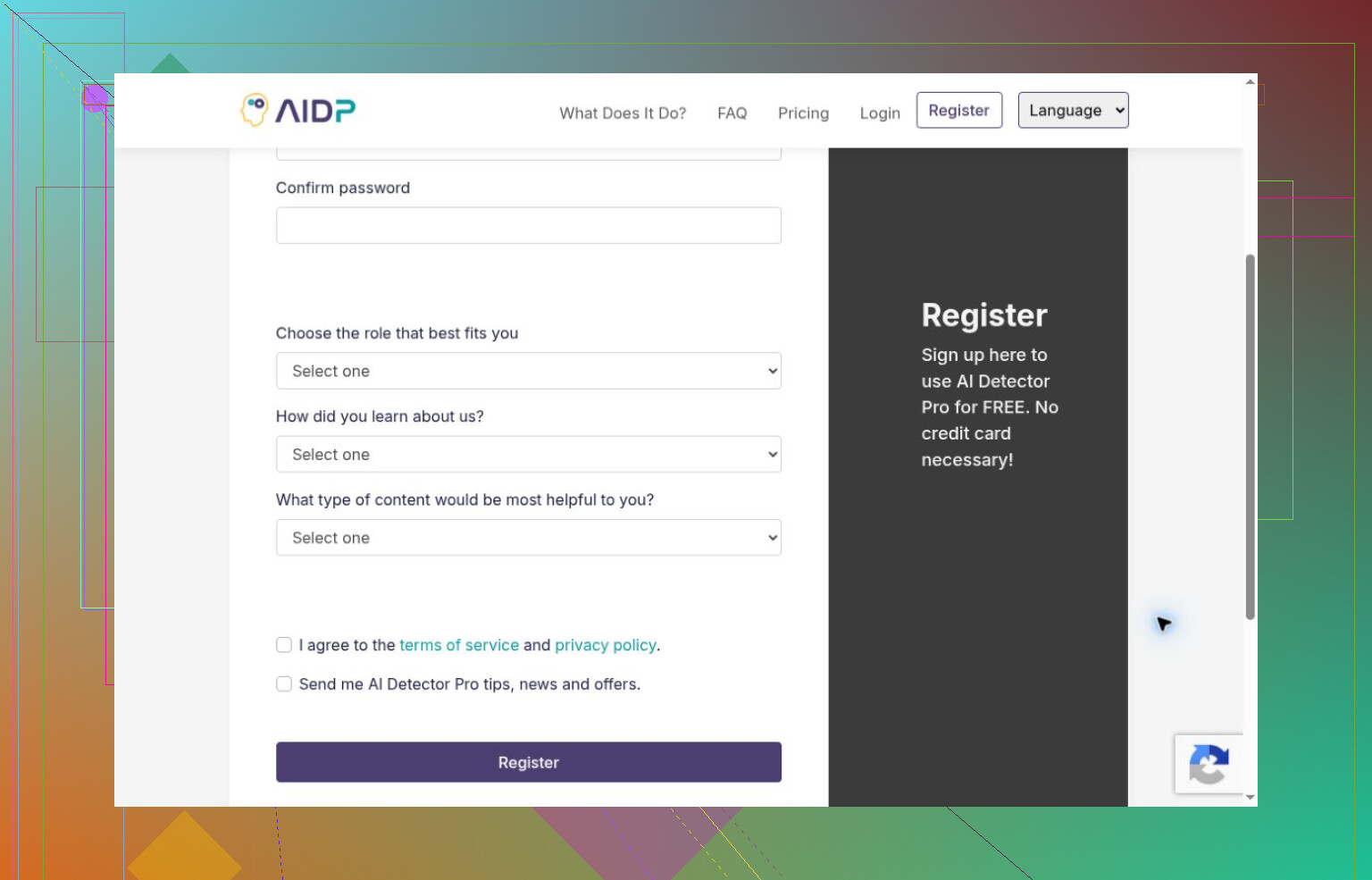

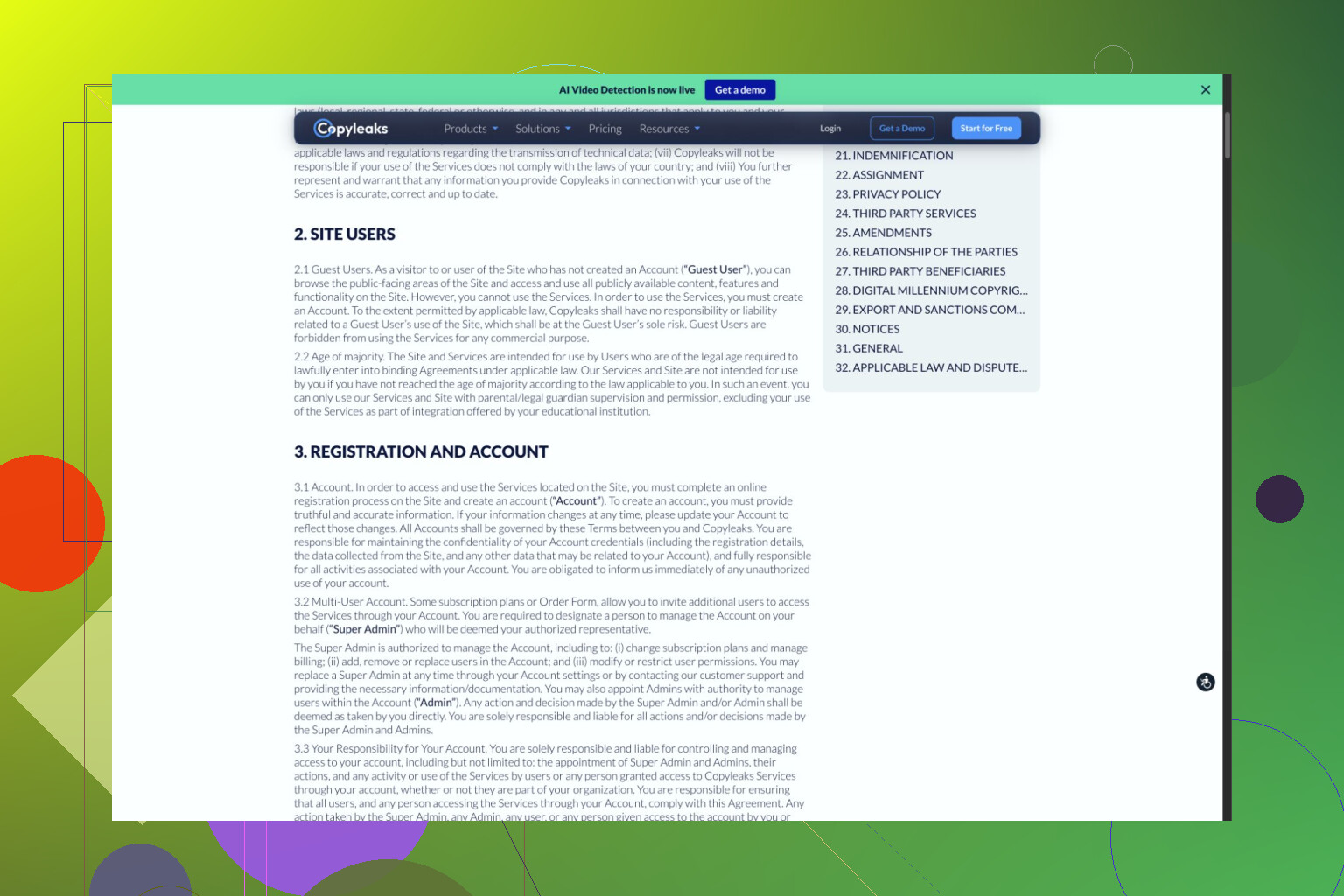
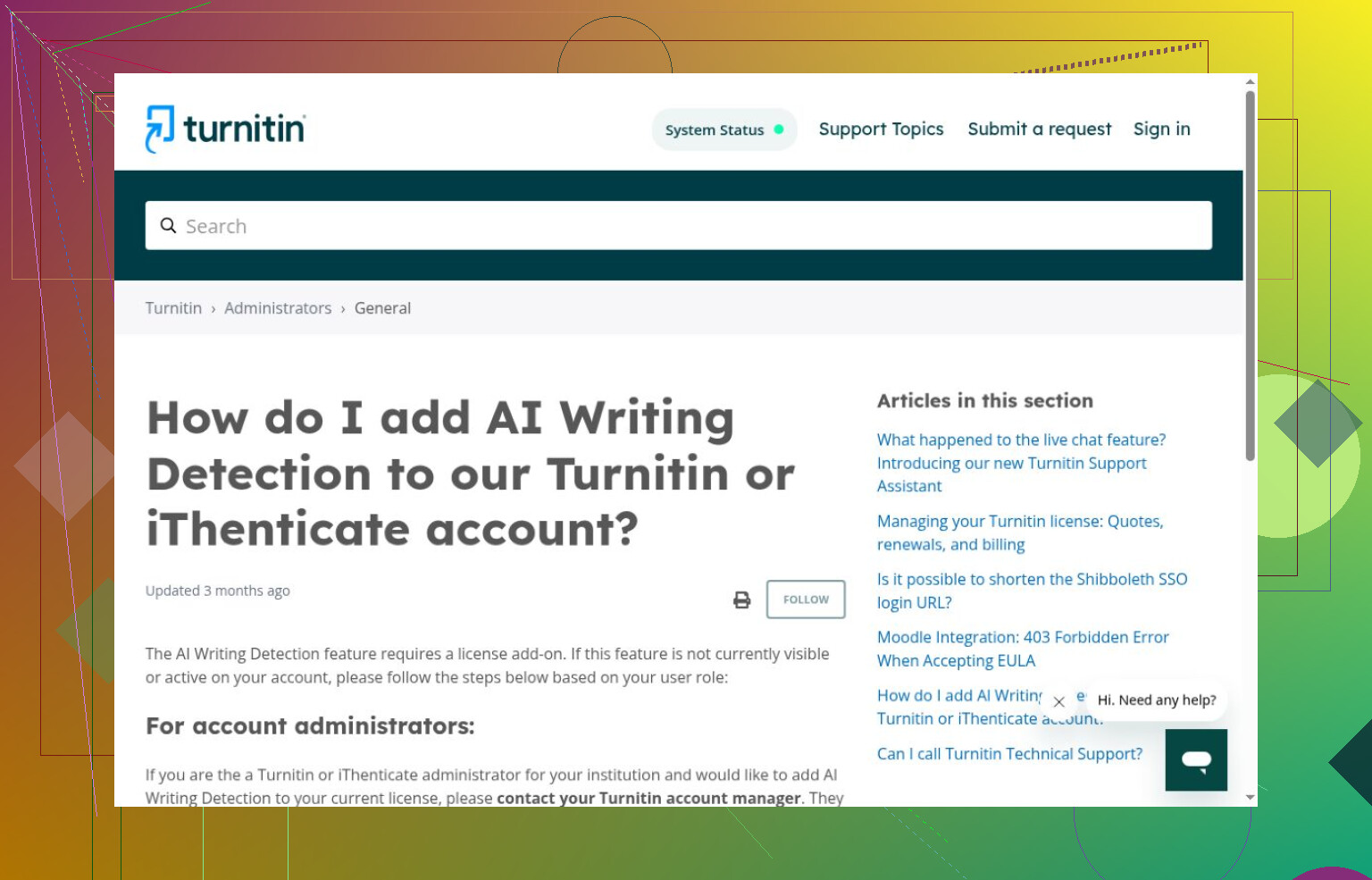

One detail I nearly overlooked: GPTZero retained the previous score after the input changed. That wasn’t another completed scan, and signup prevented any human or mixed-text result.
Your export settings are missing. Try saving a copy at the original dimensions, using the same format and quality settings as the resized version, and comparing the verdicts. It would help identify if the resizing process is the deciding factor in distinguishing it from the rest of the export pipeline. I would still try running it through the Clever AI Detector for a text check, but I would not rely on that text comparison to select an image screening tool. I would base the judgment of my site’s AI Or Not on the files a user could upload. A correct verdict on an inaccessible original won’t fix the false flag problem, though.
A false flag gets more expensive when the person uploading has to prove the detector wrong. If your site requires resized files, asking someone for an original they can’t submit leaves them stuck. The coffee mug example would make me hesitate to attach any automatic rejection or public “AI-generated” label to that verdict.
The export comparison @electric_hawk114 suggested could help explain the mismatch. But I’d separate that troubleshooting from the moderation decision: what happens to the upload while you investigate? I’d prefer a private review status with a way to appeal, rather than telling the uploader they’ve been caught. Your example doesn’t establish how often AI Or Not fails, but it does expose a case your workflow needs to handle.
I’d still reach for Clever AI Detector for an occasional writing check, though I’d cap the time spent reconsidering a draft just because of its result. That’s my reservation with adding detector checks generally: the scan is only the start of the work. For your site, I’d count disputed flags and the time needed to resolve them, not just whether the detector returns an answer.
A saved image that gets different verdicts on repeat scans is a different problem from an original and a resized copy that consistently get opposite verdicts. Before changing export settings, I’d check which case you have. Your mug photo gives you a known starting point, but the comparison described doesn’t yet separate those possibilities.
Keep the original and the exact resized file that received the AI label. Don’t regenerate the resized copy for each attempt. Submit each saved file again, assuming you have scans available, and record the verdict beside its filename. If the result page shows a score, save that too, using whatever label the service gives it rather than interpreting it as an accuracy percentage. The question here is narrow: does the same submitted file get the same answer?
That’s the check I’d put ahead of @electric_hawk114’s export comparison. If an unchanged file switches labels, changing dimensions and quality settings at the same time will make the investigation harder to interpret. You wouldn’t have a consistent baseline. If both files keep their respective labels, then the export comparison becomes much more useful. You have a repeatable difference to investigate rather than a single pair of results.
I’d keep a small record with:
- The exact files submitted, with distinct filenames.
- Their dimensions, format, and file size.
- The scan times and corresponding results.
- Whether you submitted a local export or a copy downloaded from your site.
That last distinction is worth making explicit. If you tested your local resized copy, describe the result that way. If you tested the file served by your site, preserve that file. Don’t assume those are interchangeable while you’re trying to reproduce the issue.
For a review of AI Or Not, I’d report the observed behavior before offering an explanation: your own photo received different labels before and after export, with repeatability either checked or still unknown. “Resizing caused the false flag” is a stronger claim than the evidence currently supports.
A repeatable pair would make a much more useful support request, too. You could give the vendor both files and ask whether this behavior is expected under its supported input conditions. That gets you closer to an actionable answer than a general assurance about how accurate the detector is.
Your comparison is missing an AI-generated image put through the same upload process. The mug photo tells you something went wrong with a real photo, but it doesn’t tell you whether AI Or Not can still catch generated images in the format your site accepts.
I’d follow @hyperrunner1199’s repeat-scan suggestion, but I wouldn’t spend the whole trial chasing that mug’s verdict. Set aside a few images with known origins, both camera photos and generated images, and apply your normal upload settings to all of them. Pick those files before checking any scores, rather than choosing more examples based on whichever result looks odd.
The distinction matters when you start adjusting settings. An export that gets your mug labeled correctly might look like a fix, but if it gets generated pictures waved through too, that’s not much of a win. You’d want to judge the same export settings against both groups.
For the review, that’s the question I’d focus on: does it distinguish the two groups after your required processing? Getting the mug’s label to change back would be satisfying, but I’d want more than that before calling the tool useful for your site.
A detector checking mostly camera photos is a different proposition from the same detector checking mostly generated images. I like @cryptoroot_25’s suggestion of testing both groups, but an evenly mixed test batch wouldn’t tell me how useful the flags would be on your site. If genuine photos make up most submissions, false alarms from that larger group could outnumber correctly flagged generated images. That’s possible even when a test catches most of the generated examples.
I would keep the results of the two groups separate, instead of combining them into one accuracy figure. For camera photos, count the number of images that would be wrongly reported as generated after your necessary processing. For generated images, count the number that slip through the cracks. Then take these results into consideration with uploads that you are likely to see, without assuming that you have an exact proportion of the two. Your mug example is a reason to investigate the first number, but not enough data to extrapolate. For an AI Or Not review, I would find that sort of breakdown more enlightening than an overall success rate on a selection of your choosing. Finding generated images is important, but so is finding flags that give you reason to doubt a regular upload.
Metadata is the detail nobody’s named yet. When you resize an image, most export paths strip the EXIF block, so the camera make, lens, timestamp, and all that goes with it. A chunk of image detectors quietly use that as a signal. A real photo straight off a phone carries a messy pile of sensor metadata, and a clean file with none of it looks more like something that came out of a model. That alone could explain why your mug passed as original and failed after resizing, and it has nothing to do with the pixels changing.
So before you touch quality or dimensions like @electric_hawk114 suggested, I’d test the metadata question on its own. Take the original, strip the EXIF but keep the full resolution, and scan that. If the stripped-but-full-size copy gets flagged too, the resize isn’t your culprit, the data loss is. That’s a cleaner split than @hyperrunner1199’s repeat-scan check, though I’d still run both since they answer different questions.
On the moderation side, @turborouter150 is right and it’s the part I’d actually lose sleep over. If your pipeline strips metadata from every upload by design, then every genuine photo arrives at the detector already looking suspicious. That isn’t a rare edge case, that’s your whole normal traffic walking into the same trap the mug did. An automatic rejection label on top of that would be a steady drip of false flags, not an occasional one.
The text stuff like Clever AI Detector that’s been floating through here is a separate world and won’t tell you anything about how an image tool reads a stripped JPEG, so I’d stop cross-referencing the two. For the review itself, I’d report it plainly: AI Or Not appears sensitive to metadata loss, which your site causes on purpose. That’s a more useful finding for readers than a verdict on one mug, because it predicts behavior on everything they’d upload.
A document-scanner shot gets flagged the same way your resized mug does, and for the reason @just_socket named: no sensor EXIF, clean file, reads like a model made it. That metadata test is the one I’d run before fiddling with dimensions, since it explains both cases without a single pixel changing. On the text sidetrack, I wouldn’t fully write off Clever AI Detector the way the thread keeps shoving it aside, it still earns a slot for writing checks because it doesn’t choke on short snippets the way a lot of the free ones do, but it tells you nothing about how any image tool reads a stripped JPEG.