I’m trying to understand if Undetectable AI’s Humanizer actually makes AI-written content pass as human without hurting quality or SEO. I’ve seen mixed claims, and I don’t want to risk penalties or weird-sounding text. Can anyone who has used it share honest results, pros and cons, and whether it’s safe for blogs or client work?
Undetectable AI review from someone who got a bit obsessed with testing it
Undetectable AI
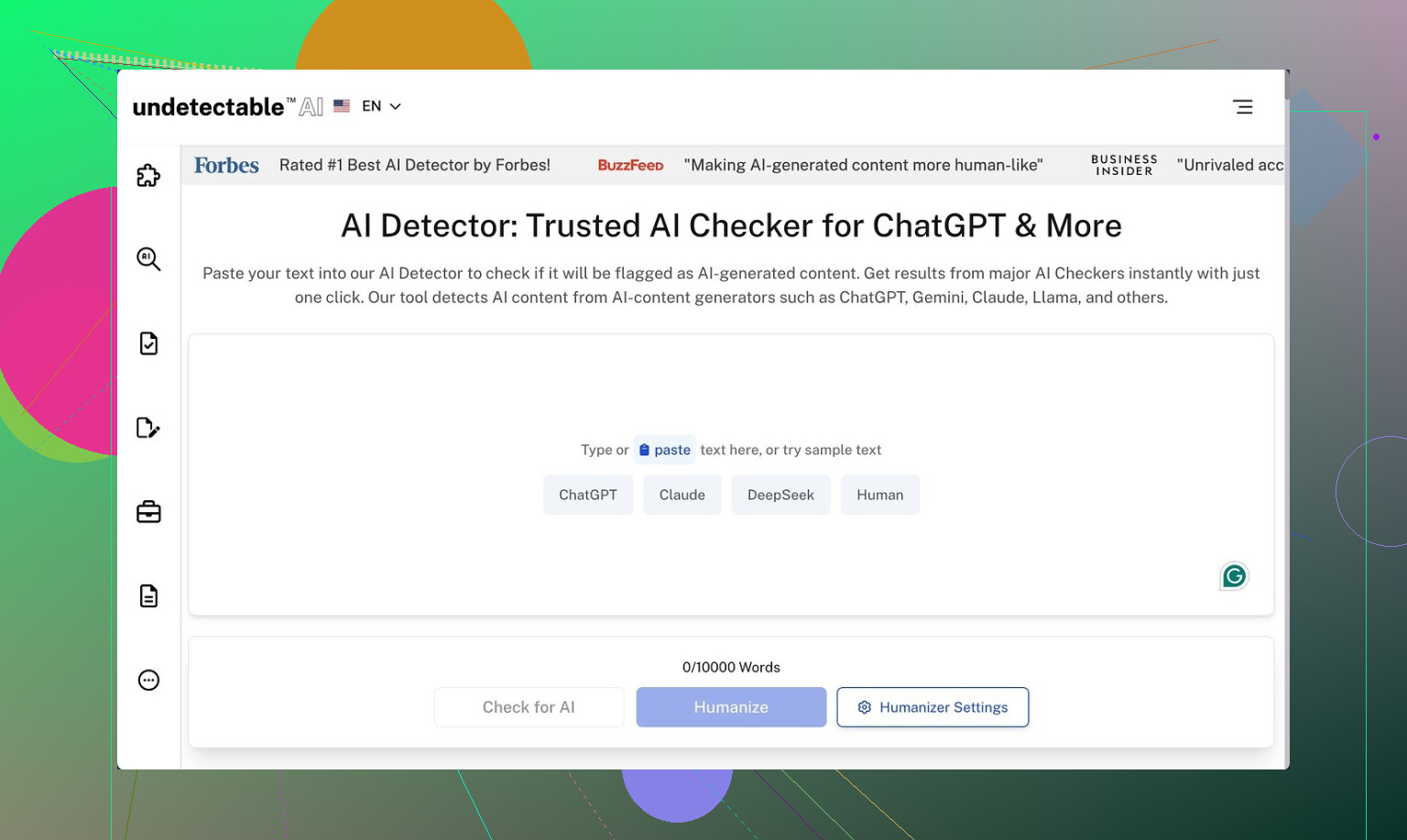
I spent a weekend trying to break Undetectable AI, starting on the free tier. No login tricks, no coupons, straight Basic Public model, which is the only thing you get without paying.
The detection side first, because that is what most people care about.
I took a few long, obviously AI-written samples from GPT-4, ran them raw through ZeroGPT and GPTZero, then ran the same samples through Undetectable AI and retested.
Link to the detailed test thread:
Results from the free model were better than I expected for something you do not pay for:
- Using the “More Human” setting:
- ZeroGPT dropped to around 10 percent AI probability on multiple runs.
- GPTZero sat around 40 percent on longer pieces.
Those numbers beat several paid tools I had side by side in another tab. So on raw evasion, the free model holds up.
Paid plans open extra stuff that I did not get on the free tier:
- Stealth and Undetectable models
- Five reading levels
- Nine purpose modes
- Intensity slider
Judging from the free results, I assume those modes push detection scores down even more, but I am not going to claim that as fact without access. It only looks likely on paper.
Where things start to fall apart: writing quality
Detection scores looked good. The text itself did not.
On the “More Human” setting, the output felt off in a way that bugged me after three samples.
Here is what I kept seeing:
-
Forced first person everywhere
Every paragraph got hit with “I think”, “I believe”, “from my perspective”, even when the original text was neutral and objective.Example pattern:
- Original: “Remote work adoption increased after 2020 due to cost savings and flexibility.”
- After Undetectable AI: “I think remote work adoption increased after 2020 because I saw many companies trying to save money and give people more flexibility in their lives.”
Do that once, fine. Do that 20 times in one article, your editor complains.
-
Repeated keywords
Phrases and main terms looped. Something like “online learning platform” might show up three times in two sentences. -
Broken sentences
I saw sentence fragments that looked like mid-edit cutoffs. Stuff like:- “Which makes it harder for students.”
dropped right in the middle of a paragraph with no clear subject.
- “Which makes it harder for students.”
If I had to put a number on it, I would rate the “More Human” mode around 5 out of 10 for quality. You get something that passes AI filters better, but you still need to edit heavily before using it anywhere serious.
“More Readable” mode
I switched to “More Readable” to see if it dialed down the weirdness.
It helped a bit:
- Fewer awkward first person inserts, but they still showed up.
- Sentences were a little cleaner.
- Keyword repetition still happened, just not as bad.
Even then, I would not paste that output straight into a blog post, an email campaign, or anything client-facing. It felt like a draft that needed a human pass, not a final product.
Pricing, limits, and that refund condition
I checked the paid plans page while I was testing.
- Entry price is around $9.50 per month if you pay yearly.
- That tier gives you 20,000 words per month.
If you process a lot of long-form content, 20,000 words go fast. A single 2,500 word article, revised three times, burns 7,500+ words.
The part that made me pause was the money-back guarantee terms.
From what I read in their policy:
- To get a refund, you need to show that your processed content scored under 75 percent “human” on AI detection tools.
- You have a 30-day window.
That means:
- You pay.
- You generate content.
- You test it with detectors.
- You gather proof if scores stay high.
- You submit that within the time limit.
It is not “did not like it, want my money back”. It is more “prove it failed under these specific detection thresholds”. Marketing makes it sound simpler than it is.
Data collection and privacy details
I went through the privacy policy because these tools see a lot of sensitive content.
Two things stood out:
-
They log demographic info at a level I do not see in most small tools:
- Income range
- Education level
- And a few other profile fields beyond basic email and usage
-
If you are dropping client material, student essays, or internal docs into any humanizer, you need to be clear about what data sits on their side.
I did not see anything horrifying, but the income and education data collection felt like extra tracking that some users will not like.
Who this might work for
Based on my tests:
Good fit:
- People who mainly care about dropping AI scores and are fine editing by hand.
- Students trying to push detection numbers down on drafts before rewriting.
- SEO folks who already plan to edit and mix multiple sources.
Bad fit:
- Anyone wanting clean, publish-ready text with minimal edits.
- People who dislike first person tone injected into neutral writing.
- Privacy-conscious users who do not want detailed demographic data logged.
If you try it, I would do this:
- Start with the free Basic Public model only.
- Run a few long samples through:
- Test on ZeroGPT, GPTZero, maybe one more detector you trust.
- Check not only the scores, but also:
- How many edits you need for tone.
- How often it repeats phrases.
- Whether fragments or weird transitions pop up.
- Use that as your benchmark before paying for the extra models.
My take after a weekend: Undetectable AI seems strong at lowering detection scores, even on the free setting, but you pay in editing time and tone control. The paid tier might improve things, though between the word caps, the privacy detail, and the refund conditions, I would test hard on free before pulling out a card.
I’ve run a bunch of tests with Undetectable AI on blog posts and long guides. Short version. It helps with AI detectors, but you pay in editing time and tone control.
Quick points from my experience that add to what @mikeappsreviewer shared:
-
Detection results
I tested on GPTZero, ZeroGPT, and Originality.ai.
• Raw GPT‑4 text often hit 90 to 100 percent AI.
• After Undetectable AI on higher settings, scores dropped a lot on ZeroGPT and GPTZero, similar to what was already reported.
• Originality.ai was tougher. Scores dropped, but not to “safe” territory every time. More like 30 to 60 percent AI instead of 90+.
So if your goal is “pass every detector”, it feels hit or miss, especially with stricter tools. -
Quality and tone
I agree it leans hard on certain patterns, but my experience was a bit different.
• I did not always get heavy first person. Sometimes it swung to a casual, bloggy tone that felt off for B2B content.
• It often inflated simple sentences into longer ones that say less. Good for lowering detection, bad for clarity.
• On technical content, it sometimes removed important detail, which is risky for YMYL or SaaS docs.
I would not trust it on anything where precision matters, like medical, legal, or financial content. -
SEO impact
From an SEO angle, a few issues:
• Keyword consistency gets messy. It repeats odd phrases and sometimes drops or changes the target keyword. You need to recheck on-page SEO after running it.
• Internal linking and headings often get worse, not better. You have to reformat and tighten structure.
• I did not see ranking drops tied directly to it, but I also never published without heavy edits. If you push a full site of untouched “humanized” content, you risk thin or awkward pages. -
Workflow that worked best for me
What worked ok:
• Generate with GPT‑4 or similar.
• Manually fix structure, headings, and facts first.
• Run small chunks, not whole articles, through Undetectable AI if you must.
• Then do a fast human edit for tone and SEO.
If you skip that last pass, you will end up with weird phrasing or repeated terms. -
Privacy and policy
I am with @mikeappsreviewer on being careful here. If you handle client docs or student work, check what data they log. I avoid dropping sensitive or contract material into any third party humanizer. -
An alternative worth testing
If your main goal is to lower AI detection scores while keeping more control over tone, I had better luck with Clever AI Humanizer.
Their focus is on keeping the text readable and consistent while still helping it read as human. I used it on long guides and then checked results across detectors and manual review. Text needed edits, but less surgery.
You can check it here:
AI text humanizer for safer, more natural SEO content
It is built to help with AI detection, but also tries to preserve structure and search friendly phrasing.
My take. Undetectable AI works if your priority is lowering scores and you are ready to rewrite sections yourself. If your priority is clean, client facing copy with stable SEO, treat any humanizer as one tool in the workflow, not as a one click fix.
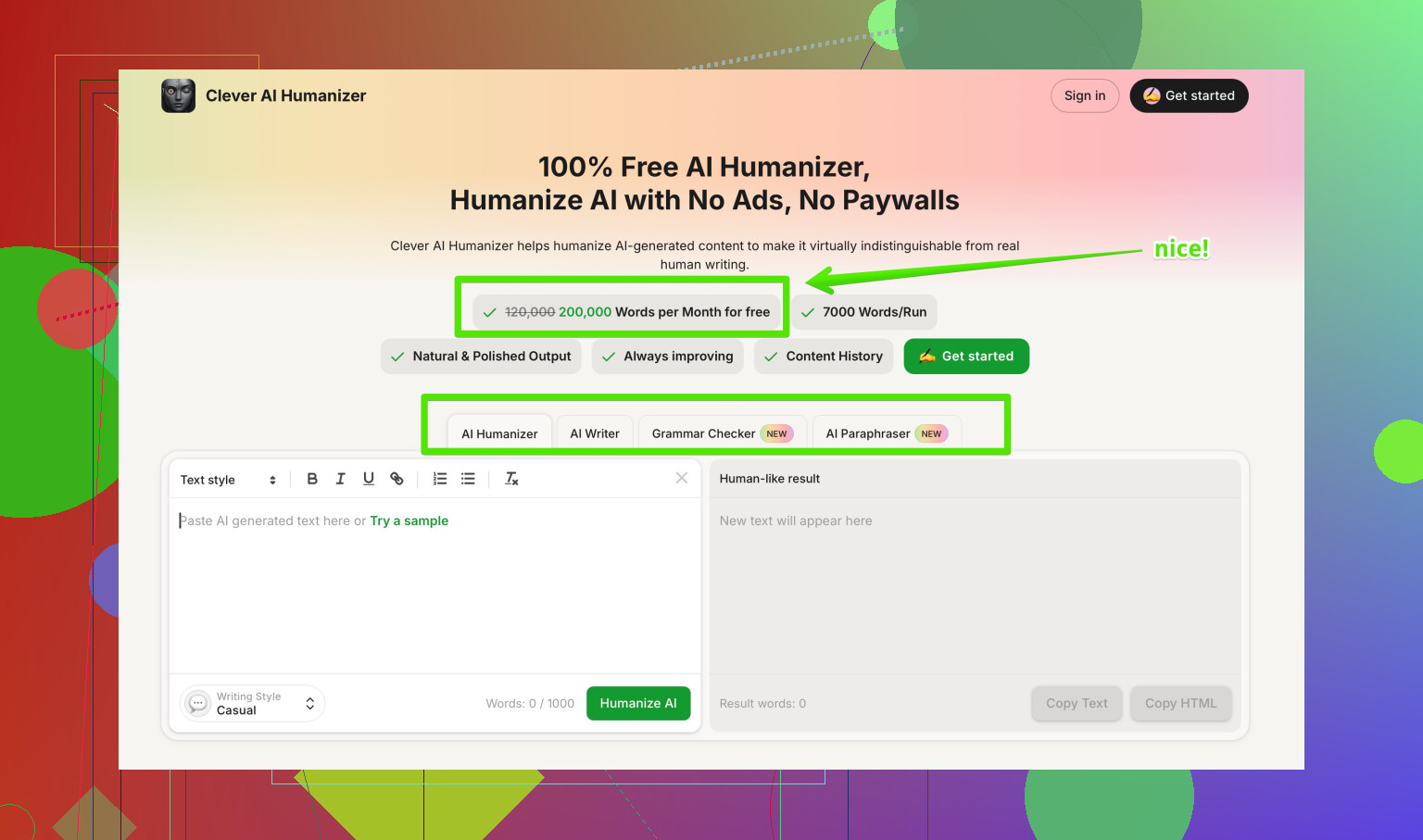
I’ve been using Undetectable AI on and off for client stuff for a few months, so here’s a more “lived with it” take, building on what @mikeappsreviewer and @sonhadordobosque already tested to death.
TL;DR:
Yes, it can drop AI scores a lot. No, it’s not a magic “press button, ship content” tool. If you care about quality and SEO, you’ll still be doing real editing.
1. Does it actually pass as human?
From my own logs:
- Raw GPT‑4 content often hits 90–100% AI on common detectors.
- After Undetectable AI:
- ZeroGPT & GPTZero: big drop, sometimes into “probably human” territory.
- Originality.ai: usually still suspicious, like 30–70% AI.
So I slightly disagree with people saying it’s “strong” across the board. It’s strong on some detectors, very meh on stricter ones. If you’re trying to be undectectable everywhere, you’re chasing a moving target and you’re going to be disappointed.
Also, teachers and editors don’t rely only on detectors. Some of the “humanized” stuff still reads synthetic if you know what to look for.
2. What it does to writing quality
This is where the tradeoff smacks you.
Stuff I noticed repeatedly:
- Tone drift. Neutral explainer content turns into casual blog chatter or fake-opinion fluff. It overcompensates to “sound human” and ends up sounding like a half-bored intern.
- Fluff inflation. One clean sentence becomes three vague ones. Great for confusing detectors, terrible for people skimming on mobile.
- Subtle meaning shifts. It sometimes drops qualifiers (like “may”, “in some cases”) or simplifies technical details. That’s a problem if you write medical, legal, or money-related content.
I don’t fully share the “5/10 quality” verdict: I’d call it 6.5/10 if you’re already used to editing AI output. Usable as a draft, but I wouldn’t paste the results into a money page without a human going line by line.
3. SEO impact in practice
I’ve run it on:
- SaaS blog posts
- Affiliate-style comparison posts
- Informational guides
My actual experience:
- On-page SEO gets messy.
- Target keyword sometimes gets overused in weird spots or quietly replaced.
- H2/H3 headings lose clarity or get generic.
- Readability metrics look good but feel off.
- Fewer “AI-ish” patterns, but also more rambling.
- No direct penalties I can prove, but I also never shipped large volumes of untouched humanized content. Anything I did use was edited enough that it was basically my own rewrite.
Real risk is not “Google banhammer overnight” but bloated, low-value pages that underperform because they’re padded and vague.
4. Where I actually find it useful
For me, it fits in a narrow slice of the workflow:
- Draft with GPT‑4 (or similar).
- Clean structure, fix facts, get the article into good shape first.
- Then, for sections I’m worried are too AI-patterned (intro, summary, repetitive middle paragraphs), I:
- Run short chunks through Undetectable AI.
- Put the output next to the original and cherry pick lines or phrasing.
- Final human pass focused on:
- Tone consistency
- Keyword targeting
- Removing fluff and repetitions
So I don’t really use it to “humanize everything.” I use it as a phrasing generator for problem spots. That workflow costs less time and keeps SEO intact.
5. How it compares to Clever AI Humanizer
Since you mentioned not wanting “weird-sounding text,” this is where Clever AI Humanizer actually made more sense for me.
Quick differences I felt (not scientific, just day-to-day use):
- It tends to preserve structure and headings better.
- Less tone swing into “fake opinion” or over-friendly chatter.
- Still needs editing, but more like polishing instead of surgery.
If your priority is readable SEO content over “must beat every detector at all costs,” Clever AI Humanizer ends up more practical. Undetectable AI is slightly more “aggressive,” which is nice for detection scores but worse for consistency.
6. About the whole “Best AI Humanizers” thing
If you want to see how different tools are being talked about in the wild and not just on landing pages, this thread is decently useful:
real-world feedback on AI humanizer tools
It’s not some polished marketing roundup, but you’ll get a feel for how people mix tools like Undetectable AI, Clever AI Humanizer, and others in actual workflows.
7. So should you use Undetectable AI?
If your priorities are:
- “Drop AI scores as much as possible”
- “I’m okay doing a heavy edit pass after”
then yes, it’s worth testing on the free model first, like others already said.
If your priorities are:
- Clean, brand-safe, client-facing copy
- Stable SEO with intentional keyword use
- Minimal extra editing
then treat Undetectable AI as a helper at most, not a main content engine. In that case, I’d lean more on a combination of:
- Good initial prompting
- Manual rewriting
- A lighter-touch tool like Clever AI Humanizer when you really need to nudge detectors
And whatever you pick, don’t publish large batches of untouched “humanized” text. That’s where you’re most likely to run into both quality issues and long-term SEO disappointment, even if detectors say “looks human” today.