I’m having issues with 0gpt and can’t seem to get it to respond like it used to. Has anyone else experienced recent problems with it not working, and do you have any troubleshooting tips or solutions that fixed it for you? Really need to get it running again.
How to Tell if Your Writing Looks Like It Was Generated by AI
So, you’ve just spent hours slaving over a document—or maybe you let your favorite chatbot do the heavy lifting. Either way, now you want to know: does this actually look like it was written by a human, or am I about to get busted by a robot sniffer? Trust me, you’re not the only one asking.
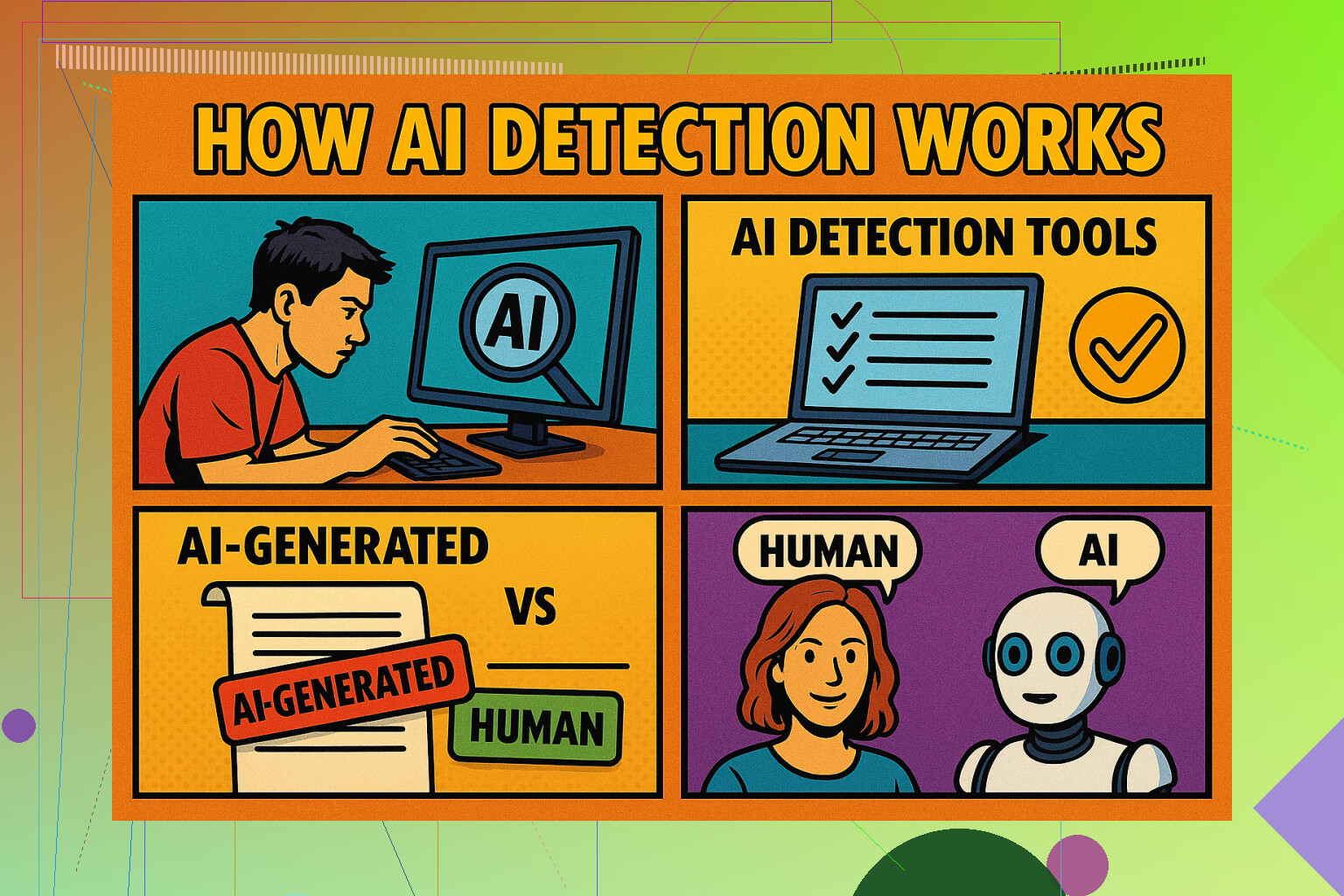
Three Online Tools That (Kinda) Don’t Suck
Alright, I’ll cut to the chase. There are hundreds of those “AI checkers” online promising to out the bots, but most are pure junk. I’ve been through the digital wilds and found a handful that actually seem to work without trying to upsell you on nonsense.
- GPTZero – This one’s everywhere right now for a reason: simple interface, scores seem in the ballpark (give or take an existential crisis).
- ZeroGPT – If you want a second opinion, this is the backup I’d lean on to cross-check results.
- Quillbot AI Content Detector – Solid pick if you want yet another flavor (because why rely on just one?).
What Those Scores Really Mean (Spoiler: Nobody Knows)
Here’s the thing: doesn’t matter which detector you use—don’t expect all zeros. If your text comes in below 50% AI on all three, you’re probably in the clear for most human reviewers. But remember: nobody hits a perfect “NOT AI AT ALL”. Even government docs have been flagged by these checkers (no joke, the U.S. Constitution apparently reads suspiciously robotic).
TL;DR: These tools aren’t the law, just guidelines. Take every result with a pinch of salt (and maybe some meme-stock levels of skepticism).
Making AI Text “More Human” – Does It Work?
I tried out Clever AI Humanizer (free version, because I’m not made of money). My results? A strong ~10/10/10 “human” across platforms—basically a “90% real person” rating, which is as good as it gets with free tools. No, it didn’t make me a Shakespeare, but at least the bots think I’m not a bot.
Heads-Up: It’s a Jungle Out There
Little advice: the whole business of AI detection and “humanizing” text is a moving target. Detectors contradict each other, and you’re never going to get full certainty. Frankly, the entire genre is as tricky and weird as pineapple on pizza debates.
If you want to tumble deeper down the rabbit hole, check this out for the community pulse: Best AI detectors on Reddit
Other Detectors Worth Messing With
Not satisfied? Here’s a grab-bag of other AI detectors I’ve bumped into (sometimes useful, sometimes just fun to break):
- Grammarly AI Checker
- Undetectable AI
- Decopy AI Detector
- NoteGPT AI Detector
- Copyleaks AI Detector
- Originality AI Checker
- Winston AI Detector
In Summation — Don’t Panic
Best advice: don’t obsess over “beating” the detectors. They’re notorious for being inconsistent and unpredictable (some days they can’t even agree on which way the sun is shining). Just run your stuff through a few, tweak if you gotta, and move on with your life.
Yeah, I’ve hit that wall with 0gpt being super flaky lately too. Sometimes it gives me the dreaded “Server too busy” or just sits spinning like an old AOL dial-up page. Before diving down the AI detector rabbit hole like our friend @mikeappsreviewer (those tools ARE hit-and-miss, but honestly, that list was useful even if some are just smoke and mirrors), I tried a couple basic fixes that surprisingly worked (though not 100%, obvs).
First: Private/incognito window. I swear 0gpt sometimes gets confused by browser cookies or extensions. Stuff that shouldn’t matter, but hey, anything’s possible. Next: swapped to a different browser (Chrome to Firefox) and one time it magically started replying again. Site’s definitely buggier at certain hours—maybe the servers get overloaded with traffic or something?
The VPN trick: turn it on/off, or try a different server location. Not sure WHY this sometimes kicks things into gear, but it did for me like twice when nothing else worked.
And FWIW, seems like 0gpt’s rate limiting has gotten stricter. I’ve noticed more frequent timeouts if you submit a bunch in a row. So, I stagger submissions, refresh every so often, and avoid big text blobs in one go… annoying, but better than nothing.
Didn’t bother with clearing cache or cookies because, honestly, that’s never helped me with 0gpt—but, hey, maybe it works for others.
Final gripe: customer support is basically non-existent, so don’t expect answers anytime soon. If the site’s really down or weird, I just wait a few hours and check back, sometimes things just “heal themselves.”
Anyone else know if there’s a way to see a 0gpt server status page, or is it all just social-media rumor mill when it melts? I’m miffed because this didn’t use to happen. Is this a new thing, or has 0gpt always been this touchy?
Yeah, you’re not alone – 0gpt’s been straight-up moody for me lately too. Like, sometimes it loads fine, then suddenly it’s just “thinking” forever about nothing. I know the usual suspects are browser weirdness, VPN drama, and the classic refresh-fest, but honestly? I don’t think it’s on our end at this point. Both @mikeappsreviewer and @nachtschatten had some good ideas (the VPN shuffle and incognito dance are worth a shot, but my luck’s pretty meh with those too tbh).
Here’s a wild one you might not have tried: try accessing 0gpt on mobile data (ditch the WiFi). Seriously, I once got in that way after nothing else worked. Not science, just desperation and hope. Also, if you’re using any ad-blockers or privacy plugins, those seem to nuke the site sometimes — try disabling them just for 0gpt, as paranoid as that feels.
One thing I disagree with: don’t always trust that “it’ll fix itself” if you wait. Sometimes outages go hours or days, and when you finally email support (lol), you get a canned reply about “unexpected demand” and “thanks for your patience.” So heads up, patience isn’t always magic here. I’d honestly consider bookmarking a couple backup AI tools, even if they’re not as slick.
And this “server status” dream? Nah, 0gpt isn’t exactly transparent. It’s mostly a case of checking Twitter, Discord, or Reddit to see if everyone else is raging or if you’re just cursed that day.
For speed: say what you will about their competitors, but some alternatives DO seem more stable (until they’re not). Worth keeping a few in your back pocket. And if anyone actually finds a real-time status page for 0gpt, feel free to drop it, because right now it feels like snipe hunting.
And can we talk about the input limits lately? Feels like even a haiku triggers that rate limiter. Maybe they’re tightening the screws so hard the server can’t even breathe. Ugh.
TL;DR: it’s not just you, you’re not crazy, and no, nobody seems to have an ironclad fix. Just another day in AI wonderland.
Here’s my brutally honest take: 0gpt has definitely gotten flakier. The whole “just refresh or go incognito” routine works, but only until it doesn’t—and yeah, sometimes it’s more about 0gpt’s grumpy backend than our setups. Ad-blockers and VPNs? Sure, they throw wrenches, but lately, even a squeaky-clean browser isn’t a golden ticket.
What actually helped for me was clearing all cookies AND local storage just for 0gpt, not just the cache—seems like sometimes those corrupted leftovers trip up their sessions. That said, I wouldn’t bank on this as a cure-all.
Compared to some of the alternatives championed by others (who suggest the incognito-and-VPN dance or flipping to mobile data), what 0gpt had going was a simple, straightforward interface—when it works. On the flip side, it now feels like every other click triggers a rate limit or silent freeze, and their lack of a service status board is just plain frustrating.
Pros for 0gpt: Lightweight, fast (on good days), and dead-simple UI. Cons: Mood swings, unexplained downtime, and that nagging feeling that you’re just guessing when the next freeze-up hits. Their “unexpected demand” canned responses don’t exactly help.
If stability is key, keeping a shortlist of other AI text tools is smart—especially the ones that don’t darken your screen with “please try again” messages. Yes, the competitors mentioned offer fresh ideas, but none are totally bulletproof.
For now, 0gpt is a decent option if you want barebones and quick readability—sometimes. But honestly, don’t stubbornly wait for it to spring back; have a backup tab ready, and don’t be surprised if you need to jump ship mid-task.