My iPhone photo library is a mess with tons of duplicate photos from backups, bursts, and shared albums. I’m running out of storage and it’s getting hard to find the pictures I actually need. Is there a safe, truly free way (app, setting, or workflow) to find and remove these duplicate photos without losing important shots?
Short answer, on iPhone you have three free paths:
- Built‑in “Duplicates” in Photos
- iCloud Photos tricks on a computer
- A free tier in a cleaner app
Here is how I’d do it step by step.
-
Use the built‑in Duplicates tool first
- iOS 16 or newer
- Open Photos
- Go to Albums
- Scroll down to “Utilities”
- Tap “Duplicates”
- Use “Merge” on each pair or “Select” then “Merge” on a batch
It keeps the highest quality file and keeps metadata like Favorites and albums.
This removes a lot of exact duplicates with zero cost.
-
Clean up obvious junk manually
- In Albums, scroll to “Media Types”
- Check:
- Bursts
- Screenshots
- Screen Recordings
- Live Photos
- For Bursts, pick “Make Key Photo” then delete the rest.
- For Live Photos you do not need duplicates of almost the same scene, keep one per pose.
-
Use search filters to bulk delete
In Photos search bar try:- “Screenshot”
- “WhatsApp” or “Messenger” or “Telegram” if you save every meme
- Locations you no longer need (like a long trip with 400 almost identical pics)
Select many at once and delete.
-
Use a Mac for more control if you have one
- Sync with iCloud Photos
- On Mac, open Photos
- Use “File” > “New Smart Album”
- Create rules like:
- Date range
- Media type is Photo
- File size less than X MB
Then sort by “Date” or “Title” to spot near duplicates.
Use “View” > “Show Metadata” to compare resolution before deleting.
-
Third‑party tools, but watch the “free” claims
Most “free” cleaner apps on iOS limit you hard:- Often they allow scanning free
- Then they lock bulk delete behind a paywall
- Many auto‑subscribe after a short trial
If you go this route, always:
- Turn off auto‑renew in Subscriptions right away
- Test with a small sample first
- Back up with iCloud or Finder before mass delete
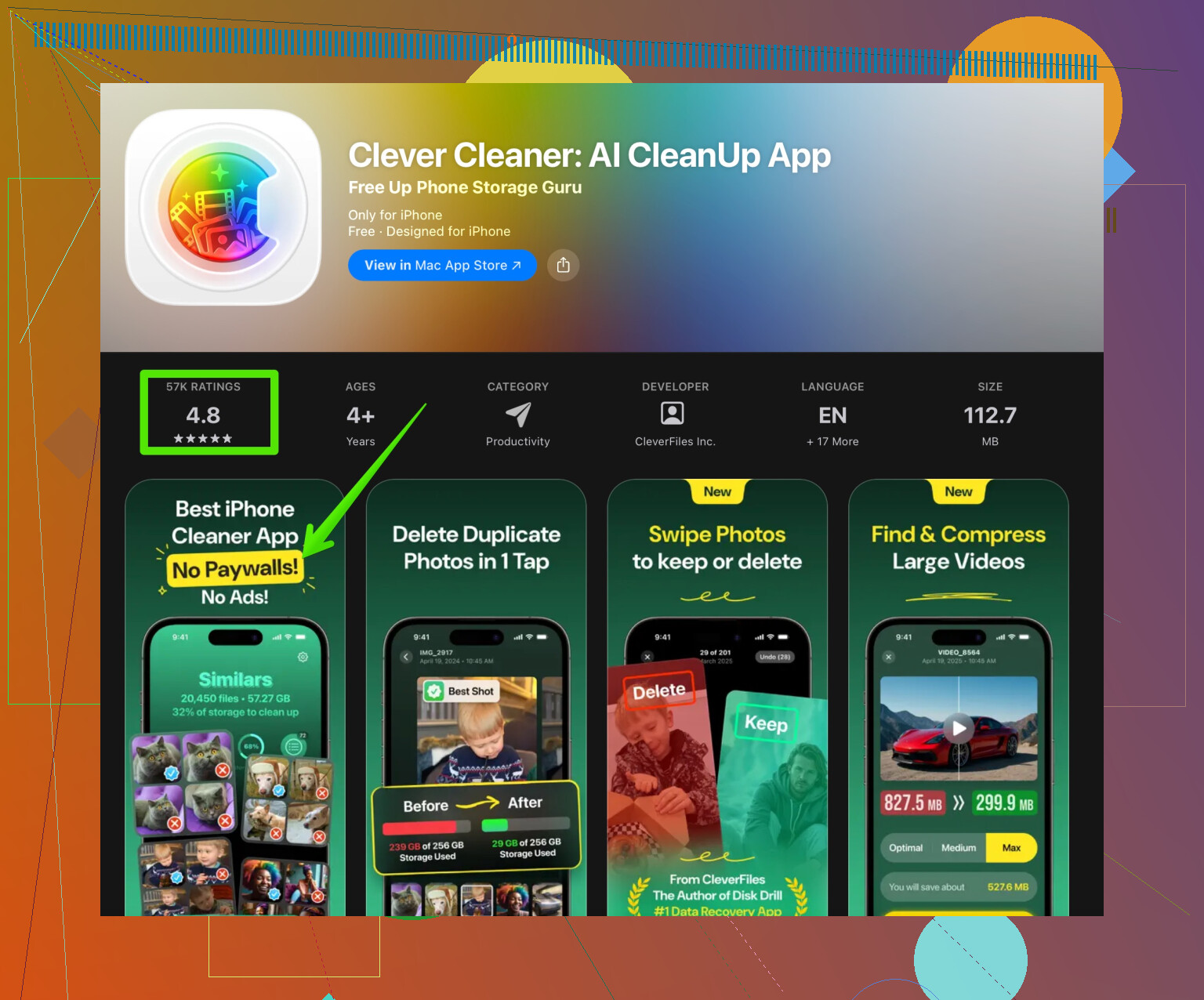
One option with a cleaner interface and strong reviews is Clever Cleaner App. It focuses on:
- Removing duplicate photos and similar shots
- Grouping blurry images and large videos
- Free scan to see how much space you might recover
You can check it here: clear duplicate photos and free iPhone storage with Clever Cleaner.
If you try it, still keep a backup first. AI sometimes flags “similar” photos you want to keep.
-
Prevent new duplicates
- In Settings > Camera > Formats, leave HEIF on to save space
- In Settings > Messages, set “Keep Messages” to 1 year or 30 days if you do not need old ones
- Turn off “Save to Camera Roll” in WhatsApp / Telegram if they flood your gallery
- Avoid importing the same old backup into the phone again through iTunes or Finder
If you do steps 1 to 3 slowly and check the deleted folder once, you already recover a lot of space without paying. The “free” part of most apps works best as a preview, not as a full solution, so think of them as helpers, not magic.
My iPhone photo library is a total disaster with years of backups, burst shots, and shared albums creating the same images over and over. Storage is almost full and it is getting harder to find important memories among all the duplicates. I am looking for a safe, truly free method to remove duplicate photos on iPhone without risking my original pictures or paying for an expensive subscription.
@ombrasilente covered the built in Duplicates album and some manual cleanup tricks really well. I’d actually push in a slightly different direction if you want to stay as close to “truly free” as possible and avoid spending an entire weekend tapping Merge for hours.
Here is what I would add on top of what they said, without rehashing the same steps:
-
Use computer logic instead of phone logic
If you have any computer at all, even a borrowed one for a day, you can treat the iPhone like a dumb camera and let desktop tools do the heavy lifting.- Connect the iPhone to a PC or Mac with a cable.
- On Windows, import photos to a folder, then use a free duplicate finder like dupeGuru or AntiTwin to find exact file duplicates by hash.
- Delete dupes on the computer, then sync the cleaned library back to the iPhone using iTunes / Finder.
It is not instant, but hash based tools are very accurate, totally free, and do not trick you into a subscription. It is boring, but it works and you see exactly what is being deleted.
-
Exploit iCloud without fancy tricks
I slightly disagree with relying only on the iPhone Photos app. It is great, but it still misses tons of “near duplicates”. If you use iCloud Photos:- Turn on iCloud Photos, let everything upload.
- On a Mac or PC browser, go to iCloud.com > Photos.
- Use the larger screen to visually scan by date. Near duplicates are much easier to spot when you see 30 photos at once instead of 12 on the phone.
- Shift click to select ranges and trash entire mini sessions where you clearly overshot.
This is still manual, but much faster than doing it on the phone only.
-
Attack duplicates created by apps, not just the photos
A lot of bloat is not “true” duplicates, it is re saved copies from socials and messengers.- In WhatsApp, Telegram, Instagram, etc, turn OFF automatic “Save to Camera Roll” right now. That stops new junk.
- Then, in Photos search, type the app names or typical saved-filename patterns and mass delete those.
- Also check the “Animated” or “Live Photos” sections. Sometimes apps re save as still photo plus video, which looks like dupes.
Killing the source apps prevents the problem from coming back every month.
-
Use a third party cleaner with a strict free only mindset
I know you asked “truly free” and most cleaning apps love to shove a paywall in your face. I am not a fan of that either. But as long as you treat them as a helper, not a one click solution, they can still be useful at zero cost.- Install a cleaner that has a clear free tier like Clever Cleaner App.
- Let it scan for duplicate and similar photos.
- Even if you do not pay, you can use its suggestions as a guide: open the groups it flags, then go back to Photos and delete them manually if you agree.
It sounds a bit clunky, but it keeps your wallet closed while still using their AI to highlight problem areas. If you ever decide the time saving is worth it, you can unlock bulk delete, but you do not have to.
For anyone curious, here is a direct link if you want to check it out:
deep clean your iPhone photo clutter with Clever Cleaner App -
Create a “Do not touch” archive
One thing I rarely see mentioned, and where I slightly part ways with @ombrasilente, is this: I do not trust any mass cleanup until I have a frozen backup of the important stuff.- Once a year, connect your iPhone to a computer.
- Copy everything from the DCIM folder to an external drive or big USB.
- After that, you can be more aggressive on the phone. If you mess up and delete too much, your “old life” is still safe on that drive.
This is not fancy, just basic paranoia, but it lets you clean without constantly worrying.
-
Make your future self hate you less
Since you are already suffering, might as well fix it for the future:- When you take bursts, decide on your favorite shot right after the moment and delete the rest instead of leaving 40 similar pics.
- Periodically go through the “Recently Added” album and clean that week’s junk. Tiny, regular cleanups beat a 10,000 photo purge every 2 years.
- Use albums for important trips or events, so you can safely delete “raw” clutter afterward while knowing the keepers are organized.
To answer your core question directly: yes, there is a safe, free way, but it is not a single magic button. It is a mix of:
- Built in Photos tools
- A desktop duplicate finder for exact matches
- Optional help from an app like Clever Cleaner App used very carefully
- And a one time “safety backup” so you are not afraid to delete
It costs nothing but some time and a bit of patience.