I’m tired of juggling multiple remotes for my TV, soundbar, and streaming devices. I’ve tried a couple of cheap universal remotes, but they never seem to control everything reliably or the setup is a nightmare. Can anyone recommend a solid universal TV remote that’s easy to program, works with most brands, and is durable enough for everyday use?
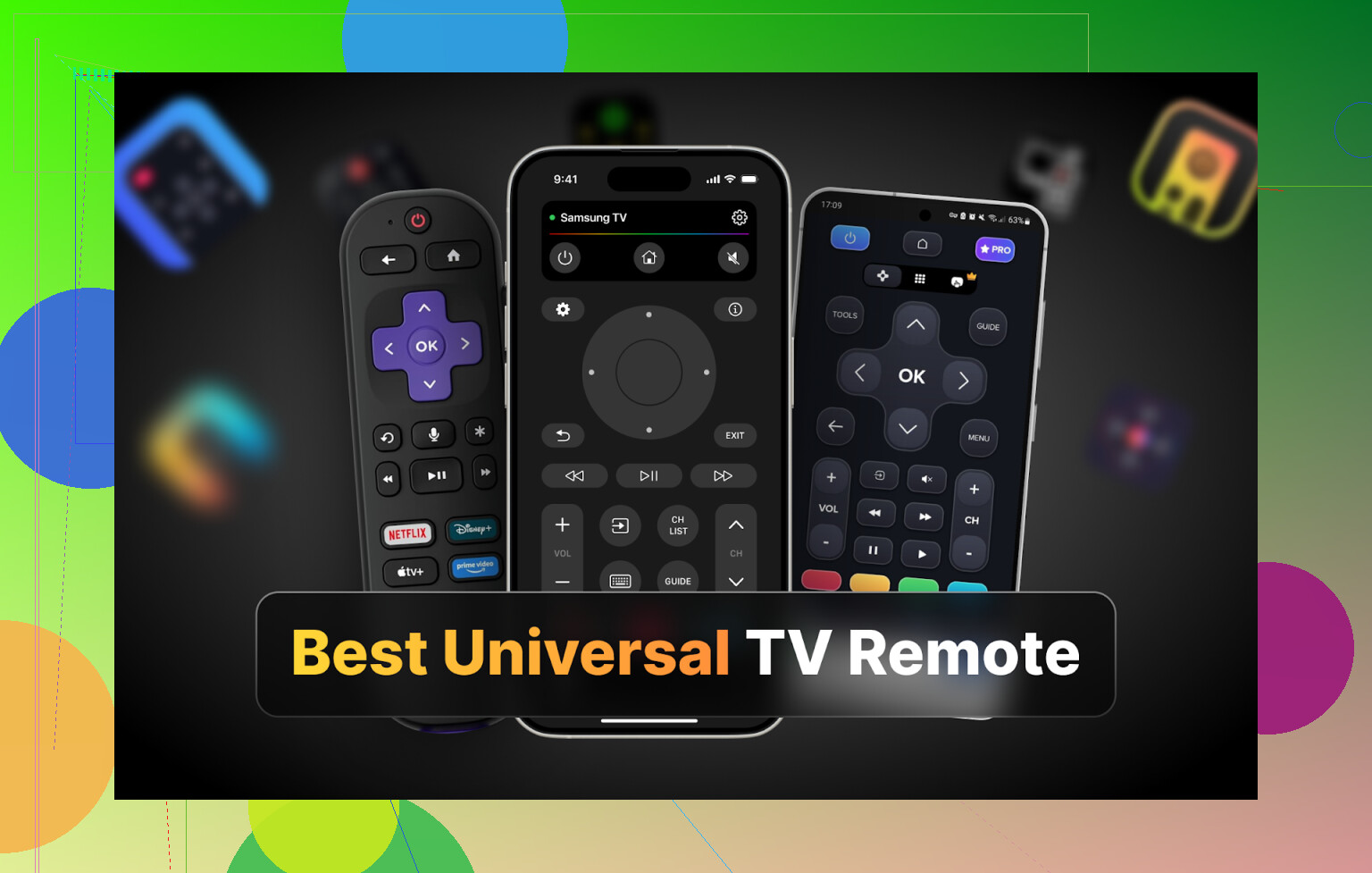
Hi all,
I got fed up with hunting for TV remotes around the house. We have two TVs, one Samsung, one LG, both with their own remotes. Half the time one is under the couch, the other is in the kitchen, and I end up using neither.
So I went down the rabbit hole of universal TV remote apps. Idea was simple. Use my phone as a remote for all TVs, stop buying or losing plastic remotes.
I tried apps on iPhone, Android, and Mac. Sharing what I ran into in case you want to avoid some of the junk I installed.
Part 1: TV remote apps for iPhone
I pulled four apps from the App Store and used them on a Samsung and an LG smart TV:
• TVRem Universal TV Remote
• TV Remote – Universal Control
• Universal Remote TV Smart
• TV Remote – Universal
TVRem Universal TV Remote – my main pick on iPhone
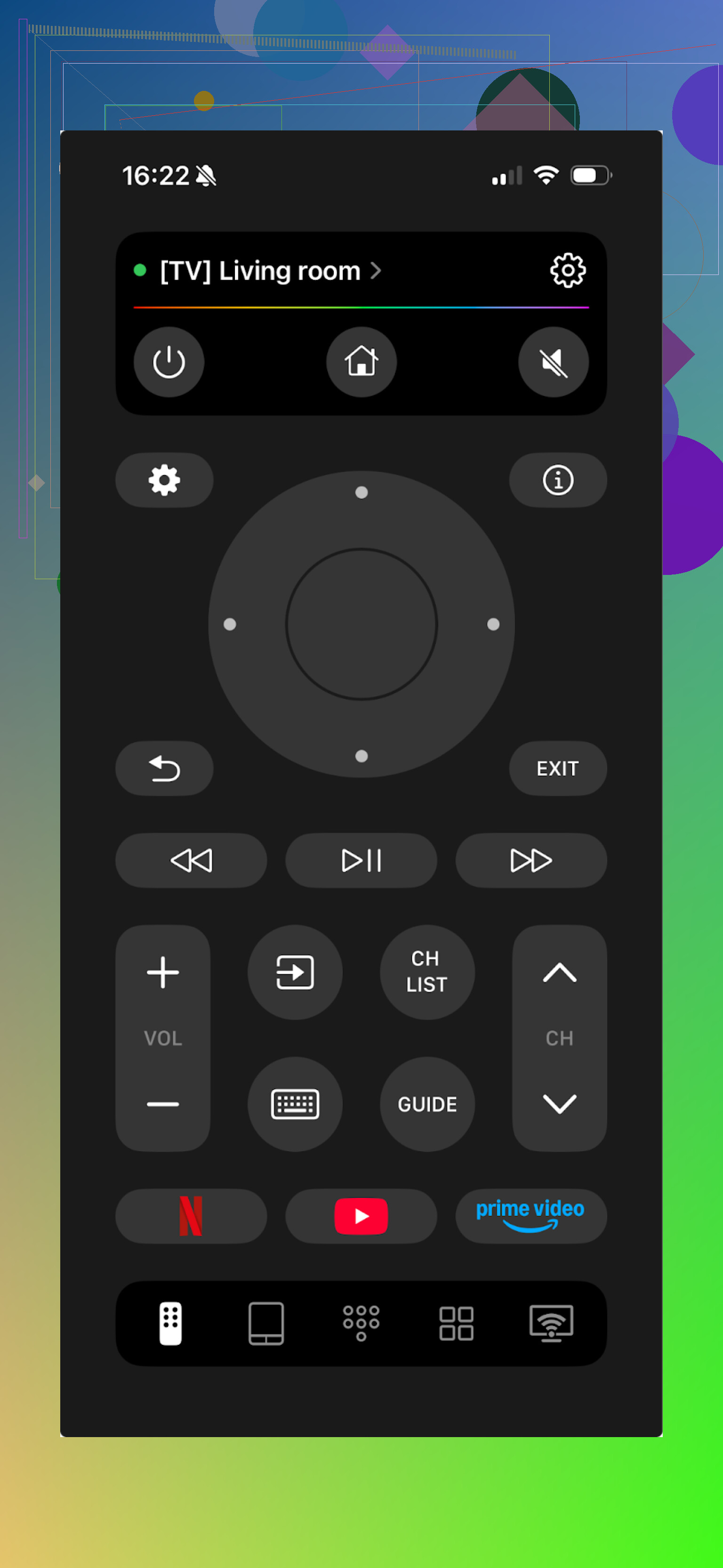
I started with this one and kept coming back to it after testing others.
It worked with both my Samsung and LG. The list inside the app also shows Sony, Android TV, Roku, and a bunch of other brands.
What surprised me a bit, I never hit a paywall. No “start 3 day trial” popups, no locked buttons. Nothing.
Stuff I used a lot:
• Touchpad instead of arrows, makes app navigation on smart TVs less painful
• Voice input and voice control on TVs that support it
• On-screen keyboard for search fields and passwords
• Channel switching and simple playback controls
Pros
- Clean UI, nothing confusing
- TV detection and connection were quick
- No paid tiers, no subscription prompts
- Works with many TV brands
- Has the basics you expect from a hardware remote
Cons
- No support for Vizio, so if your main TV is Vizio, this will not help
Price: free
Link:
Verdict
If your TV brand is supported, this feels like what a TV remote app should be. No nonsense, no begging for money, no nonsense upsells.
Side note: I also read through this Reddit thread while testing, worth a look if you want more opinions and other setups:
https://www.reddit.com/r/DataRecoveryHelp/comments/1qqa2bh/best_universal_tv_remote/
For full details, head to the product page:
TV Remote – Universal Control
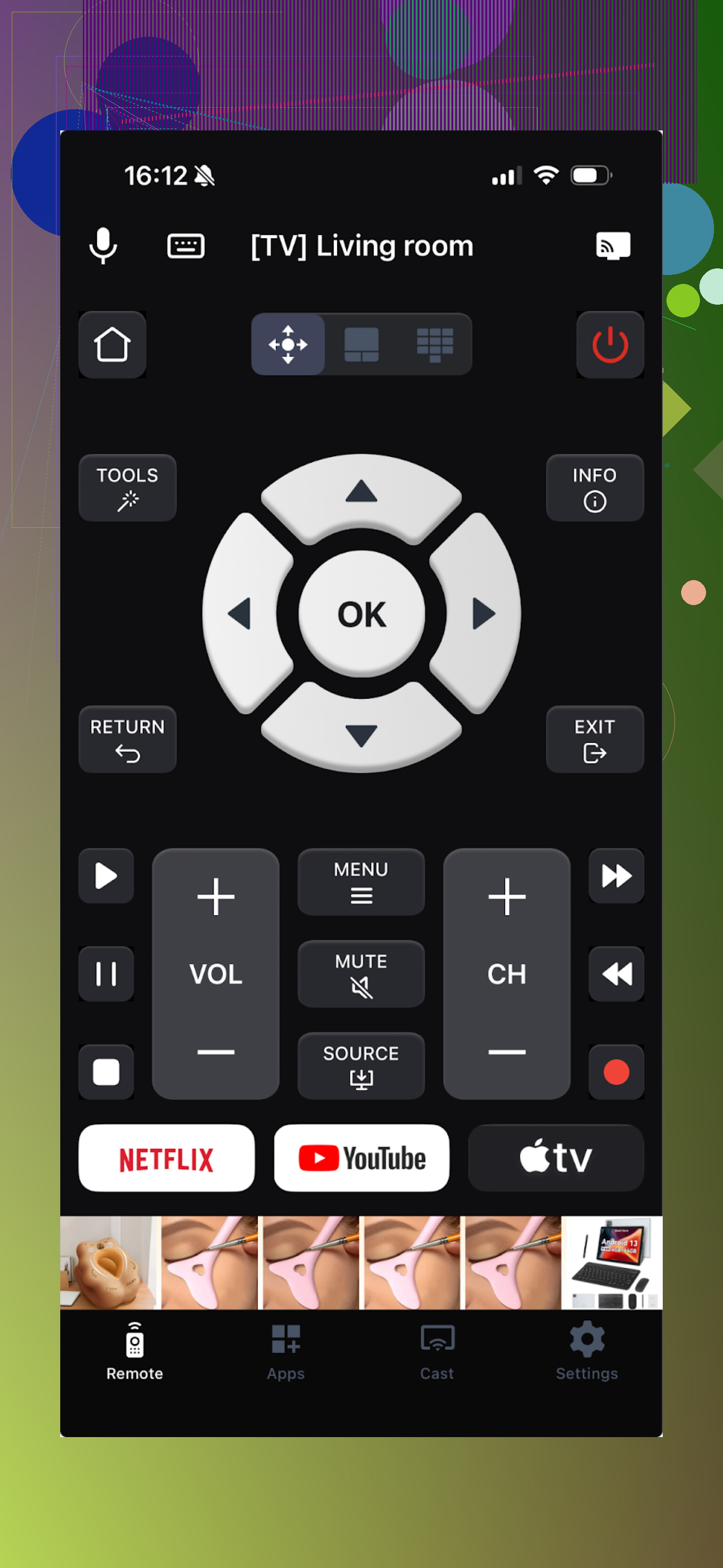
Next one on the list looked promising at first. It works over Wi-Fi, supports many brands, and has a decent feature set.
Features I used:
• Touchpad
• Voice control
• Channel launcher
• On-screen keyboard
• Casting media from phone to TV
To test everything, I had to start a free trial. Without that, a big chunk of the interface is blocked or keeps nagging.
Pros
- Has most of the functions I tend to use
- Works with lots of brands and TV systems
Cons
- Ads inside the app
- Many basic things are locked behind subscription
- It crashed a couple of times when I opened menus
Price: from 4.99 and up
Link:
Verdict
It works and there is a real app under all the paywalls, but nearly every tap on something new triggered a pay screen. I skipped paying for this one. You might tolerate it more if you only need one or two features.
Universal Remote TV Smart
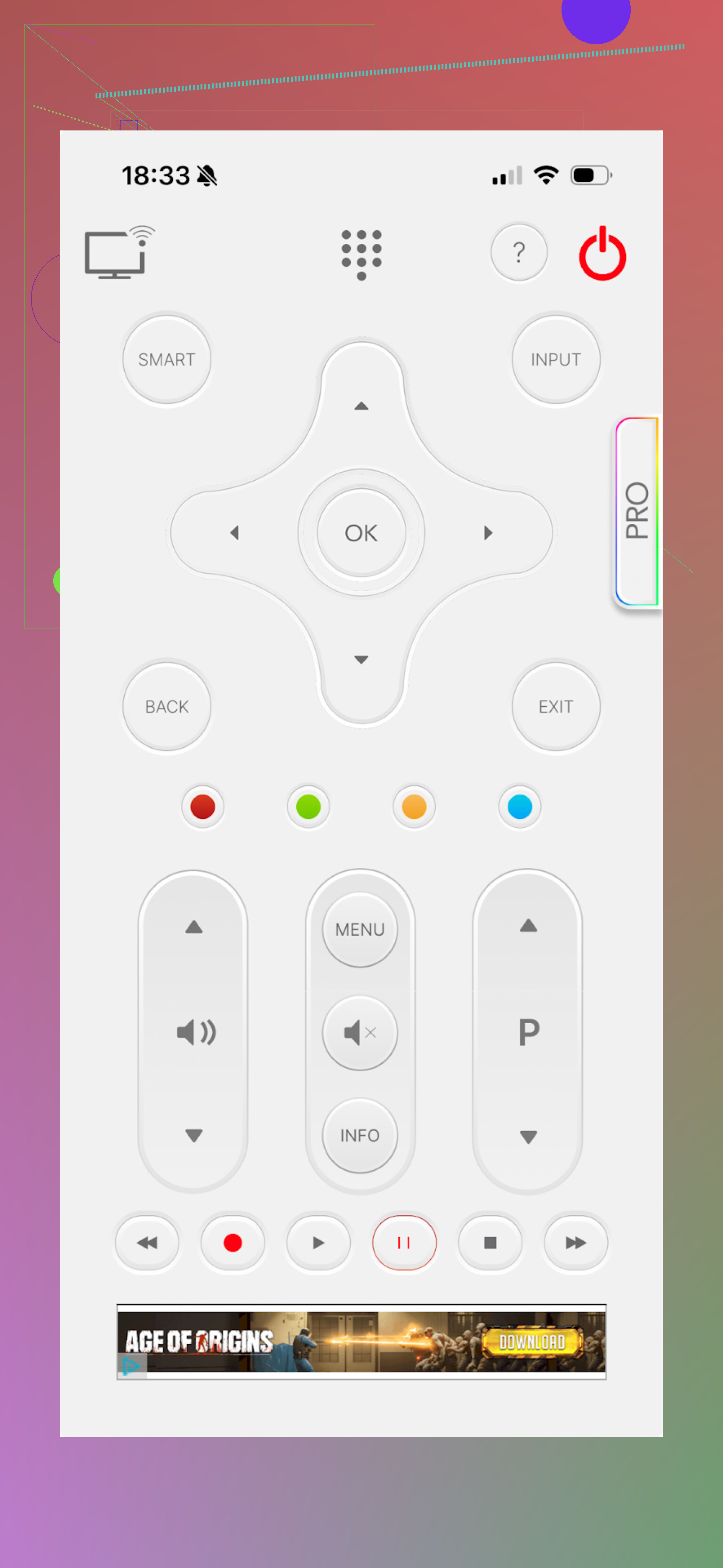
This one tired me out faster than I expected.
Functionally it covers the basics:
• Keyboard
• Navigation through apps
• Volume and channel controls
The layout felt off though. Buttons are spread out in a way that made no sense to me. It did not feel like using a remote, more like poking random UI parts someone threw together.
Pros
- Clearly supports lots of TV brands
Cons
- Awkward interface, took too many taps for simple stuff
- No voice control
- Ads that force you to sit through videos
- Many features trigger a paywall, even something as simple as opening YouTube from the remote
Price: from 7.99 and up
Link:
Verdict
Out of the iOS apps I tried, this one was at the bottom. Paid features almost everywhere, clunky layout, and those video ads kill it.
TV Remote – Universal
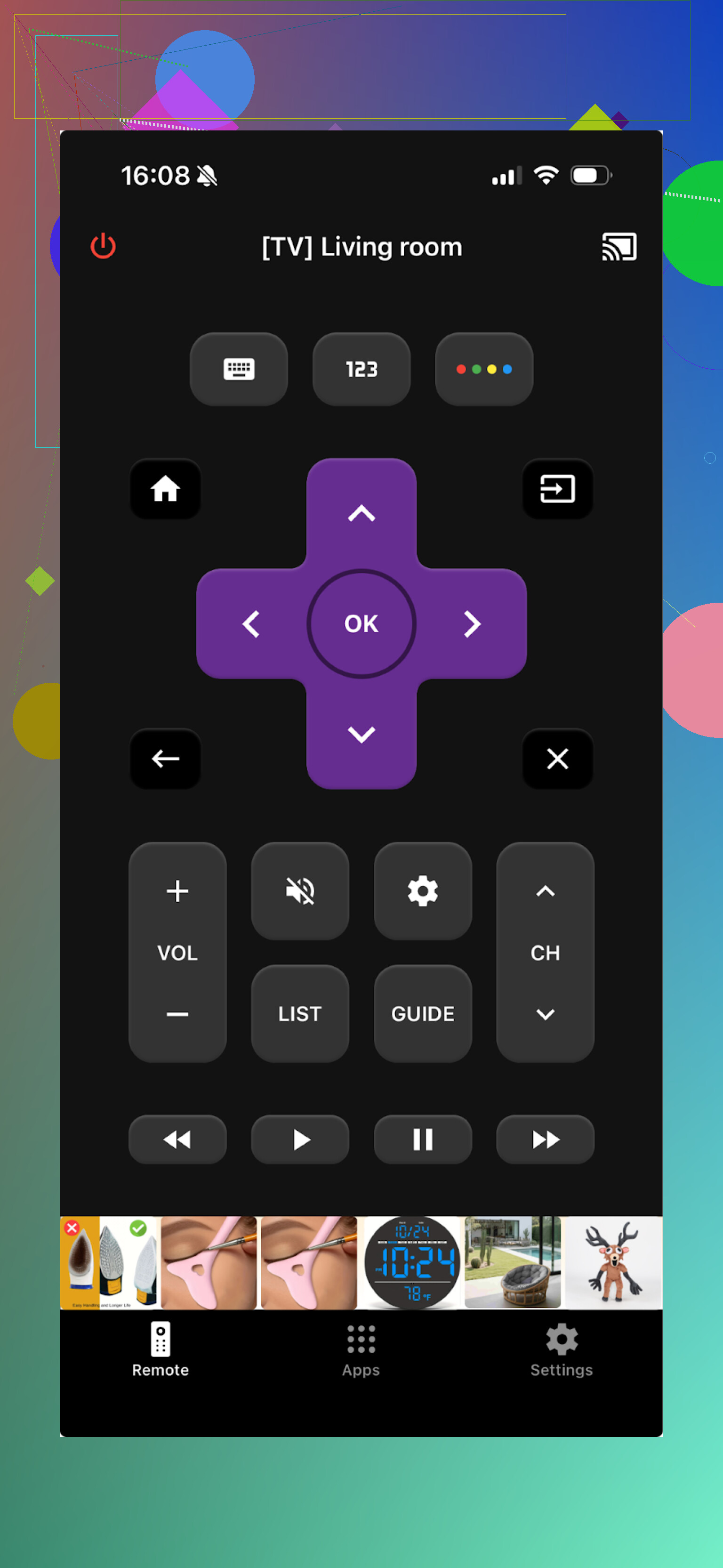
This one turns an iPhone or iPad into a remote for brands like LG, Samsung, Sony, Vizio, Android TV, and others.
Everything runs over Wi-Fi, so you need the TV and the phone on the same network.
Core functions I used:
• Switching channels and apps
• Typing through an on-screen keyboard
• Rewind, pause, play and similar controls
Pros
- TV discovery and pairing were simple
- Interface looks clean enough
- Basic remote stuff works out of the box
- Trial available to test the full version
Cons
- Ads inside the app unless you pay
- Most useful extras are behind in-app purchases, almost every additional button triggers an offer
Price: from 4.99 and up
Link:
Verdict
I took the free trial and tested everything. The main screen lagged a bit on my phone, but the rest ran fine. Problem is the same as with the others in this group. Almost every interesting feature wants money, ads get old fast.
Part 2: TV remote apps for Android
My wife uses Android, so I installed a bunch on her phone and tested on the same TVs.
Universal TV Remote Control
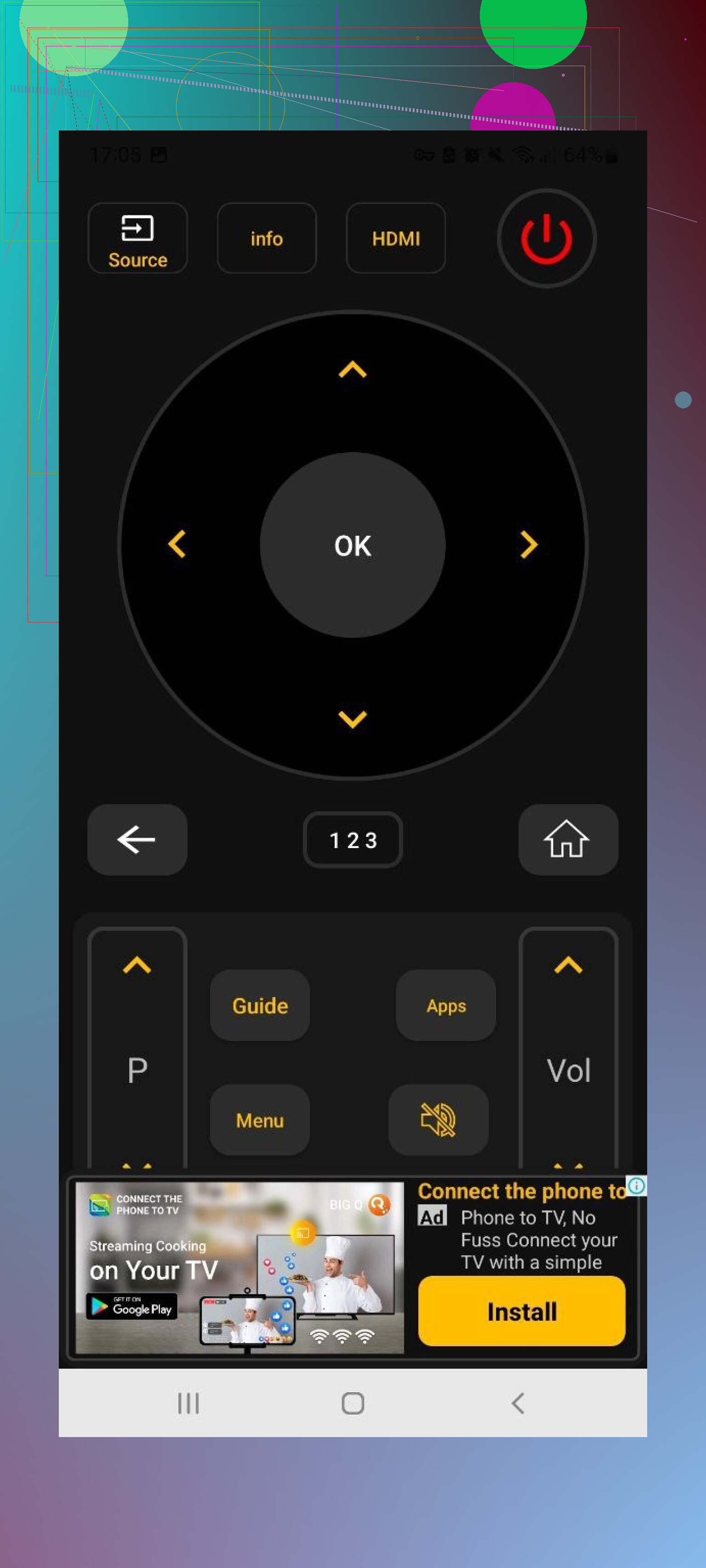
This one is all over Google Play, and it does support a long list of brands:
Sony, Samsung, LG, Philips, TCL, Hisense, Panasonic, and others.
It offers:
• Trackpad-style navigation
• Voice search
• App control
• On-screen keyboard
Also works as an IR remote if your phone has an infrared blaster, which is handy with older TVs.
Pros
- Works with a lot of TV models
- Wi-Fi control and IR mode both available
- Core features are free
Cons
- The ad load is heavy. Some ads refused to close for a while
- The app crashed pretty often, and then I had to reconnect to the TV
Price: free
Link:
Verdict
First 10 minutes felt great. Then the nonstop full-screen ads kicked in and the crashes started. If ads do not bother you much, you might accept it. I uninstalled it.
Remote Control For All TV | AI
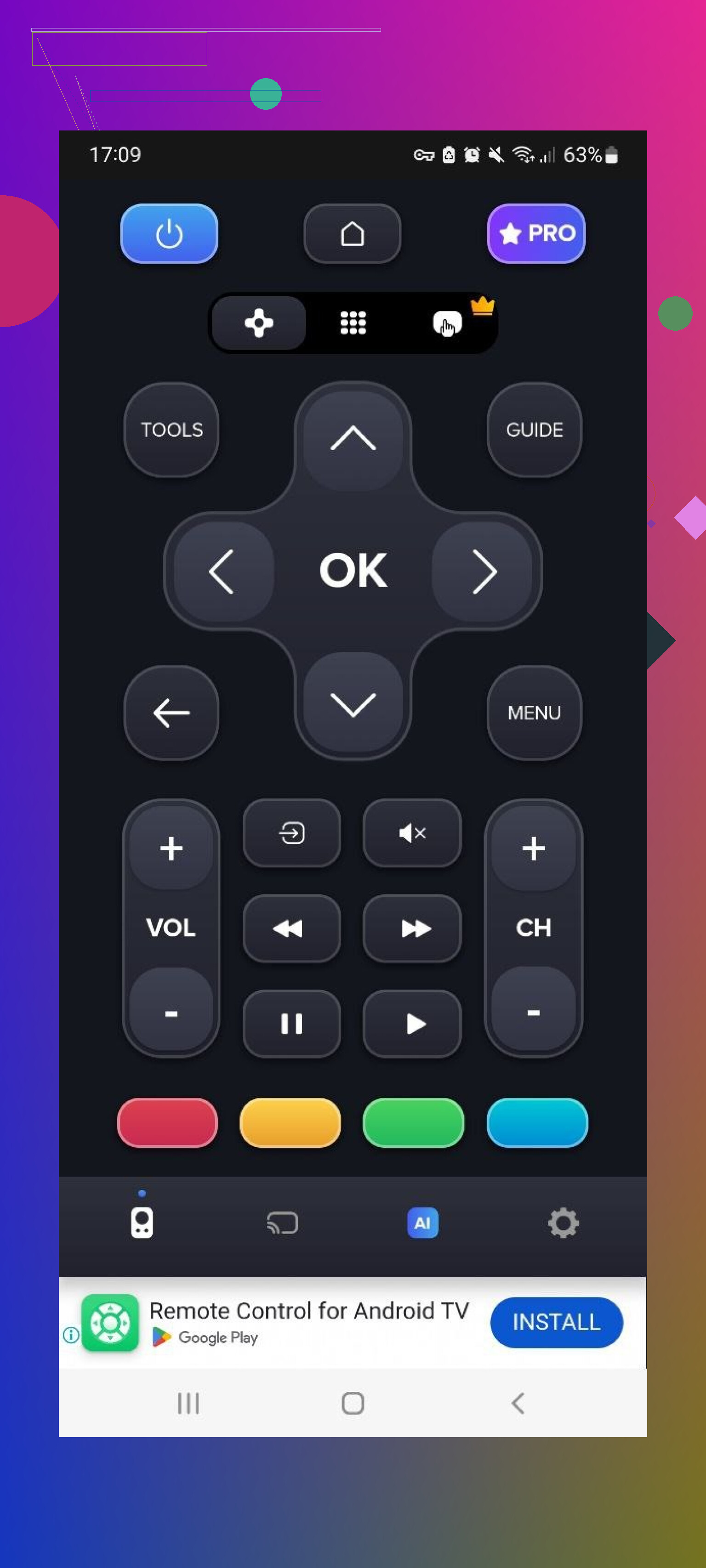
This one advertises itself as an “AI” remote for multiple brands over Wi-Fi.
Free tier includes simple remote controls. Power, channels, volume, directional pad.
On the downside, it took a while to find the TV on my network, and the time from opening the app to actually controlling something was long enough to feel annoying.
Stuff locked behind payment:
• Ad removal
• AI assistant features
• On-screen keyboard with voice input
• Screen mirroring
Pros
- Supports a fair number of TV brands
- The basic remote functions are available in the free version
Cons
- Plenty of ads in the free mode
- Slow detection of TVs
- Most of the helpful features require a paid plan
Price: from 4.99 and up
Link:
Verdict
Useable if you only need basic buttons and have patience for ads and slower connections. I would not rely on it for daily use.
Universal TV Remote Control (Unimote)
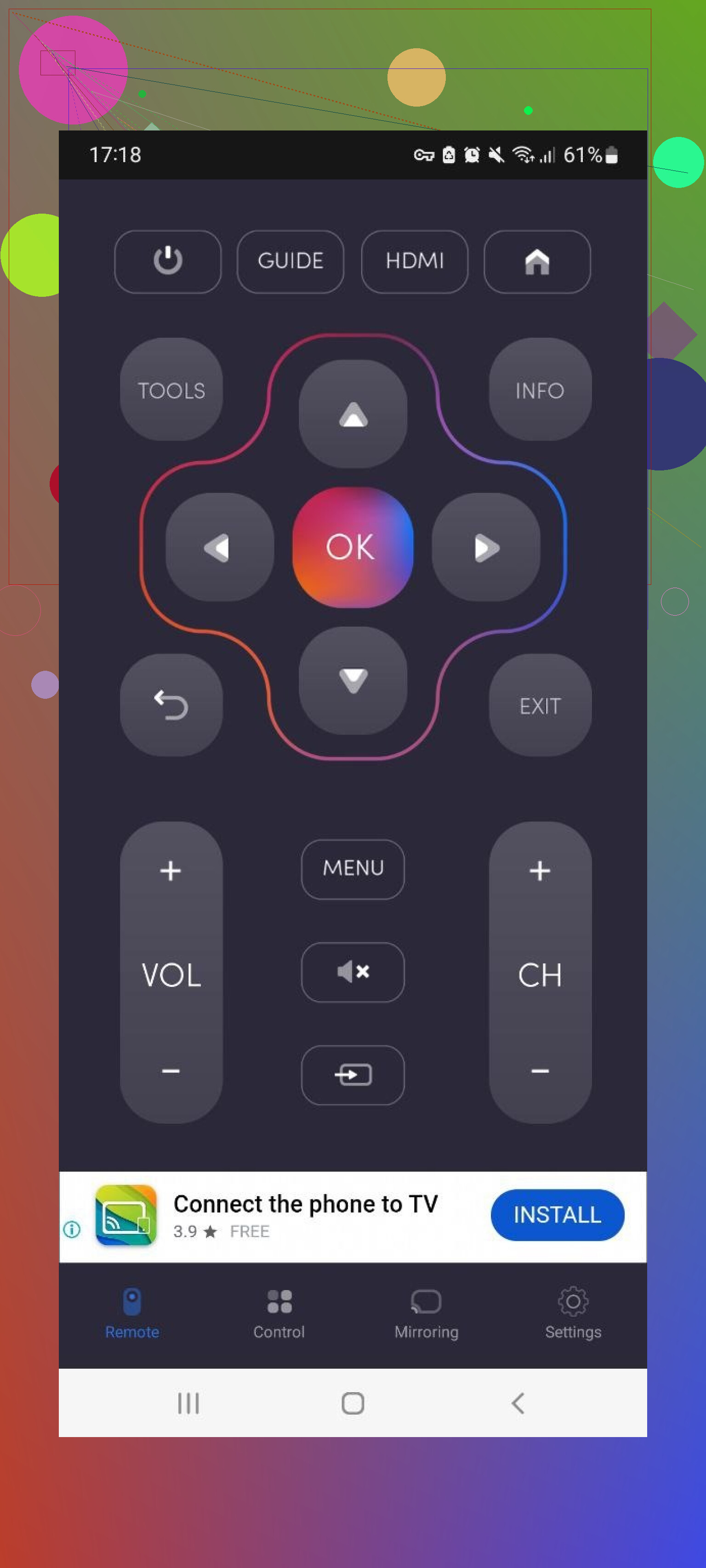
This one works over Wi-Fi with smart TVs, and over IR with compatible phones.
The app spotted my TV quickly, but connecting took several attempts. It would pair, work for a bit, then throw another ad, then occasionally drop the connection.
Pros
- Straightforward layout for basic navigation
- Works with both IR and Wi-Fi setups
Cons
- Aggressive full-screen ads that interrupt use
- Many options in the interface stay locked behind in-app purchases
- Connection stability did not inspire trust
Price: from 5.99 and up
Link:
Verdict
Might be ok as a temporary backup if your hardware remote dies. For something you use every day, the constant ads and random disconnects get old pretty fast.
Universal TV Remote Control (the other one)
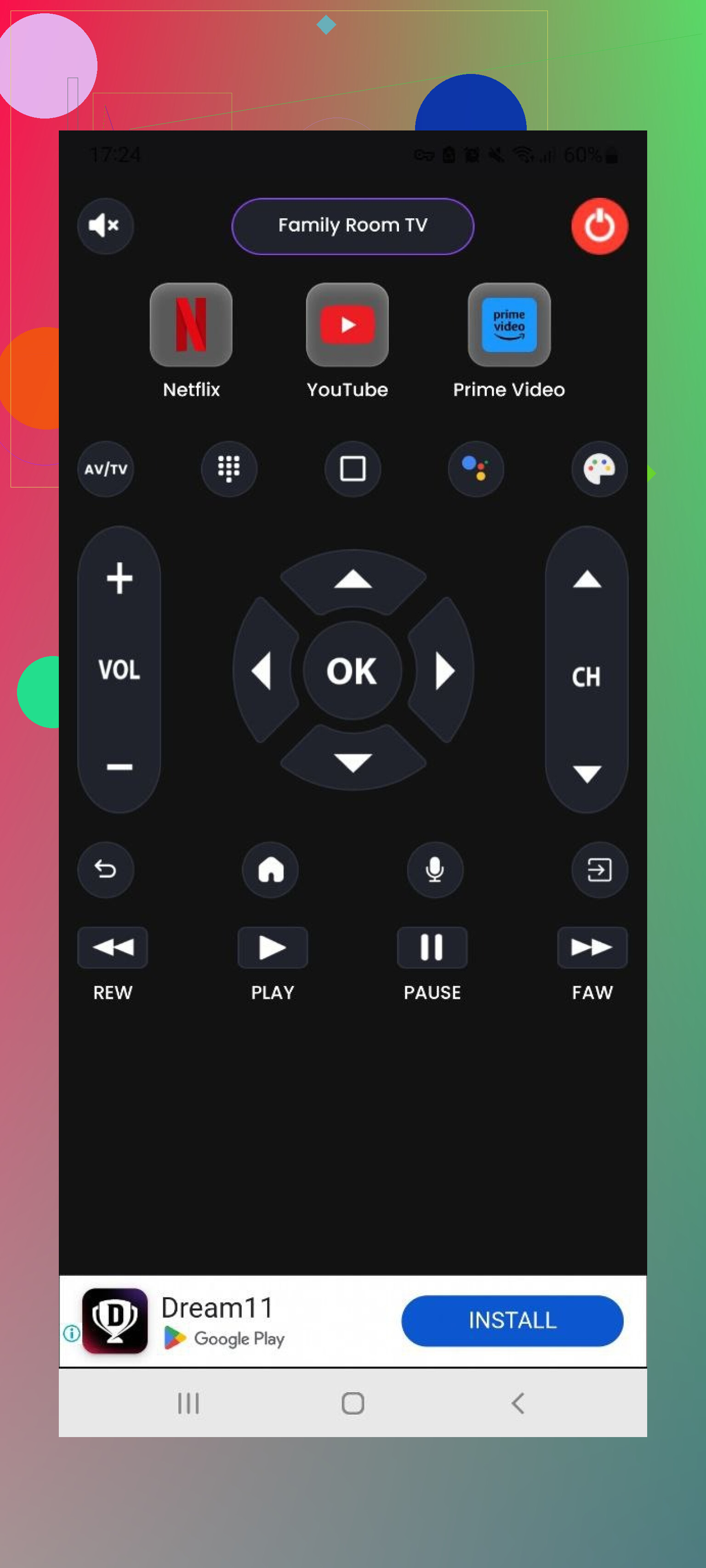
Last one in the Android list. Also named “Universal TV Remote Control” but from a different developer.
Supports LG, Samsung, Sony, TCL, and others. Works over Wi-Fi or via IR.
Core functions:
• Main universal control screen
• Power toggle
• Home/Menu button
• Simple playback controls like Play, Stop, Back, Forward
Pros
- All staple features are built in
- Trial period is available
Cons
- Many ads while navigating the app
- Most functions are either limited or locked behind payment
Price: from 3.99 and up
Link:
Verdict
Functionally, it has what you need. In practice, the constant interruptions and paywalls wore me down. If you dislike ads, this will irritate you.
Part 3: Mac apps to control your TV
I spend a lot of time on my Mac, so I tried using it as a TV remote too. It turned out better than I expected.
TVRem Universal TV Remote on Mac
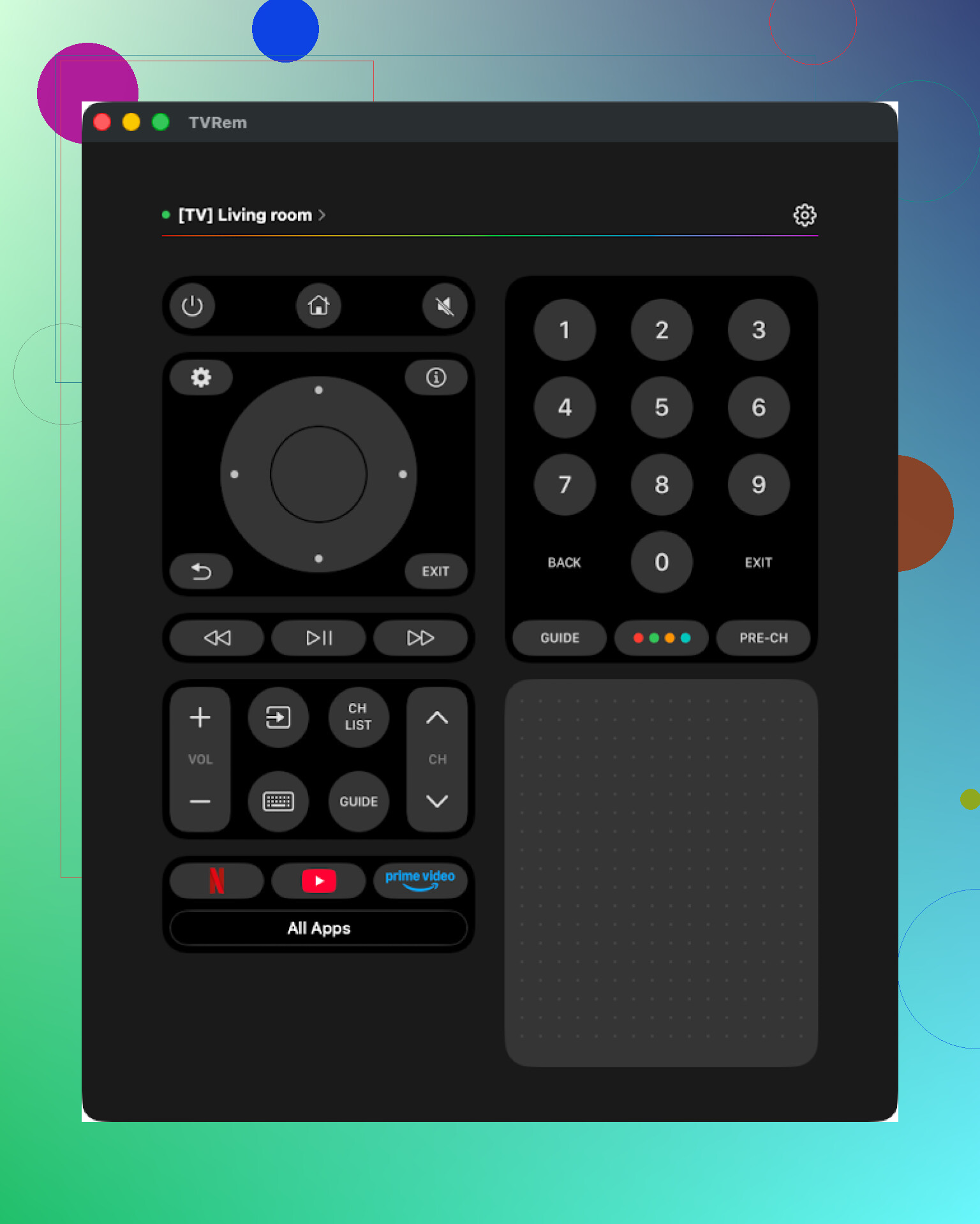
Same name as the iPhone app, and it behaves in a similar way.
I installed it from the Mac App Store and tested with a Samsung TV.
Connection took a few seconds, no weird pairing steps. UI is minimal, more like a remote than a “Mac app with a remote inside.”
Features I ended up using:
• Touchpad to move around TV apps
• Keyboard to type logins and search queries
• App launcher
• Standard navigation and volume
Pros
- Easy-to-read, simple interface
- No ads and no paywalls
- Works with many common TV brands
- Includes the stuff most people need day to day
Cons
- No Vizio support here either
Price: free
Link:
Verdict
If you sit near a Mac while watching TV, this works well. Being free and ad-free matters a lot here too. For me it turned into a second remote next to the iPhone app.
TV Remote, Universal Remote on Mac
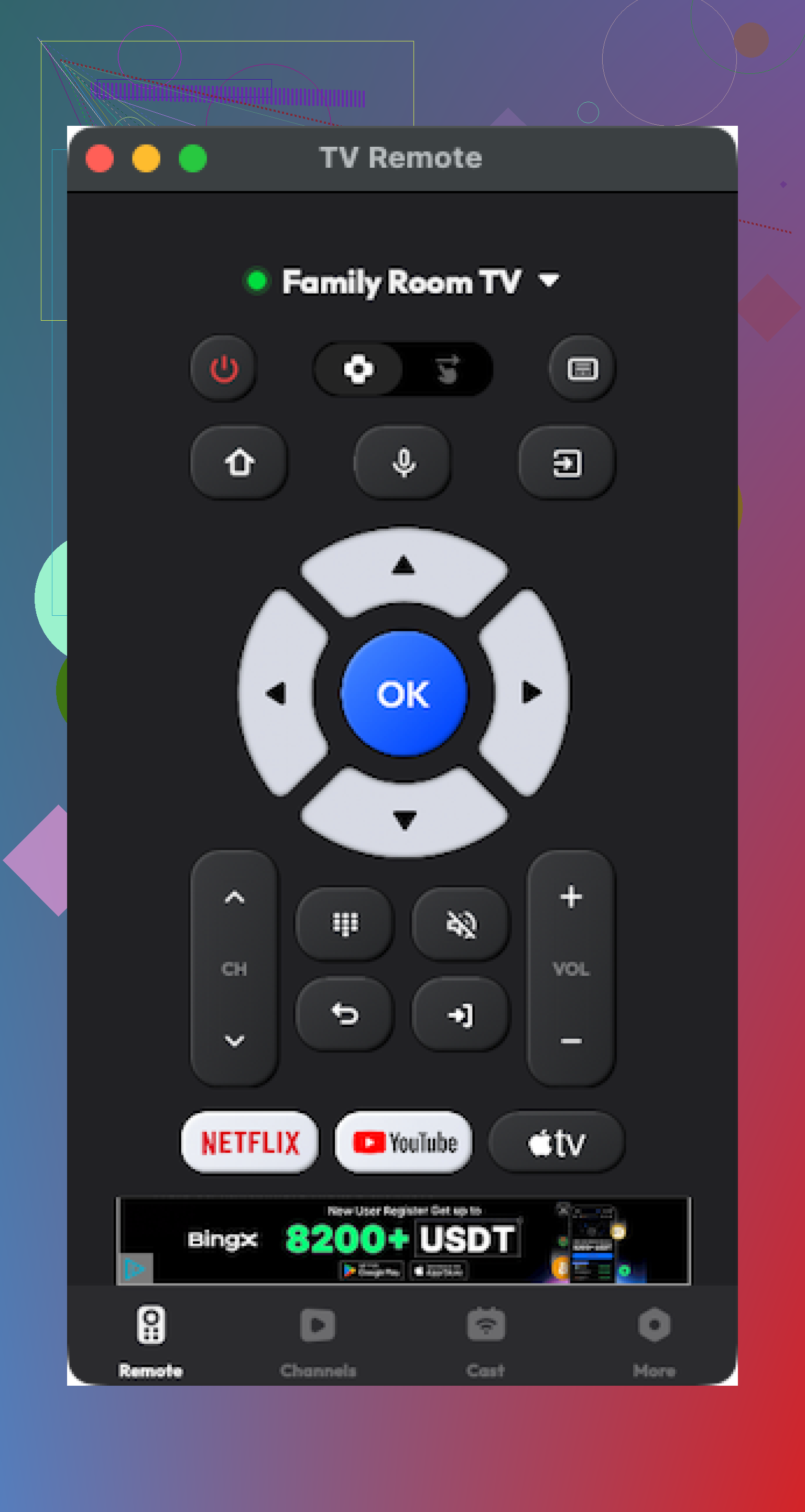
This is another Mac remote app from the App Store.
It hooked up to the TV without drama and the visual layout is ok. But once I tried exploring, the limits showed up fast.
Most interesting functions live behind payment. I also had a few random crashes when switching between sections.
Pros
- Interface is acceptable and not overloaded
- Supports multiple TV brands with basic functions working
Cons
- Many things require a paid upgrade
- Occasional app crashes
Price: from 4.99 and up
Link:
Verdict
Not useless, but not great. If you are willing to pay and do not mind an occasional bug, you might keep it. I stuck with TVRem on Mac instead.
Part 4: Physical TV remote vs remote app
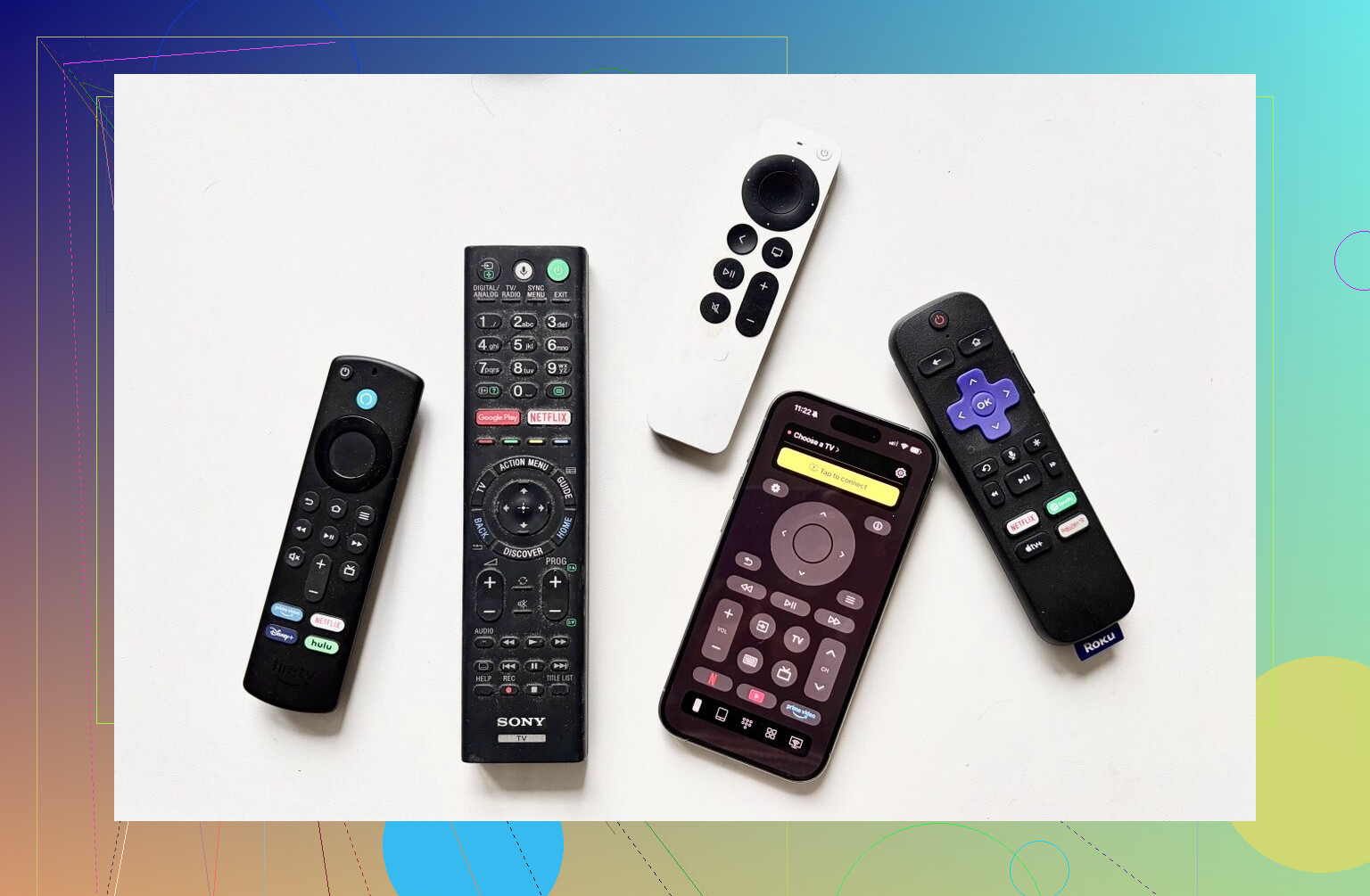
Quick comparison from my own use at home.
Physical remote
• The small remote that ships with the TV or you buy as a replacement
Remote app
• Software on your phone or tablet that controls the TV over Wi-Fi, Bluetooth, or IR
Why I ended up preferring apps in most cases
-
Harder to lose
The physical remote keeps wandering between rooms. My phone is always either in my pocket or on the table next to me, so I do not waste time looking around. -
Typing is faster
Entering a Wi-Fi password or a username on a physical remote is painful. With an app, I use a normal keyboard, so login screens become less of a chore. -
Cost difference
On Amazon right now, replacement remotes for Samsung TVs from around 2019 to 2025 sit around 15 to 20 dollars. For LG TVs I saw prices in the 13 to 35 dollar range. Many remote apps are free or cheaper than a physical replacement over a year of use. -
One remote for several screens
From a single app, I switch between our Samsung in the living room and LG in the bedroom. Some apps also support other smart devices, so you reduce remote clutter around the house. -
The interface
TV apps on phones feel more responsive than the cheap physical remote that comes with some TVs. Layouts are easy to read and I do not have to guess which of 25 nearly identical buttons does what.
Where apps fall short
• Wi-Fi or Bluetooth required
If the TV is offline, asleep in a way that blocks network access, or your router is acting up, the app fails. Some IR-based apps bypass this, but only if your phone has an IR blaster.
• You depend on your phone
If someone in the house walks off with the phone running the app, the remote goes with them. Also, you keep unlocking your phone for every small change.
• Limited feature support on some TVs
Older TVs or cheaper models sometimes allow only basic controls like volume and power through apps. Advanced options stay locked to the physical remote.
My personal take after trying all this
After about a week of going back and forth, I ended up in this setup:
• I use an iPhone, so my main pick is TVRem Universal TV Remote
• For backup or experiments, I keep TV Remote – Universal installed, but I did not buy a subscription
• On Mac, I use TVRem as well, since it is free and behaves the same as on iPhone
• My wife, on Android, prefers Universal TV Remote Control, even with the ads, because it supports IR on her phone and works with more TVs in her family’s place
Some quick points that stood out to me:
• True free apps without aggressive ads are rare in this space
• Many “universal” remotes exist mostly as ad shells with a subscription tacked on
• If you hate interruptions, check reviews for “ads” and “crash” before installing anything
If you own a Vizio TV, you will need to look outside TVRem, since it does not support that brand yet.
Hope this helps you avoid some of the bloat I installed before landing on something usable.
You have two separate problems here.
- One-remote-for-everything.
- Not wanting painful setup.
Physical universal remotes do this better than phone apps, even if I partly disagree with @mikeappsreviewer on preferring apps most of the time. Phone remotes are great backups. For daily living room use, a good physical universal beats them for speed and spouse‑acceptance.
Here is what I would look at, based on your gear:
-
If you want the “set it once and forget it” option
• Sofabaton U2- Infrared, works with almost any TV, soundbar, AVR, disc player.
- Physical buttons, macro support, activity style use.
- Setup through an app, then you use the physical remote.
- Typical use for you: press one button to turn on TV + soundbar + switch HDMI input.
- Weak points: not the best for game consoles or weird streaming boxes that expect Bluetooth only.
• Sofabaton X1
- More expensive but closer to the old Logitech Harmony style.
- Hub sits near your TV and blasts IR. Remote talks to hub by RF, so you do not need line of sight.
- Supports a lot of streaming devices through IP control.
- Good if you have stuff hidden in a cabinet.
- Setup takes a bit longer than the U2, but once activities are built, daily use is simple.
-
If you have an Apple TV or Roku as the main brain
This is where I disagree with leaning so hard into phone apps.
If your life runs on one main streaming box, do this instead of fighting with universals.• Apple TV as hub
- Use the Apple TV remote for almost everything.
- In settings, enable HDMI CEC so volume and power sync with your TV and soundbar.
- Often you end up needing only the Apple TV remote for 90 percent of use.
- Downsides: if your soundbar is older or your TV does not handle CEC well, this falls apart.
• Roku as hub
- Same idea as Apple TV.
- Use Roku remote plus CEC for TV power and volume.
- Many soundbars accept CEC volume commands from the TV.
-
If you want to try phone apps anyway
@mikeappsreviewer already covered a lot of iOS and Android options. Their take on ads and paywalls matches what I see, especially on Android. I would treat phone apps as:• Backup when the physical remote disappears.
• Tool for fast typing for password entry or search.
• Temporary fix while you wait for a better universal remote to arrive.If you go that route, use an app that does not spam you. TVRem on Apple devices is one that behaves decently, with the Vizio gap they noted. For Vizio I would stick to the official remote app or a physical universal.
-
Simple decision path for you
Step 1. Count your devices at the TV:
- TV brand and year.
- Soundbar or AVR brand.
- Streaming devices: Roku, Apple TV, Fire TV, console, etc.
Step 2. If most things talk over HDMI and support CEC, try:
- Turn on CEC in TV settings.
- Turn on CEC or “control over HDMI” in soundbar and streaming box.
- See if one original remote now controls power and volume for all.
Step 3. If CEC is flaky or you have older gear:
- Get Sofabaton U2 if everything is in line of sight.
- Get Sofabaton X1 if you have cabinet doors or want a Harmony style experience.
That gives you one solid hardware remote and your phone as an extra tool, instead of juggling five junk universals.
Short version: skip the cheap “universal” remotes and even partly disagree with both @mikeappsreviewer and @yozora here. Phone apps and Sofabaton are fine, but for sheer reliability and low‑friction setup, there are a few other angles worth trying first.
- Try to make ONE of your existing remotes the boss
If your TV, soundbar, and streamer are all HDMI‑connected, you might be one settings change away from “one remote” without buying anything.
Check this on your TV and devices:
-
TV: enable HDMI CEC
- LG: Simplink
- Samsung: Anynet+
- Sony: Bravia Sync
- TCL/Roku TV: 1‑Touch Play / HDMI‑CEC
-
Soundbar / AVR: enable HDMI control or ARC control
-
Streaming box:
- Apple TV: “Control TVs and Receivers” + “Volume Control via HDMI”
- Roku: “1‑Touch Play” + CEC enabled
- Fire TV: “HDMI‑CEC Device Control”
Then test: use just the streaming box remote for:
- TV power
- Volume on the soundbar
- Input switching
If that works, you already have your “universal” and it is the streamer remote. No extra setup wizard hell.
- If CEC is flaky or your gear is older
This is where I partly disagree with leaning so hard into phone apps like @mikeappsreviewer does. They are perfect for backup and text entry, but as a daily driver they are slower and everyone hates unlocking their phone 40 times a night.
Instead of only Sofabaton (which @yozora covered), I would look at:
-
One For All URC 7880 (Smart Control 8)
- Boring looking, but solid.
- Controls up to 8 devices.
- Setup via codes and learning, no cloud account circus.
- Macro / activity support so one button can turn on TV + soundbar + set input.
- IR only, so if your streaming box is Bluetooth‑only, you may still need that box’s remote.
-
Inteset INT‑422
- Old‑school universal, but very dependable.
- Tons of pre‑programmed codes for Apple TV, Roku, Nvidia Shield, etc.
- Learning functions for weird devices.
- No apps, no subscriptions, just button programming.
- Not as “sexy” as Sofabaton X1, but far less to break.
- Where I actually like phone apps
Here I’m closer to @mikeappsreviewer:
- Use the TV’s official remote app when possible
- Samsung SmartThings, LG ThinQ, etc.
- Usually fewer ads and less scammy than 3rd‑party “universal” apps.
- Use them mainly for:
- Typing passwords and searches
- Backup when the main remote is MIA
- Occasional volume/input tweaks from another room
The whole “this app controls every device you’ve ever owned” story usually collapses into ads, missing codes, and random disconnects, as they already showed.
- If you still want a true universal like Harmony used to be
- Sofabaton X1 is the closest living thing, so here I actually agree with @yozora.
- Just be ready for a longer setup session. If you hate setup, you probably want something simpler like the URC 7880 or using CEC.
Practical path so you are not stuck in setup purgatory again:
- Try enabling HDMI CEC on everything and see if one stock remote already “just works.”
- If it does not, decide:
- Want minimal tech fuss: get One For All URC 7880 or Inteset INT‑422.
- Want Harmony‑style fancy: Sofabaton X1.
- Keep a phone app around only as backup and for typing, not as your main control.
Short version: I’d skip the “one magic gadget” dream and split your setup into (1) a solid physical universal remote and (2) a lean set of apps for backup and typing. That avoids almost all the pain you described.
@yozora leaned into Sofabaton, @jeff focused more on using what you already own, and @mikeappsreviewer went deep on universal TV remote apps. I mostly agree with all three on different parts, but I would not rely on phone apps as the primary daily remote the way some of that testing suggests.
1. Start with what you already have
Before buying anything:
- Turn on HDMI CEC on TV, soundbar, and streamer
- Test whether one existing remote can:
- Power TV and soundbar
- Control volume on soundbar
- Switch to the right HDMI input
If that works 80 to 90 percent of the time, that “almost‑universal” stock remote becomes your main controller and you only need a backup plan, not a whole new ecosystem.
2. Why a physical universal still matters
This is where I diverge a bit from @mikeappsreviewer’s heavy use of phone apps.
A good universal remote gives you:
- Tactile buttons you can use in the dark
- No app updates, no “3‑day trial” traps
- No dependence on Wi‑Fi being happy
A few that tend to be less painful than the usual cheap “8‑in‑1” bricks:
- Inteset INT‑422 (great for Apple TV / Roku / Shield / older gear)
- One For All URC 7880 (nice activity macros, no cloud nonsense)
- Sofabaton X1 if you really want a Harmony‑style hub and do not mind longer setup
They are not perfect, but they avoid a lot of the code‑guessing and random failure behavior you saw with bargain remotes.
3. Where phone apps actually shine
Here I am closer to @mikeappsreviewer:
Use apps as special tools, not your main remote.
Best use cases:
- Typing Wi‑Fi passwords, email logins, search queries
- Quickly controlling a TV from another room
- Temporary replacement if the physical remote vanishes
If you are going to pick just one universal TV remote app, the testing that was shared already showed a clear pattern: almost every “universal” app lives behind ads and subscriptions. So the bar is low.
The standout in that write‑up was TVRem Universal TV Remote:
Pros for TVRem Universal TV Remote
- No surprise paywall screens popping up mid‑use
- Clean interface that behaves like a real remote
- Touchpad, voice control, and keyboard actually work across major brands
- Fast TV discovery over Wi‑Fi
- Available for iPhone and Mac with very similar behavior
Cons for TVRem Universal TV Remote
- No Vizio support right now
- Depends on your home network being stable
- Older or very cheap TVs may only expose basic functions
If your TVs are in the supported list and you accept the Wi‑Fi dependency, TVRem Universal TV Remote is a strong “backup plus typing” solution that avoids the nagging that drove you away from other apps.
4. How I’d put it together for you
Given your “sick of juggling remotes and bad universals” situation, I would do this:
- Enable HDMI CEC everywhere and see which existing remote already controls the most. Make that your main clicker.
- Add one sturdy universal physical remote (Inteset or One For All, or Sofabaton if you like hubs) for when CEC fails or you change sources a lot.
- Install a single remote app like TVRem Universal TV Remote on your phone and/or Mac, used mainly for text entry and as a backup.
That combination avoids the nightmare setup of cheap universals, keeps you from unlocking your phone every 20 seconds, and still gives you “one‑remote‑feels” most of the time without betting everything on any one product or app.