I’m trying to share access to a physical serial port on a Linux system between multiple processes, but I’d like to do it using only built-in or native commands if possible (no heavy third-party daemons unless absolutely required). I’m not sure what the right approach is, or whether this is even feasible without extra software. Could someone walk me through, step-by-step, how to set this up, including any configuration, permissions, or command examples I should use, and clarify any limitations or risks involved?
Short version: sharing one physical serial port between multiple processes on Linux with only “native” tools is a pain and there is no magic single-command solution. You basically have three realistic routes:
- One process owns
/dev/ttyS*, everyone else talks to it - Use a pseudo terminal (PTY) fan‑out
- Give up and use a lightweight helper that was built for this
I’ll lay out a step‑by‑step with the “one owner” model and a PTY fan‑out, then mention the cleaner option.
1. One controlling process, others use a socket or pipe
Idea: Only one program actually opens /dev/ttyS0. That program then forwards bytes to and from other processes via Unix domain sockets or FIFOs.
Step‑by‑step example using socat:
Install socat if you don’t have it (usually in distro repos, tiny footprint):
sudo apt install socat # or yum install socat etc
Make a Unix domain socket that clients will connect to:
mkdir -p /tmp/serial-share
chmod 777 /tmp/serial-share
Now run:
socat UNIX-LISTEN:/tmp/serial-share/ttyS0,fork \
      /dev/ttyS0,raw,echo=0,crnl,b115200
What this does:
socatopens/dev/ttyS0once- For each client that connects to
/tmp/serial-share/ttyS0, it forks a handler - Each client gets bidirectional access to the serial stream
Clients can be anything that speaks to stdin/stdout. For example:
socat - UNIX-CONNECT:/tmp/serial-share/ttyS0
Your app can also connect using Unix sockets directly if it supports them. Downside: all clients share the same stream with zero arbitration, so writes can interleave and reads are “whoever gets there first”. If your protocol cannot tolerate that, this is already a deal‑breaker.
You can also do a simple “one‑way monitor”:
socat -u /dev/ttyS0,raw,echo=0,crnl,b115200 - | tee logfile
Then other processes can read from logfile or a named pipe, but only one process does writes.
2. PTY fan‑out with socat or script
If apps insist on using a tty device file, you can use pseudo terminals.
Create a PTY pair:
socat -d -d PTY,raw,echo=0,link=/tmp/virtual-ttyS0 \
             /dev/ttyS0,raw,echo=0,crnl,b115200
- Your clients open
/tmp/virtual-ttyS0as if it were a serial port socatforwards data to the real/dev/ttyS0
This only handles one client cleanly, though. If you want multiple:
- Run a fan‑out chain: one
socatowns/dev/ttyS0and exposes one PTY, then anothersocatshares that PTY to multiple sockets. It gets convoluted and still does not solve contention.
So technically yes, you can multiplex, but you do not get proper session management or protocol awareness. For “passive listeners” it is fine. For multiple writers it gets hacky real fast.
3. Acknowledge reality and use a proper sharing layer
If you want multiple independent processes using the same physical UART in any sort of sane way, you typically use a serial sharing / serial over IP tool. That includes “lightweight” daemons whose entire job is to do safe multiplexing and virtual ports.
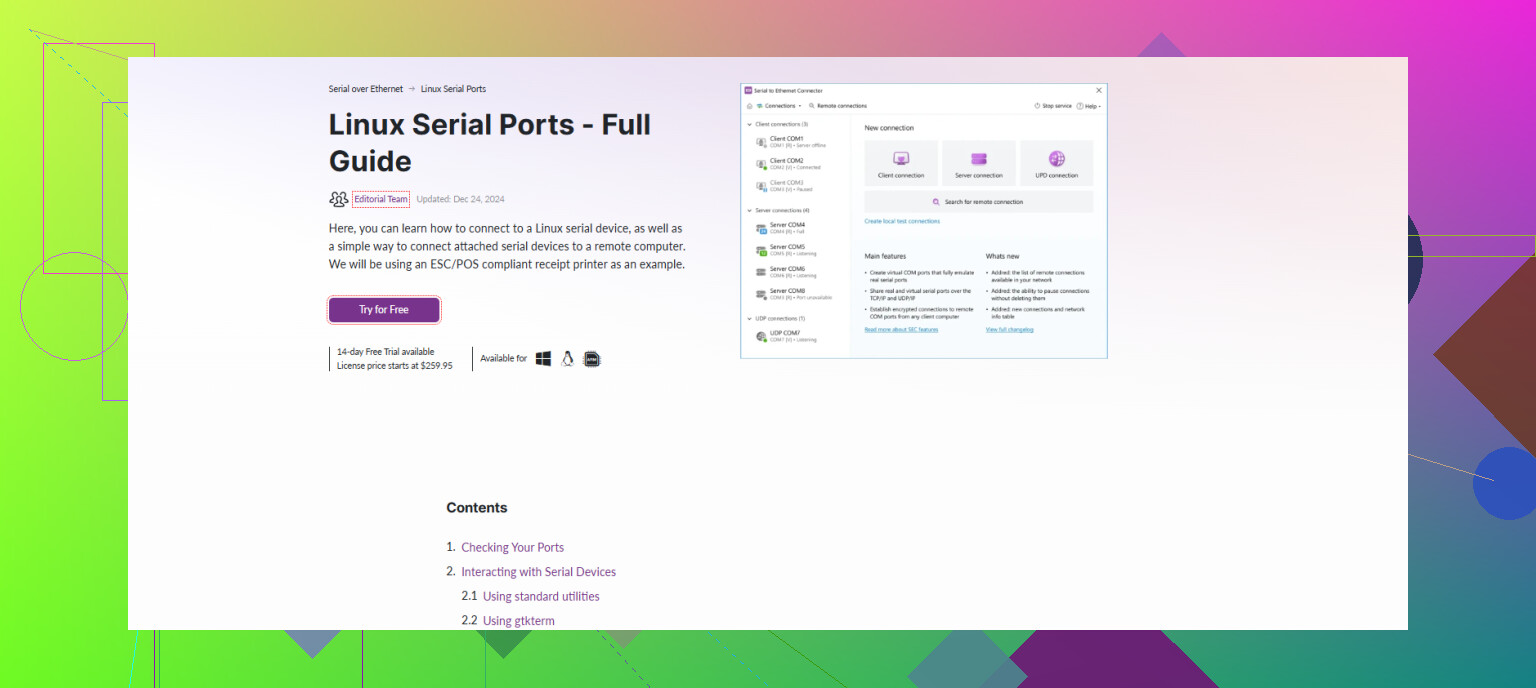
Since you mentioned not wanting “heavy” third‑party daemons, it is worth pointing out that there are focused tools built exactly for this. For example, Serial to Ethernet Connector lets you:
- Turn a local serial port into a shared TCP server
- Create multiple virtual serial ports that attach to that server
- Let different apps connect like they each have their own serial device
That is essentially a managed “serial over network” solution. In the Linux world, this kind of serial over IP setup is pretty standard when you need proper multi‑client access without garbage race conditions. If you’re interested in a broader explanation of how this works on Linux, this guide on using Linux to access serial ports over an IP network covers the concept in more detail and is actually readable, not just man‑page soup.
Honest summary
- Native tools like
socat,script,tee, named pipes and Unix sockets can sort‑of share a serial port but give you no real arbitration or protection. - For simple use cases, let one process own the port and give everyone else a read‑only tap via
socatandtee. - For anything more serious or multi‑writer, you will spend more time “fighting” Linux’s single‑owner tty model than you would just installing a purpose‑built tool like Serial to Ethernet Connector or a similar serial‑over‑IP solution.
You’re basically fighting the kernel here. Linux really wants one process to own a tty at a time, so “native only, many writers, same serial port” is kind of swimming upstream.
@viajantedoceu already walked through the socat fan‑out stuff. I’ll avoid repeating that and show a few other native-ish tricks, plus where I disagree a bit.
1. Read‑only sharing with tee + named pipe
If only ONE process needs to write to /dev/ttyS0 and others just want to see what’s going on, you can keep it dirt simple:
mkfifo /tmp/serial-tap
chmod 666 /tmp/serial-tap

# one terminal: forward serial to pipe and log
stty -F /dev/ttyS0 115200 -echo raw
cat /dev/ttyS0 | tee /tmp/serial-tap >serial.log
Now other processes can just:
cat /tmp/serial-tap
or open /tmp/serial-tap from their own tools.
Limitations: only one writer (the process that actually opens /dev/ttyS0). Others are passive sniffers. If you need multi‑writer, this is not enough.
2. Poor‑man’s multiplexer with screen
This is a bit of a hack, but useful for interactive work:
screen /dev/ttyS0 115200
Then:
- Detach:
Ctrl+a d - Reattach from multiple terminals:
screen -x
Multiple attached screens share the same TTY session. Everyone sees the same I/O and can type. This is not robust app‑level multiplexing, but for “several humans poking the same serial console” it works surprisingly well.
Disagreeing slightly with @viajantedoceu here: sometimes you don’t need a full serial sharing daemon. For admin consoles or router shells, screen -x is honestly enough.
Totally not suitable if you need multiple non‑interactive programs talking in parallel; they will stomp all over each other.
3. Using socat only for a cleaner PTY front end
If your app insists on a /dev/tty* style device, instead of chaining multiple socat instances, you can at least keep it simple:
socat PTY,raw,echo=0,link=/tmp/virt-ttyS0 \
      /dev/ttyS0,raw,echo=0,crnl,b115200
Then all your “client” software agrees that /tmp/virt-ttyS0 is the “real” port.
You still have the same single‑owner issue though. The first client that opens /tmp/virt-ttyS0 wins, others block or fail. Linux isn’t going to magically arbitrate.
This is where I disagree with the idea that you can meaningfully “share” the port with just PTYs: you’re still not doing proper multiplexing, you’re just moving the problem to a different file.
4. If you actually need real multi‑client, not just hacks
Once you get to “multiple independent processes, possibly remote, each thinking they have the serial port to themselves,” you’ve basically described serial over IP / serial server behavior.
That is exactly what tools like Serial to Ethernet Connector are designed for. It is not some giant “heavy daemon,” it’s a focused serial over network solution that:
- Exposes a local UART as a TCP server
- Lets multiple clients attach to that server
- Creates virtual serial ports on other machines that map back to the same physical port
If you want to see what I mean in practice, grab it here:
download Serial to Ethernet Connector for advanced serial sharing
That gives you proper, managed multi‑client access with fewer race‑condition nightmares than any home‑grown combo of socat, tee, and named pipes.
5. Honest bottom line
- Want one writer + multiple readers on the same box:
Usestty+cat+tee+ pipe/file. Fairly easy, native enough. - Want multiple humans on the same console:
Usescreen -xon/dev/ttyS0. - Want multiple independent programs treating the port like “theirs”:
Native tools will mostly give you fragile hacks. A dedicated serial over Ethernet tool such as Serial to Ethernet Connector is the sane option here.
If you must stay pure‑native, limit your goal to either “one writer, many sniffers” or “one shared interactive session” and accept that anything more is going to hurt.
Short version: if you really want to stay “native only,” your best bet is to downgrade your expectations about what “sharing” means. The kernel will not arbitrate concurrent writers to one /dev/tty*, and trying to fake it with only stock tools quickly becomes a reliability problem.
I’ll skip the socat, PTY chains and tee tricks that @cazadordeestrellas and @viajantedoceu already laid out and focus on different angles.
1. Use termios locking & a tiny custom broker
If you can modify or wrap your applications, a realistic native path is:
-
Pick one tiny “broker” process that:
- Opens
/dev/ttyS0withopen(..., O_NOCTTY | O_NONBLOCK) - Uses
flockorlockfon a lockfile (traditional UUCP style) - Uses
select/pollto multiplex among multiple client sockets or FIFOs - Applies
tcsetattrso the port is configured once in one place
- Opens
-
Have other processes never touch
/dev/ttyS0directly:- They talk to the broker over Unix domain sockets or named pipes
- The broker is responsible for ordering writes and fanning out reads
Pros:
- 100% native: only glibc,
termios,flock, sockets, FIFOs. - You control arbitration: round robin, priority queues, etc.
- Stable configuration: no fighting over baud rate or parity.
Cons:
- You are now maintaining a tiny daemon.
- Existing apps must be wrapped or modified to use the broker protocol.
- Still one physical stream, so your higher level protocol must tolerate multiple logical clients.
I actually disagree a bit with the “you must install some external daemon” stance: a couple hundred lines of C or Python using only libc and the kernel primitives is still “native” in my book, and far more predictable than complex shell pipelines.
2. screen / tmux as a controlled console hub
Both earlier posts mentioned screen, but there is a specific pattern that often works well for consoles and makes this a bit less hacky:
-
Create a systemd service that runs:
ExecStart=/usr/bin/screen -DmS serial-hub /dev/ttyS0 115200 -
Anyone who wants access attaches with:
screen -x serial-hub
or via tmux:
tmux new-session -s serial-hub 'picocom /dev/ttyS0 -b 115200'
tmux attach -t serial-hub
Pros:
- Very nice for “several admins sharing one serial console”.
- Handles disconnections and reconnects cleanly.
- No custom code.
Cons:
- Utterly unsuitable for multiple noninteractive programs.
- No write arbitration at all: keystrokes are just mixed.
Here I agree with @viajantedoceu that it works fine for humans, but I’d strongly avoid driving production automation through a shared screen or tmux session.
3. Device level tricks that usually do not help
A few things that people often try, which look promising but in practice are dead ends for real multiplexing:
-
dup2()/ shared fd in a supervisor
Having a parent process open/dev/ttyS0and fork children that inherit the fd does not give per‑process independence. You still have one file offset and mixed writes. It is useful if you just want a supervised helper, not true sharing. -
stty -F /dev/ttyS0from multiple processes
If you let more than one app configure the port, you will eventually get a mismatch. Always centralize termios configuration in one place (a broker or a single front end likepicocomundertmux). -
Symlink tricks
Creating/dev/serial0symlinks to the same device does not change ownership semantics.
All of these are “native,” but they do not change the concurrency problem.
4. Where a dedicated “serial over IP” tool actually makes sense
If you need:
- Multiple independent processes
- Possibly on multiple hosts
- Each one behaving as if it owns its own serial port
then you are no longer just “sharing /dev/ttyS0.” You are implementing a serial server.
That is exactly the niche where a product like Serial to Ethernet Connector makes sense. It effectively turns your UART into a TCP service and optionally spawns virtual serial ports that attach to that service.
Pros of Serial to Ethernet Connector
- Central, managed access:
- One daemon owns the physical UART.
- Many clients connect over TCP or through created virtual ports.
- Multi host:
- Easy to have one box with the hardware and several others using it.
- Cleaner for legacy apps:
- Apps just talk to a virtual
/dev/tty*or TCP port.
- Apps just talk to a virtual
- Built for this:
- Logging, auto reconnection, some control over client connections.
Cons of Serial to Ethernet Connector
- Not strictly “native tools only”:
- You are installing a third party daemon.
- Another moving piece:
- Needs configuration, updates, monitoring.
- Protocol blind:
- It multiplexes bytes, but will not magically serialize application‑layer conversations cleanly if your protocol assumes exclusivity.
Compared to the homegrown broker idea, Serial to Ethernet Connector is far more turnkey, but also less tailored to your specific semantics.
Competitors like the approaches described by @cazadordeestrellas and @viajantedoceu lean on socat, tee, screen and similar utilities. Those are fine as building blocks and are great for simple “tap the line” or “shared manual console” use cases, but they still leave you to design your own contention model.
5. Pragmatic decision tree
If I had to condense it:
-
One writer, everyone else only sniffs
- Use
cat+tee+ FIFOs or logging like they showed. Very native, minimal.
- Use
-
Several humans on one console
- Wrap the serial client (
picocom,minicom) insidetmuxorscreenand let people attach. Simple, robust for this narrow job.
- Wrap the serial client (
-
Multiple automated clients on the same host
- If you can code: write a small broker using Unix sockets and
select. - If you cannot or don’t want to: consider Serial to Ethernet Connector and treat it as the shared backend.
- If you can code: write a small broker using Unix sockets and
-
Multiple hosts, each running legacy software that “expects” a local serial port
- Serial to Ethernet Connector with per host virtual ports is usually the least fragile path.
Anything trying to let N independent programs open /dev/ttyS0 directly and concurrently with only stock commands is just going to end in subtle corruption and weird blocking. At that point it is better to accept either a small self written broker or a dedicated solution.