I’m trying to free up space on my iPhone and noticed synced media taking up storage. I’m confused about whether synced media is the same thing as iCloud storage or if it’s stored separately on my device. I need help understanding what counts toward iPhone storage, what counts toward iCloud, and whether deleting synced media will affect my photos, music, or backups.
Synced Media gave me the same headache. I dug through it after an iOS update and lost way too much time figuring out why storage stayed full even after I deleted stuff on the phone.
What Synced Media means
It is local media copied from a computer to your iPhone through iTunes, Finder, or Wi-Fi sync. Music, movies, TV shows, podcasts, audiobooks, photos, all of it fits there.
Older iOS builds hid this better. Synced songs used to blend into Music storage. Synced photos looked like normal photo usage. Newer iOS versions split those files into their own storage chunk, so now you see ‘Synced Media’ sitting there like some mystery slab.
It is not iCloud. Different thing.
iCloud stores your data in Apple’s cloud and mirrors across devices.
Synced Media sits on the phone itself and came from a Mac or PC sync.
Why deleting files on the iPhone often does nothing
This part annoyed me most. I deleted albums, checked Photos, checked Music, emptied what I could, and the storage bar barely moved.
Reason is simple. iOS treats synced files as computer-managed. If a file was pushed from your laptop, the phone often will not let you remove it directly. You may see the delete option missing or grayed out. So the files look gone, but the storage block sticks.
How I got rid of it
You need the computer used for sync, or at least a computer you can sync with now.
On Mac:
Open Finder.
On Windows:
Open iTunes or Apple Devices.
Then go section by section, Photos, Music, Movies, whatever was synced, and untick the content you do not want.
If storage still refuses to clear, this is the workaround I used:
- Make an empty folder on your computer.
- Connect your iPhone.
- In sync settings for Photos, point syncing to the empty folder.
- Run sync again.
What this did for me was overwrite the old synced photo data with nothing. Crude, yes. Worked, also yes. The stuck storage finally dropped after that.
Does it slow the phone down
From what I saw, yes. Once my free space got squeezed, the phone turned sluggish. Typing lagged. Apps reopened slow. Random hiccups showed up all day.
I keep a few gigabytes free now because iPhones get weird when storage is cramped. Around 5 to 6 GB free helped on mine. Below that, things started feeling off. Not scientific, I know, but it matched what I saw.
What I used to clear the rest
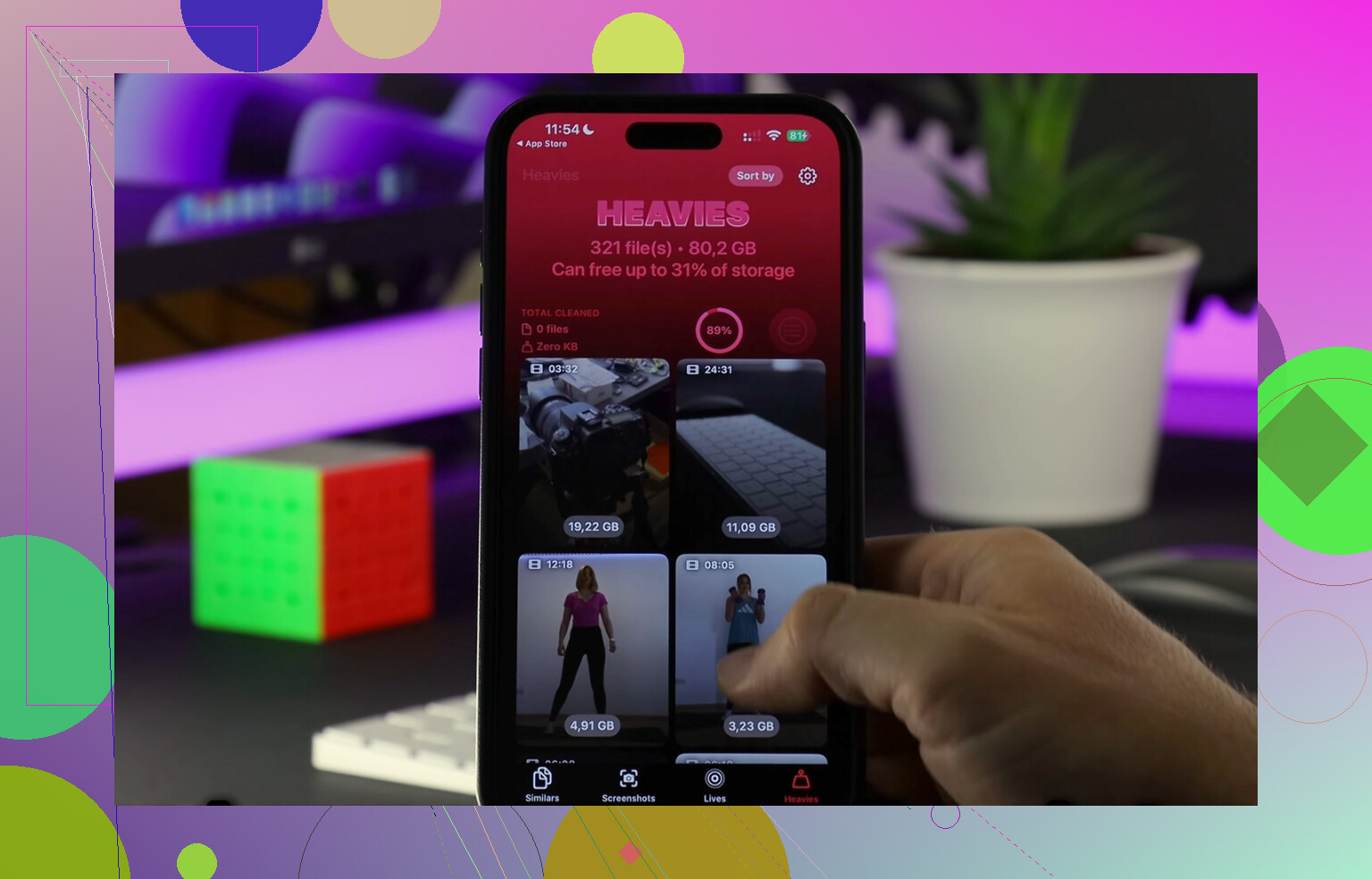
After I handled the synced junk, I still had loads of leftover clutter, mostly screenshots, duplicate photos, and old videos. I tested a few cleanup apps and most were junk, ad spam, locked features, fake scans, the usual mess.
The one I kept was Clever Cleaner. The link I found for it was this YouTube video:
What I liked:
It showed file sizes clearly.
It sorted big files fast.
It had a ‘Heavies’ section, which made old giant videos easy to spot.
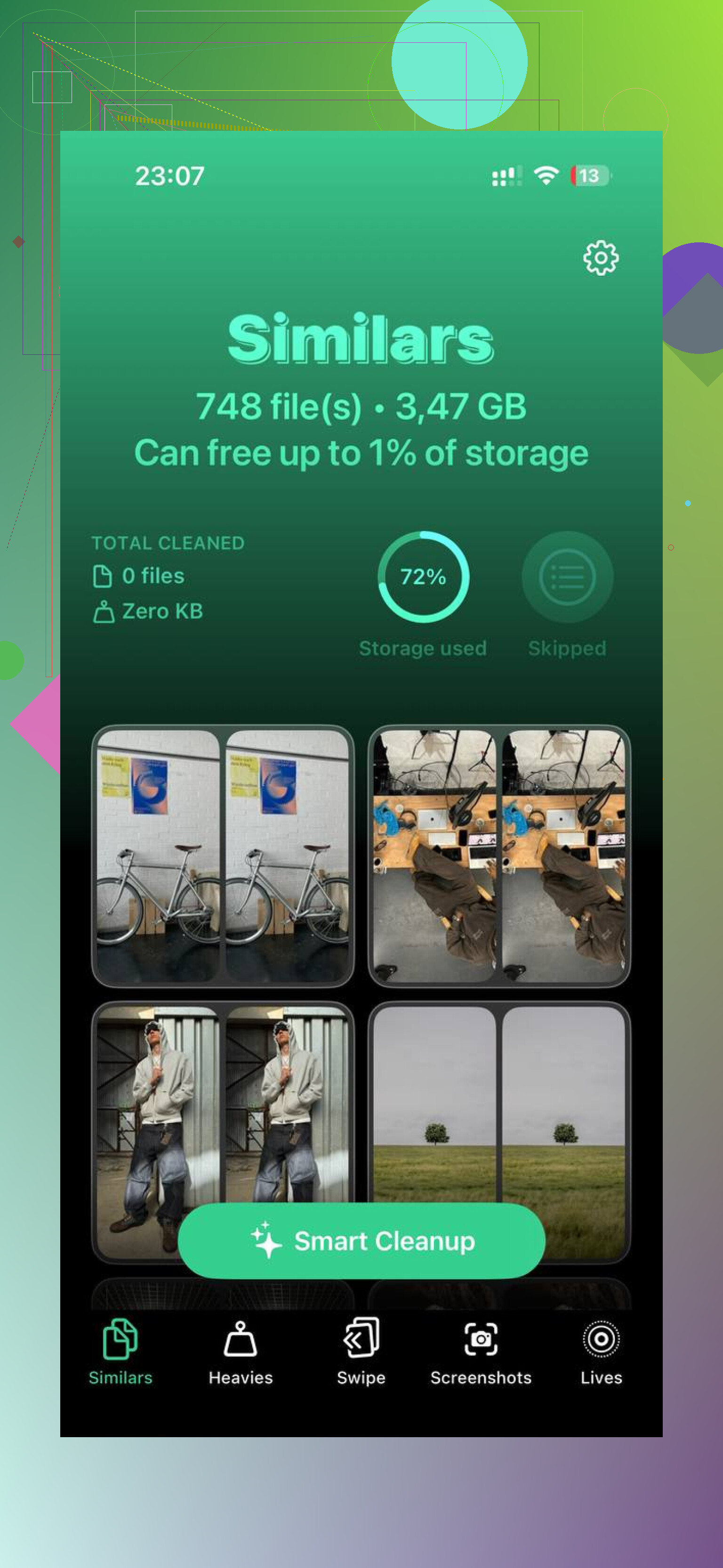
It had a ‘Similars’ section for near-duplicate photos, like when you take six shots of the same thing and keep one.
It ran on-device for photo analysis, which I preferred.
I cleared around 15 GB between manual sync cleanup and deleting junk media. After that, my phone stopped feeling bogged down. Typing returned to normal. Apps stopped crashing as much. Storage finally made sense again, sort of.
If your Synced Media block is huge, I would start with the computer sync first. Do not waste an hour deleting stuff on the phone if the files were synced from a laptop. After the big chunk is gone, clean up screenshots, duplicates, and large videos so the free space stays free. That was the part I missed the first time, lol.
No, Synced Media is not iCloud storage.
Synced Media means files stored on your iPhone. They take up physical device space. Most of it comes from syncing with a Mac or PC, or from apps moving media onto the phone outside iCloud.
iCloud storage is separate. It lives on Apple’s servers. Paying for 200GB of iCloud does not give your iPhone 200GB more local space. A lot of people mix those up.
One small thing I’d push back on from @mikeappsreviewer. Synced Media does not always mean your phone will feel slow by itself. The issue is low free space. iPhones tend to act weird when available storage drops into the red zone, often under 5 to 10 percent.
Quick way to tell what you’re dealing with.
- Go to Settings, General, iPhone Storage.
- Tap Photos, Music, TV, Podcasts.
- Check whether the files are downloaded, streamed, or synced.
- Compare that with Settings, your Apple ID, iCloud, Manage Storage.
If the space is listed under iPhone Storage, it is on the device. If it is under iCloud, it is cloud space.
Best long term fix is to stop duplicating media. For example, if you stream Apple Music or Spotify, keeping big synced music libraries offline is often wasted space. Same for old home videos.
If your photo library is the bigger problem, turn on iCloud Photos with Optimize iPhone Storage. That keeps smaller device versions when space gets tight. It’s not perfect, but for most people it cuts local photo storage a lot.
If you want to clean up the leftovers after dealing with synced files, Clever Cleaner is worth a look. It helps free iPhone storage fast by finding duplicate photos, large videos, and other space hogs without a bunch of clutter. This short demo shows it better than I cna explain, see how Clever Cleaner frees up iPhone storage fast.
Short version. Synced Media is on your iPhone. iCloud is not. Separate buckets. Same Apple ecosystem. Confusing labels, lol.
Nope. Synced Media is device storage, not iCloud storage.
Think of it like this:
- iCloud = stuff stored on Apple’s servers
- Synced Media = stuff physically copied onto your iPhone
So if you see Synced Media in Settings > General > iPhone Storage, that space is being used on the phone itself. iCloud space and iPhone space are two totally seperate buckets.
I mostly agree with @mikeappsreviewer and @viajeroceleste, but one thing I’d add: sometimes “Synced Media” is not worth obsessing over unless it’s actually large. iOS storage categories are kinda messy and occasionally lag behind reality. If it says 500 MB, I’d ignore it. If it says 20 GB, yeah, that’s your problem.
Another thing people miss: downloaded content from apps can muddy the picture. Offline Spotify, Netflix downloads, podcast caches, edited video exports, even Messages attachments can make it feel like Synced Media is bigger than expected. So check the big apps too before going nuclear.
If your goal is freeing space, I’d do it in this order:
- Remove any old computer-synced media if you still use Finder/iTunes sync
- Check app downloads and caches
- Review Photos and videos, since that’s usally the real storage hog
- Empty Recently Deleted albums/folders
- Restart the phone and re-check storage after a bit
If the synced part is cleared but you still need room, Clever Cleaner is actually useful for finding duplicate photos, similar shots, and large videos without wasting time. Also, if you want real-world user feedback, this is a decent thread on real Clever Cleaner reviews from iPhone users.
Short version: Synced Media is local iPhone storage, not iCloud. Deleting iCloud stuff won’t automatically remove that chunk from your phone.
Synced Media is local, not iCloud. On that, @viajeroceleste, @yozora, and @mikeappsreviewer are basically right.
One nuance though: the label can be a little misleading. It does not always mean only old iTunes-era stuff. Sometimes iOS lumps media imported or managed outside normal app storage into that bucket, so treat it as “on-device media Apple considers synced” rather than “everything from iCloud.” Either way, it still uses your iPhone’s physical storage.
The practical test is simple:
- If deleting something from iCloud changes your iCloud quota but not iPhone Storage, it was never your real space problem
- If “Synced Media” shows under iPhone Storage, that chunk is competing with apps, photos, and system data on the phone itself
Where I slightly disagree with @mikeappsreviewer is the slowdown point. Low storage can hurt performance, yes, but Synced Media itself is not uniquely bad. A 15 GB movie library and 15 GB of camera video are equally “heavy” from a storage perspective. The category matters less than how much free space is left.
If you already ruled out computer sync and the number still looks bloated, I’d also check:
- Files app downloads
- Messages attachments
- GarageBand, iMovie, CapCut, or other editors exporting copies
- Podcast episodes marked “saved”
- Voice Memos
As for cleanup apps, Clever Cleaner is decent after you solve the root issue.
Pros:
- good for duplicates and large videos
- faster than manual photo cleanup
- simple interface
Cons:
- won’t magically remove true computer-synced media by itself
- cleanup suggestions still need human review
- less useful if your storage issue is mostly app data, not photos/videos
So no, Synced Media is not the same as iCloud storage. Think “stuff stored on Apple’s servers” versus “stuff physically sitting on your phone.” Separate buckets, same ecosystem, confusing naming.