I’m trying to send some photos from my iPhone, but the file sizes are too large to email or upload easily. I need advice on simple, reliable ways to compress images directly on my iPhone without losing too much quality. Any app or built-in feature recommendations would be super helpful.
Quick Rant: Storage Saviors on iOS (Best Kept Secret?)
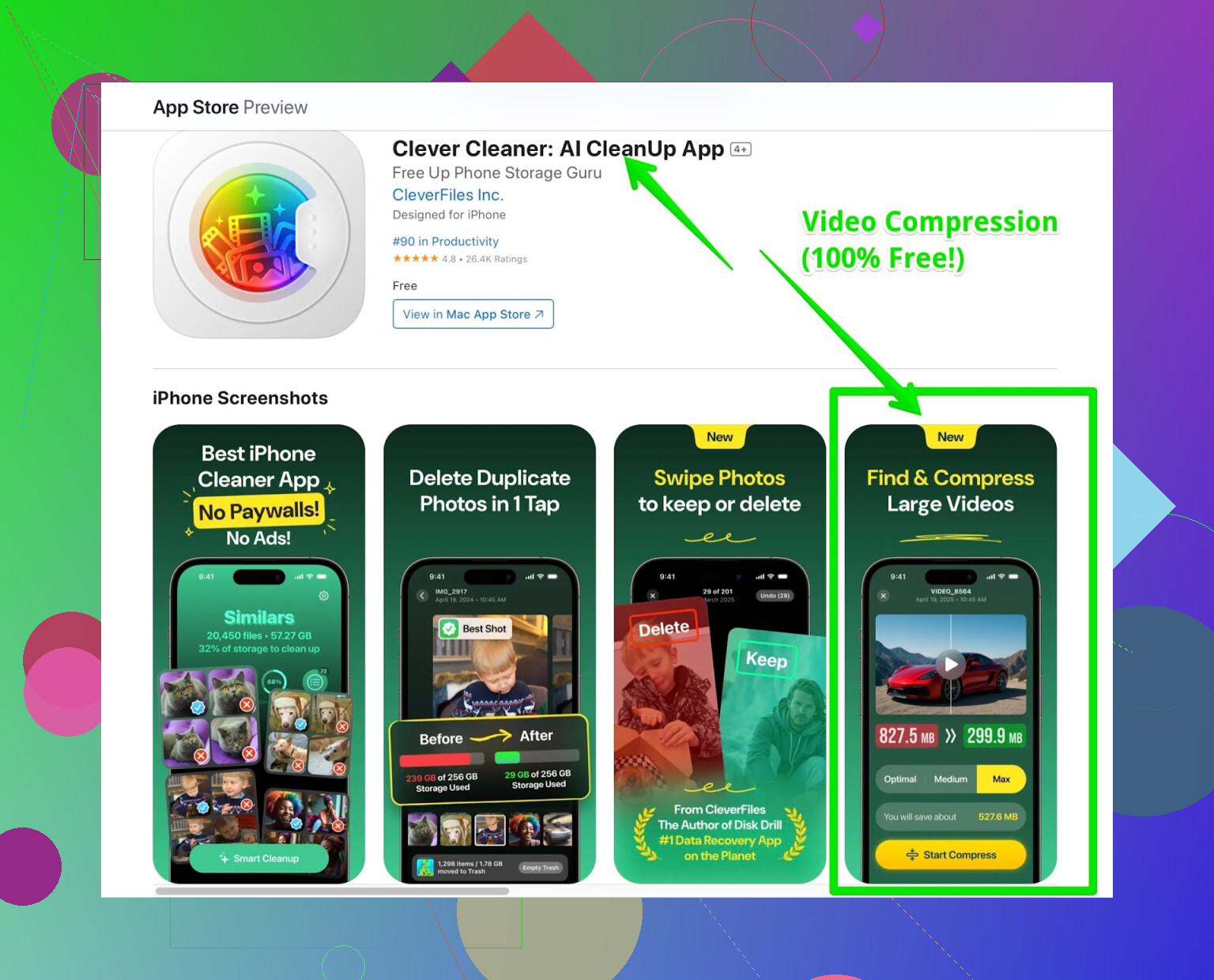
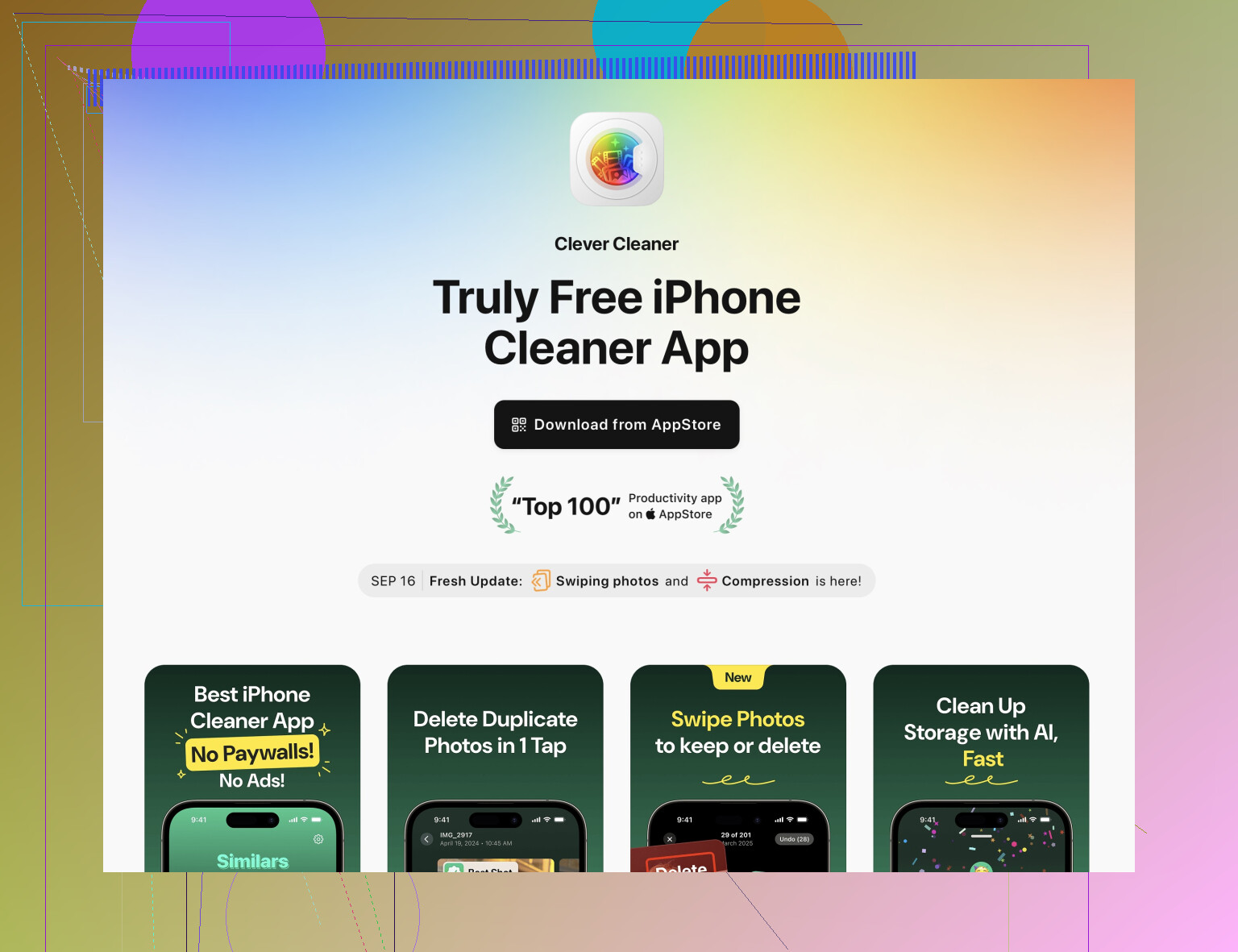
So here’s the deal—I’ve tried nearly every so-called “cleaner” app out there (don’t ask how many, it’s embarrassing). Most of them promise to save you space, but either hit you with a paywall, pop up with mind-numbing ads every 15 seconds, or just don’t actually work. But then I stumbled on this freebie that barely anyone seems to talk about: Clever Cleaner app for the iPhone. No cash grabs, no suprise “free trial” switches—just install and use.
What Do You Get? (Here’s the Breakdown)
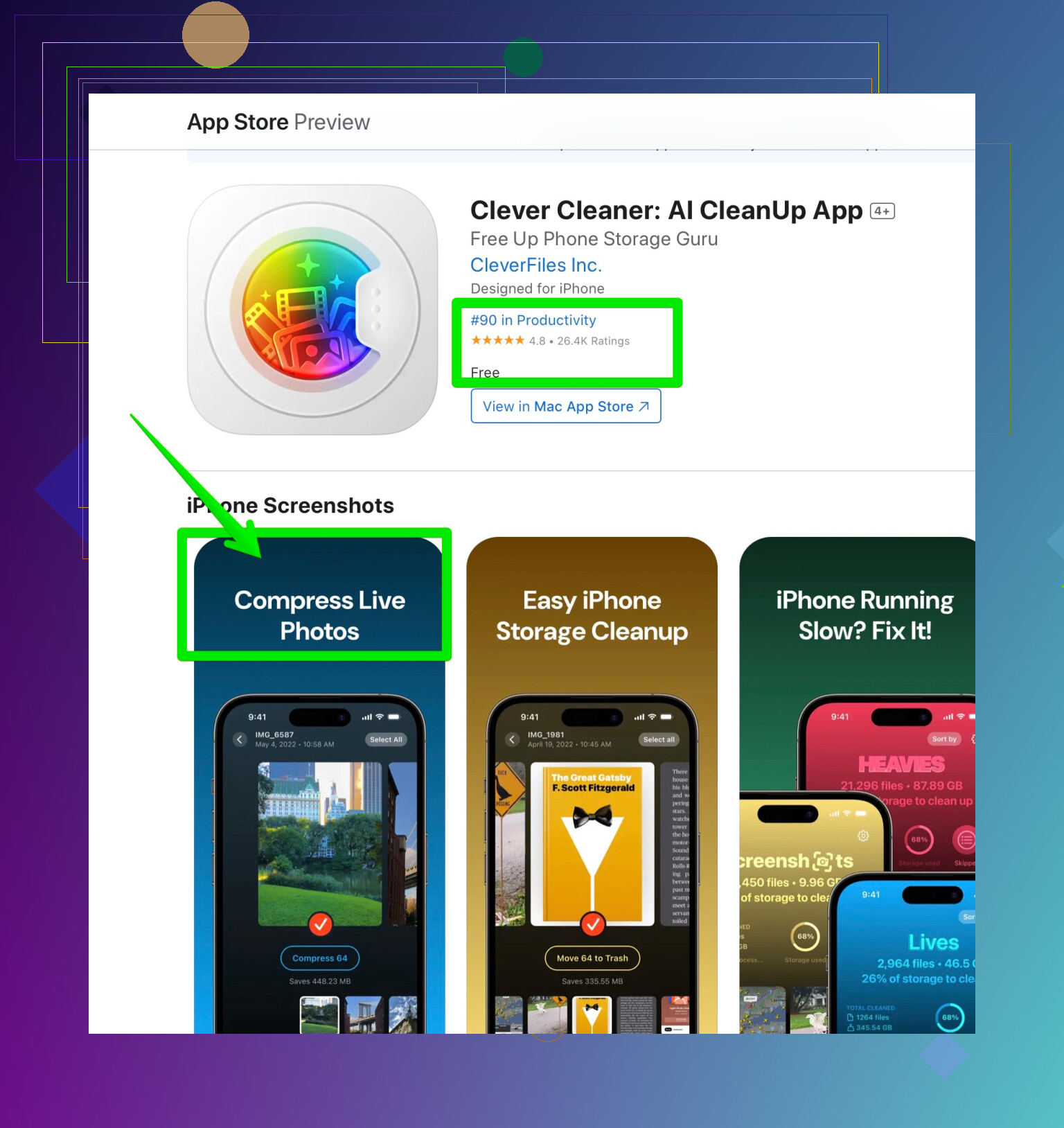
- Live Photo Squeezer: My camera roll was a disaster—tons of Live Photos I’d never look at twice. The app takes those space hogs and squishes them down fast.
- Video Shrinker: You can compress videos without killing the quality. (Example: Took a 5GB skateboarding edit and got it to fit under 2GB. Didn’t even notice the difference!)
- Duplicate Finder: You want “instant”? It found all those “which is better?” photos I keep taking—cleared ‘em out with a tap.
- Zero paywalls, zero ads: Pretty wild, considering how the other apps act like every byte of storage unlocks only after watching four ads for mobile games.
Tiny “Review”—Don’t Expect Miracles, But…
Okay, let’s be clear. This isn’t going to conjure up a terabyte out of thin air. Still, if you’re sick of seeing “Storage Almost Full” and hate deleting memes, it’s more than good enough. It’s rare to see a completely free app—not even a “Please rate us!!!” interruption so far.
TL;DR
If you’re running low on space and want something simple that doesn’t gouge your wallet (or sanity), just grab this app. There’s nothing to lose (except for 4,783 blurry photos you forgot you had).
Okay but honestly—compressing images on iPhone is one of those things that should be easy but somehow turns into a circus of apps, popups, and “PLEASE SUBSCRIBE” screens. I see @mikeappsreviewer is all in on Clever Cleaner and yeah, it does a bunch for free, not gonna argue that. My gripe with all these “cleaner” apps though is they lump everything together instead of just letting you compress-select and go.
If you want methods BESIDES downloading another app, try this for a change:
-
Use the Files app workaround: Save your photos as PDFs using the “Print to PDF” hack. Go into Photos, select what you want, hit the Share button, tap “Print,” then zoom on the preview and “Share” again—choose Files, and boom, you’ve got a smaller file.
-
iOS Shortcuts: There’s a shortcut literally called “Resize Image.” It’s free, no ads, built-in, and you can set it once, run it on batches, and get smaller images instantly. Works as good as a paid option if you just want decent compression.
-
Email trick: When you attach photos in Mail, it actually prompts you for size—choose “Medium” or “Small” and Mail will auto-compress. Kinda clunky if you want files, not just an email, but it works in a pinch (plus you don’t have to trust randos with your photo library).
TBH, most apps (Clever Cleaner included) are lifesavers for video compression but aren’t always the most transparent about what happens to your pics’ quality. For pure JPEG compression, sometimes old-school exports (like Airdrop to a Mac, then back after resizing) give you more control, but big whoop if you’re not sitting next to a computer, right? Guess it comes down to what’s more annoying—managing another app or jumping through Apple’s weird hoops.
If you do go with an app route (and the one from Clever Cleaner is actually getting decent buzz, so fair), just check privacy settings. Also, if you want a direct download and super clean experience, you can always check out the easiest way to reduce photo and video file sizes on iPhone—does a slick job, esp. for ditching duplicates and shrinking vids.
Bottom line: If you only need to compress a few pics for sending via email or chat, iOS can do it no drama. For regular batch jobs (esp. if you’re running low on storage), using a dedicated tool like Clever Cleaner is def the least annoying way. Just don’t expect miracles—pixels gotta come from somewhere, and iPhones love keeping them chunky.
Honestly? Compressing images on iPhone should be a one-tap affair, but somehow Apple makes you jump through weird hoops or drown in gimmicky apps. Props to @mikeappsreviewer and @codecrafter for solid ideas, but I gotta say, half of these ‘solutions’ feel like workarounds your uncle would suggest to fix WiFi (“try unplugging it and whispering nice things”). The Files PDF hack is clever-ish, but c’mon—why would I send a photo as a PDF unless I hate whoever’s receiving it? Also, resizing images with shortcuts feels like programming for folks who can’t find their AirPods.
If you’re hunting for actual compression, not just resizing or mailing a shrunken screenshot, there’s no escaping an app. Most apps are either shady, ugly, or want your firstborn. That’s why the Clever Cleaner app gets a legit nod from me (even if the “no ads” thing sounds too good to last, let’s be real). It scans, kills duplicates, and compresses stuff almost automatically. The Live Photo compression is wild—seriously, Apple, why hasn’t this been built in? If you’re always running out of space or send batches of photos, this app is what you want.
One thing nobody mentions: if you have a cloud storage app like Google Photos or Dropbox, uploading with their “compressed” setting will save you a ton of space and let you pull down lighter versions. It’s not instant, but you’re not babysitting file conversions all day, either.
Bottom line: if you need one-tap, no-fuss, no-weird-format compression, skip the PDF jank and batch Shortcuts, and just use the Clever Cleaner app. If you want more info, check out how to quickly free up iPhone storage and compress photos. Just don’t expect the pics to look as sharp if you compress them down to potato levels—pick your poison: convenience or quality.
Also—pro tip—if it sounds too easy on iOS, expect a catch. That’s just how it goes.
Honestly, the iPhone’s lack of a native “compress image” button is peak Apple stubbornness—airdrop it to your Mac or mess with the Mail app workaround, but if you want a lazy-day answer, you need a dedicated app. Shout-out to other folks who recommended the Shortcuts resize method or cloud-upload antics, but honestly, resizing rarely hits true file-size shrink (it just shrinks pixels), and uploading everything to Google Photos is a privacy and bandwidth tradeoff unless you’re already deep in Google’s ecosystem.
So here’s my real-world take: Want fast, no-brainer image compression with as little friction as possible? The Clever Cleaner app fits the bill. The pros: super user-friendly, no ad ragequits mid-compress, quickly handles Live Photos (amazing if you shoot a lot of those), and batch compresses without instantly deleting the originals—so rookie-proof it hurts. It also clears out duplicates and videos with similar ease, which is a savings bonus.
But is it perfect? Not quite. The cons: Design’s not Apple-pretty (don’t expect stunning UI), and “no data loss” is only true if you don’t crank the compression slider to potato-mode. There’s also the philosophical annoyance that it takes an external app to do what iOS should handle natively. Keeping your privacy tight? Any cleaner app means letting it at your camera roll, which is just a reality check in iPhone land.
Compared to what others mentioned—like Mike’s PDF trick (why not carve your photo on stone, it’s as modern) or codecrafter’s shortcut tedium—Clever Cleaner is the path of least resistance if you value your time.
If you want more power or even more options, apps like Photo Compress - Shrink Pics or iCompress Photo are out there, but honestly, Clever Cleaner is less pushy with ads, straight-up free, and not some trialware masquerading as a solution.
Bottom line: Apple wants you to buy bigger iCloud plans, not compress photos. If you want to rebel with minimal effort and don’t mind an extra app, Clever Cleaner is the way to cheat the system—just keep your quality expectations in check!
Your take covers Files PDF, Shortcuts, Mail sizing, and cleaner apps. Try a simpler built-in path.
Use Photos Shared Albums to auto downsize.
- Open Photos, select images. 2) Share, Add to Shared Album, make a temp album. 3) Open the album, Select, Save. iOS saves downsized JPEGs, max 2048 px. Files drop fast. Example, 3.5 MB photo to ~500 KB. Then email or upload. Delete the temp album after.
No ads, no setup, works offline. Saves alot of taps.