I’m working on a project that requires connecting software via a virtual serial port on Windows, but I’m not sure what programs are reliable for creating virtual COM ports. I’ve tried searching but there are so many options and it’s confusing. Can anyone recommend easy-to-use software or share tips on the best tools for this purpose?
Oh man, the search for a decent Windows app to create a virtual COM port is like wandering in the desert—way too many mirages, zero oases. Some tools look shiny, but either they throw nag screens at you every two seconds or crash harder than my hopes and dreams. But let me save you some hair-pulling: if you want something that’s actually reliable (and won’t turn your system into a spaghetti mess), the go-to is “Virtual Serial Port Driver.” Not kidding, this thing just works—makes virtual COM pairs, handles baud rate settings, you name it.
Another one you might trip over is com0com. It’s open-source and fine if you don’t mind command line kung-fu or awkward unsigned drivers. But if you want something maintained with an actual UI, stick to Virtual Serial Port Driver. Most professional devs swear by it for Windows serial port emulation. Plus, their site is super straightforward—no “download this mystery EXE” drama. For a smooth, hassle-free setup and detailed info about creating a virtual COM port on Windows, check out how to set up reliable virtual serial connections in Windows.
TL;DR: Don’t get lost in the app-store jungle. Just go with Virtual Serial Port Driver if you value your sanity.
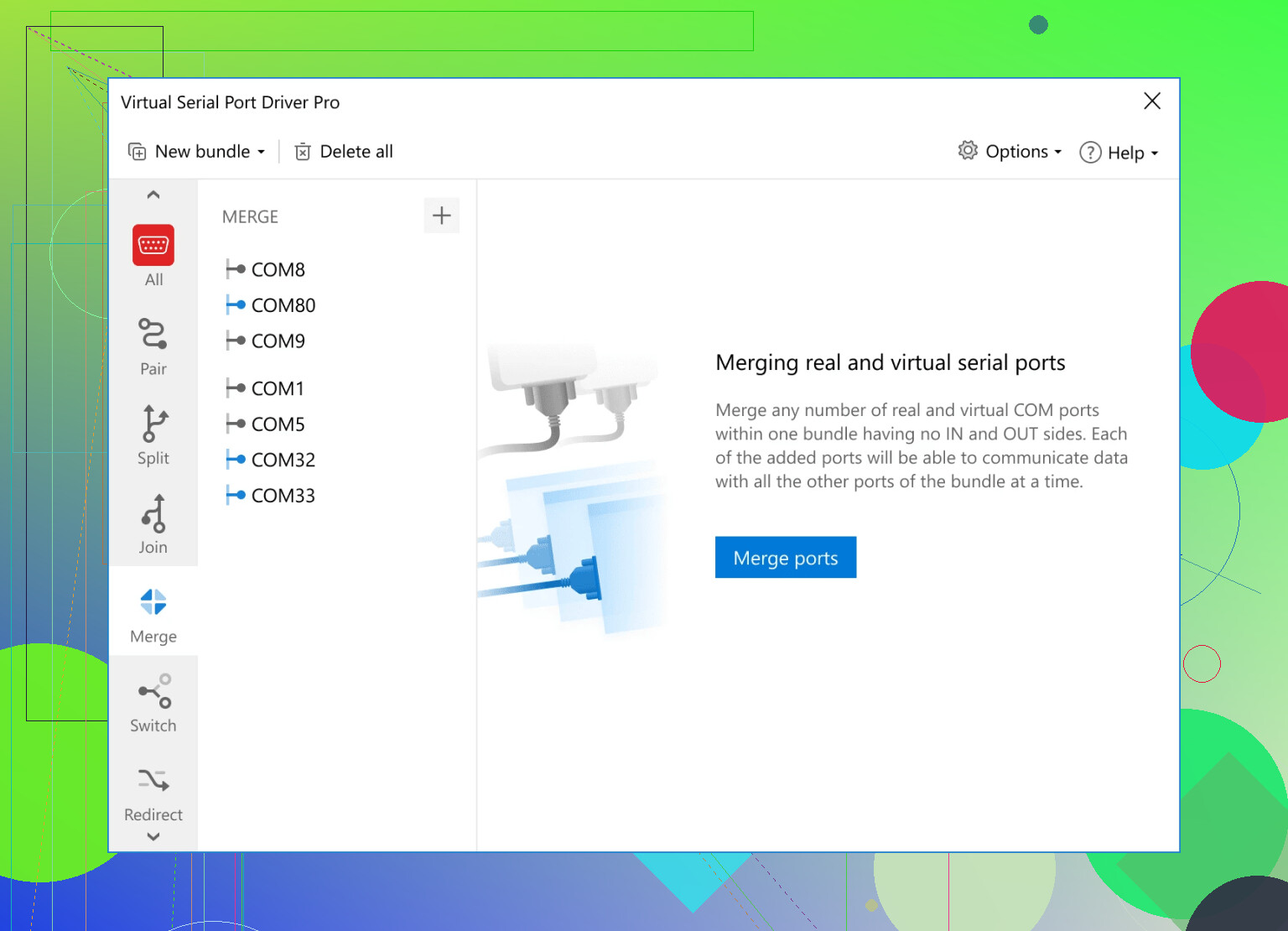
Honestly, finding a trustworthy Windows program for creating a virtual COM port sometimes feels like looking for a unicorn that doesn’t want your credit card and won’t brick your USB drivers. @waldgeist already hit on the big names—Virtual Serial Port Driver (which, yeah, just works for most scenarios) and com0com if you don’t mind a little CLI wrestling and driver-signing drama.
If you want an alternative or just hate following the crowd, Eltima’s Serial Port Emulator deserves a mention. It’s basically the less mainstream cousin of Virtual Serial Port Driver and comes with a clean interface, scripting support, and stable handling for a bunch of weird legacy programs (you know, the kind your boss swears is “mission critical”). Downside: Pricey, and the trial version leaves you wanting. Then there’s Free Virtual Serial Ports by HHD Software—not as robust, sometimes fussy with Windows updates, but for casual stuff it can make a quick pair without a ton of hassle.
Here’s the kicker: None of these are foolproof with all Windows updates, especially if you run bleeding-edge builds or tons of security software. You will run into the “unsigned driver” wall occasionally. Make sure your use case actually needs a full virtual COM port pair (sometimes third-party apps hook into USB/serial emulation just fine without the drama).
I’ve also seen people try to hack around using devcon and Device Simulation Framework from Microsoft, which is like assembling IKEA furniture with a hammer: technically possible, but expect weird results.
If you really want to skip the headaches and don’t mind paying, grabbing Virtual Serial Port Driver is the safe bet. Downloading is totally above-board and you get a full setup experience (no mystery EXEs or sketchy ZIPs). For those who want the straight scoop, here’s the link to setting up stable virtual COM ports easily on Windows.
So: If you’ve got the time, experiment. If you want peace of mind (and less yelling at Device Manager at 2am), just grab something solid and pay for it once. Trust me, you’ll get more sleep.
If you’re still wading through the swamp of serial port emulation and the aforementioned options sound a little too “corporate,” here’s my two cents from the trenches. The classic picks—like Virtual Serial Port Driver and com0com (yeah, the ones referenced by those other posters)—really do top the charts, but let’s break this out a bit further.
Virtual Serial Port Driver is pretty much plug-and-play. Pros? Rock-solid stability, a shiny GUI, works on all modern Windows versions, and plays nice with most legacy software. The advanced configuration options are legit, and the customer support actually replies (unicorns exist!). Cons? It costs real money, and you won’t get much further than the trial before your features hit a paywall. Some power users grumble about heavy background services, and occasionally, updates are slow to support the absolute newest Windows releases.
Com0com gets props for being free and open-source, but the command line gymnastics and driver signing shenanigans will wear down your mouse-clicking soul. For anyone who still wants to tinker but isn’t quite ready for code-level madness, HW VSP3 from HW Group is decent (free for basic use, but fewer features than its more expensive cousins).
Honestly, some users chase weird alternatives, like trying VMWare’s virtual serial bridge or even scripting with Python’s pyserial. Fun experiment, but not even close to a real COM port pair—most Windows apps won’t even recognize those as true ports.
In summary: If you want a virtual COM port solution that works without nasty surprises, the Virtual Serial Port Driver sits at the “just works” end of the spectrum—with a price tag. If you hate GUIs and don’t mind digging for unsigned drivers, com0com is your adventure map. Either way, double-check Windows 11 compatibility, avoid tools that look like they belong on a “10 Freeware Hacks” blog, and for the love of serial sanity, back up your registry before you start poking around.